Aeris Aspect Ratio Image
Keeps the layout from shifting as the image loads, with optional caption, overlay and photo grade.
Keeps the layout from shifting as the image loads, with optional caption, overlay and photo grade.
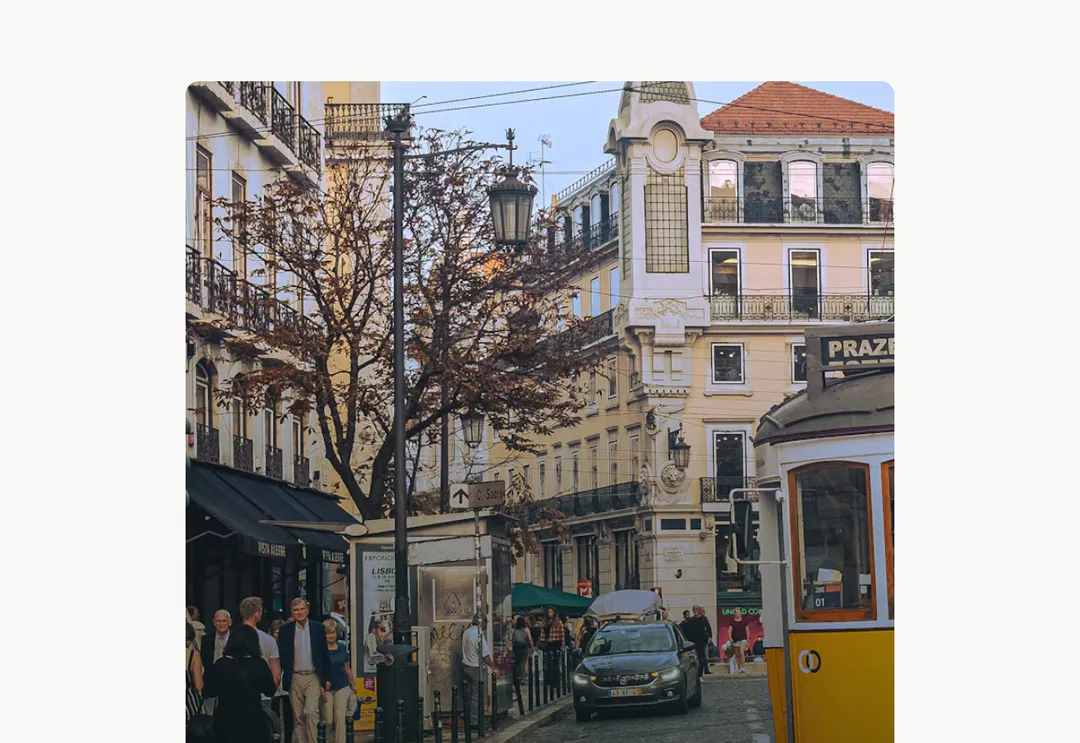
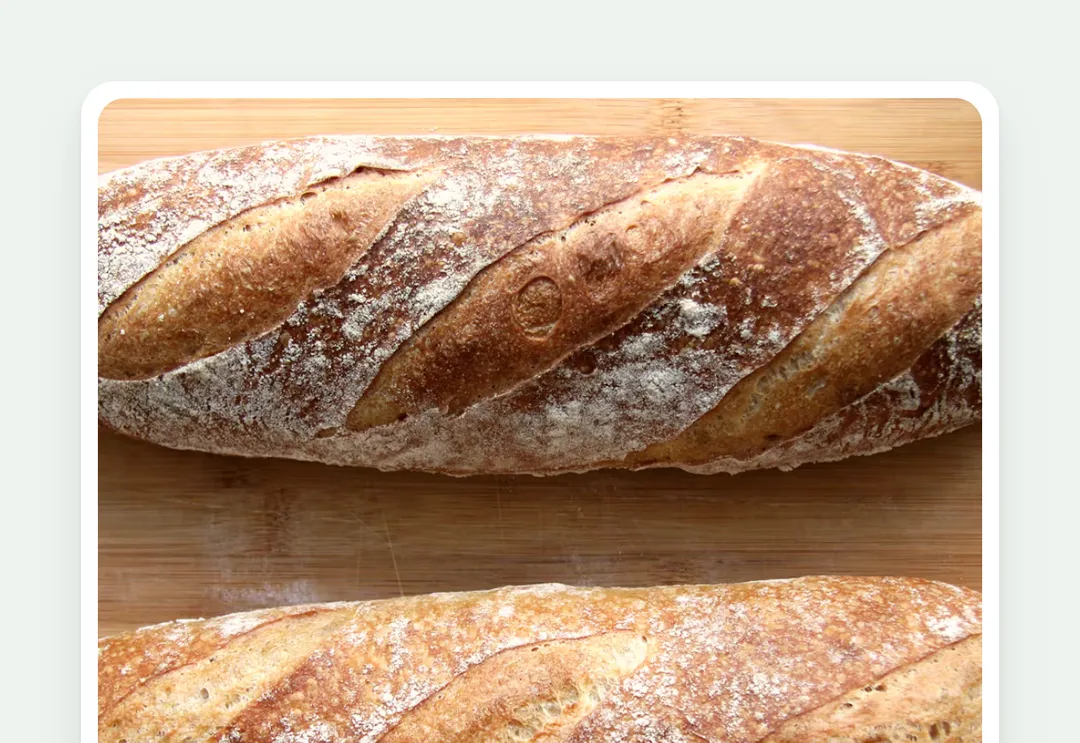
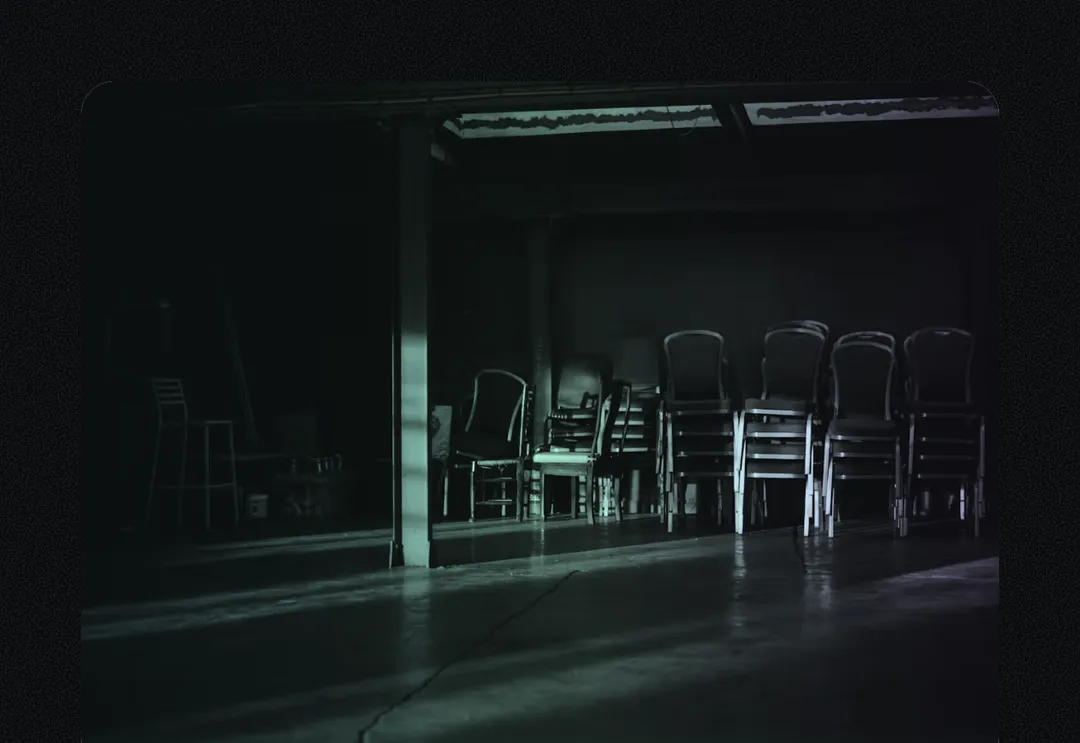
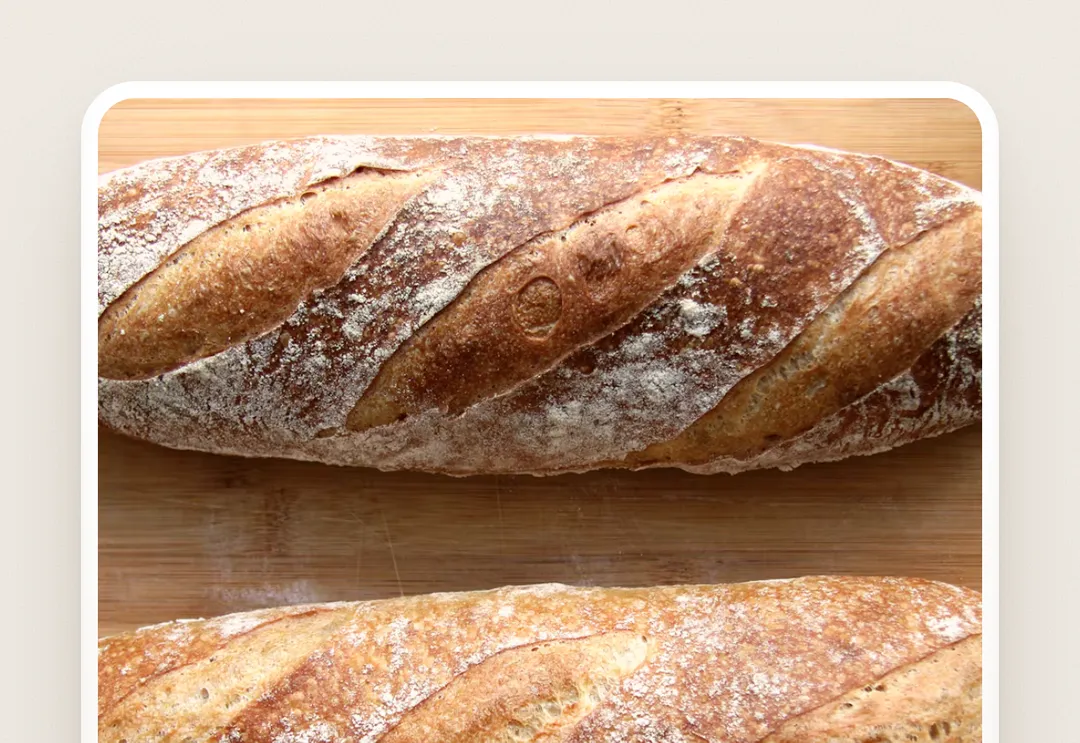
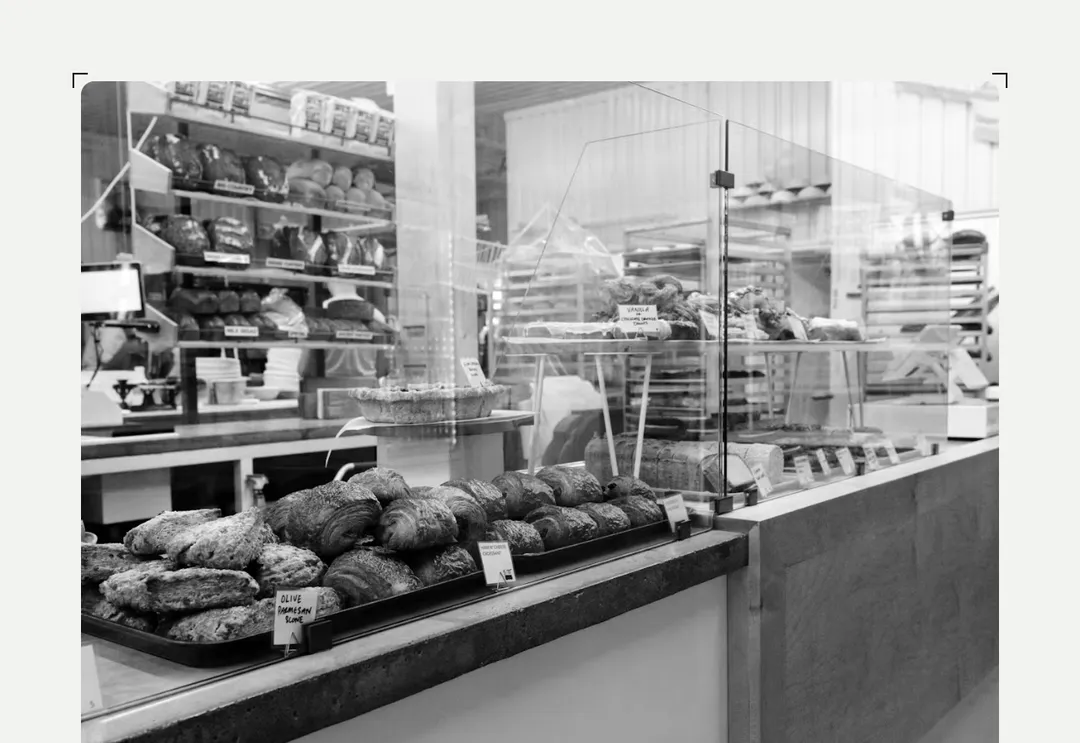
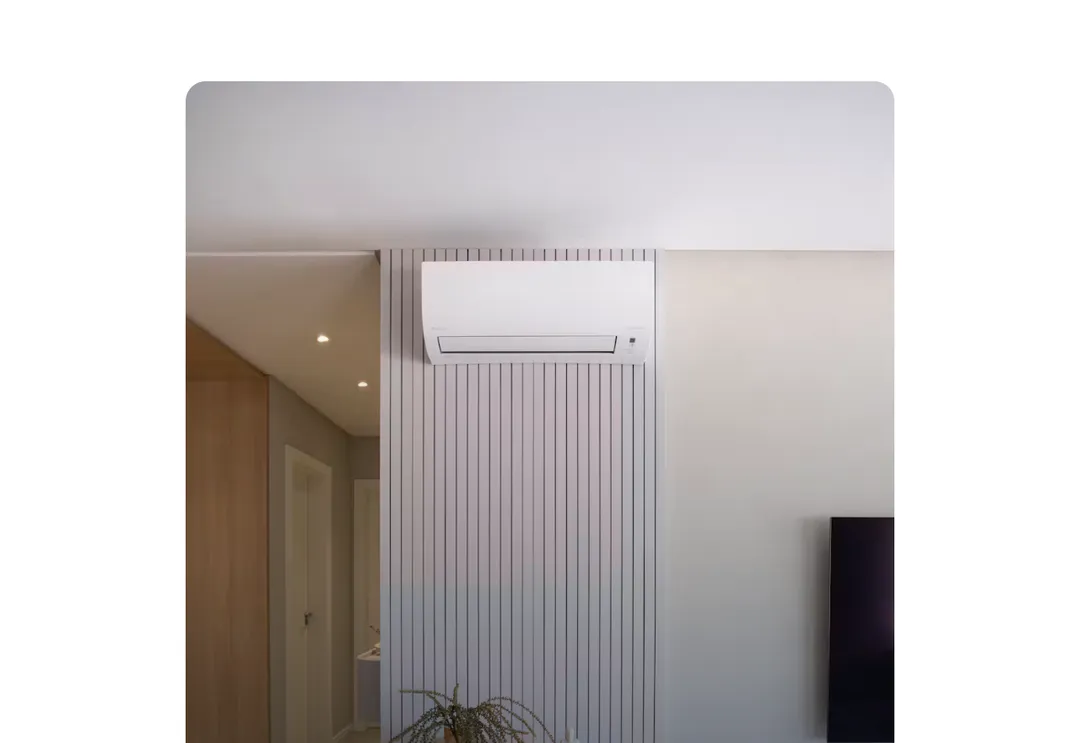
An image in a ratio box (no layout shift), framed like a pane: a white edge and a soft shadow. grade gives it the kit's cool daylight cast (a little less saturation under a faint blue wash), the same in both themes; overlay puts text on a frosted bar at the foot of the image; with a caption the root is a <figure>. Lazy by default; priority for the first viewport.
It is part of Glass Meridian: daylight sky, frosted glass, one blue line. The style’s 92 pieces share one set of tokens, type and motion, in a light and a dark theme, so whatever you take from it fits together.
To put it in your project, copy the prompt into Claude Code, OpenAI Codex or Cursor, or add it by hand. The documentation walks through both.
Keeps the layout from shifting as the image loads, with optional caption, overlay and photo grade.
Keeps the layout from shifting as the image loads, with optional caption, overlay and photo grade.
Keeps the layout from shifting as the image loads, with optional caption, overlay and photo grade.
Keeps the layout from shifting as the image loads, with optional caption, overlay and photo grade.
Keeps the layout from shifting as the image loads, with optional caption, overlay and photo grade.
Keeps the layout from shifting as the image loads, with optional caption, overlay and photo grade.
Keeps the layout from shifting as the image loads, with optional caption, overlay and photo grade.
Keeps the layout from shifting as the image loads, with optional caption, overlay and photo grade.