Grove App Shell
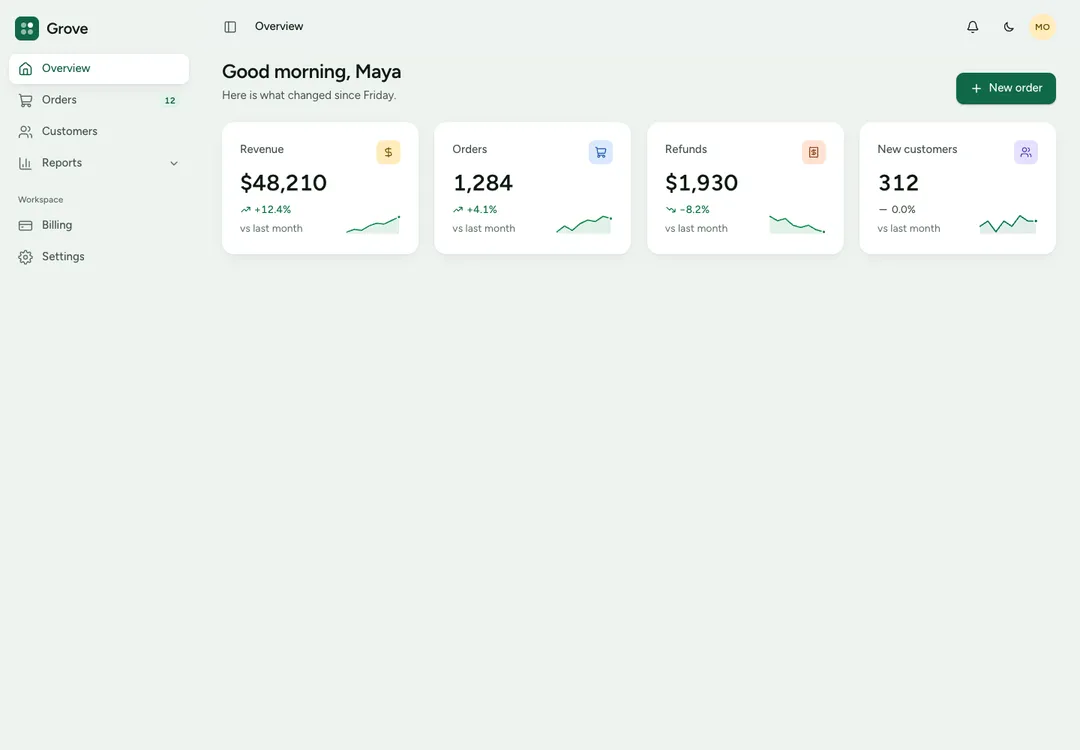
Frames an app screen with a sidebar, a top bar and the page; on phones the sidebar opens as a drawer.
8 React pieces that frame an admin app: the shell, a sidebar, a top bar, a page header, a command palette, a notification list, a theme customizer and an icon set. Preview each live and take it with its install prompt.
Frames an app screen with a sidebar, a top bar and the page; on phones the sidebar opens as a drawer.
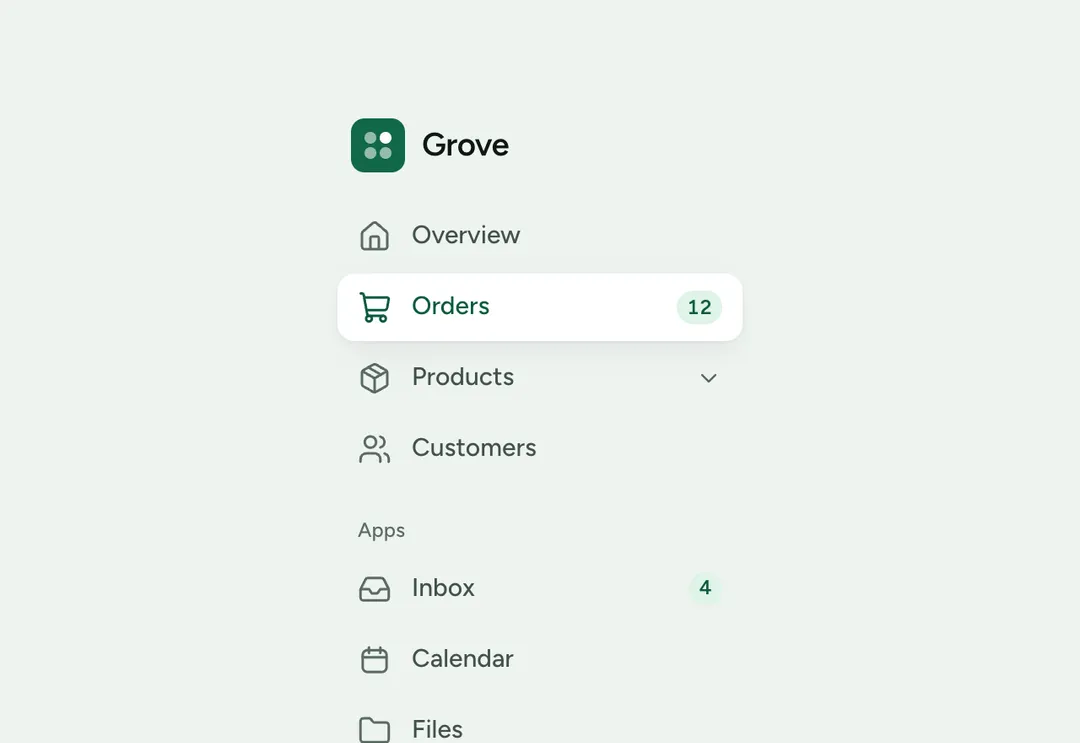
Grouped links with icons, counts and one level of child links; folds to an icon rail inside the shell.
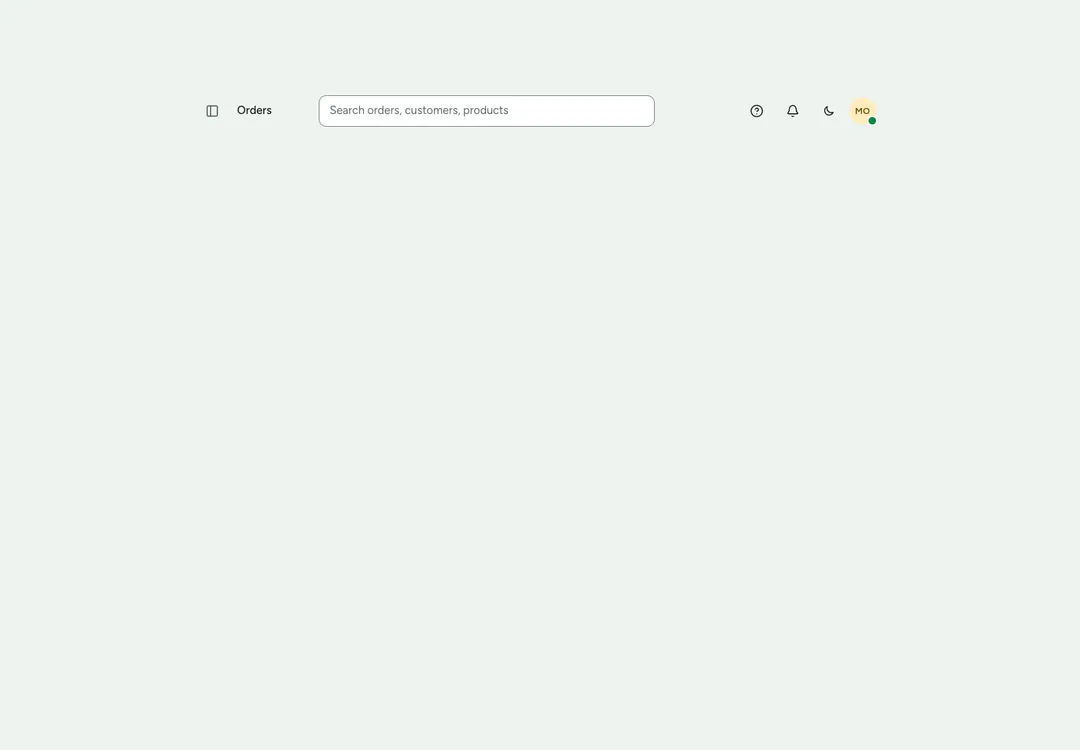
The bar above an app page: navigation button, page name, a search slot and actions at the end.
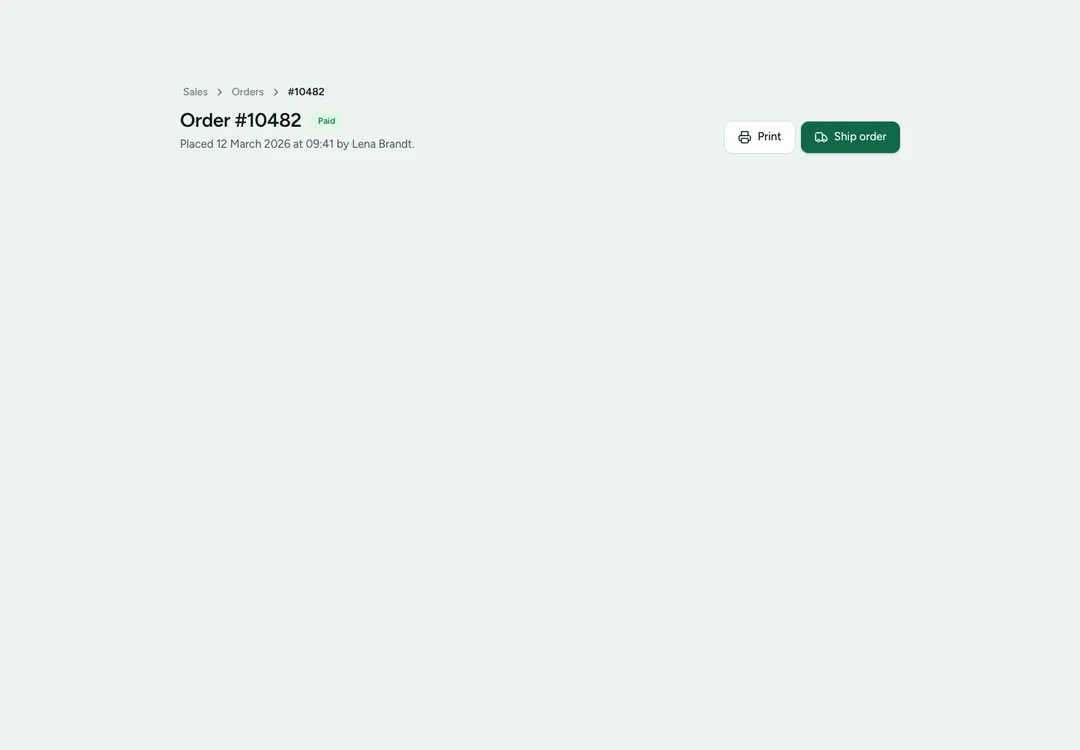
Heads an app page with a breadcrumb, the title, a status badge, one line of text and the page's buttons.
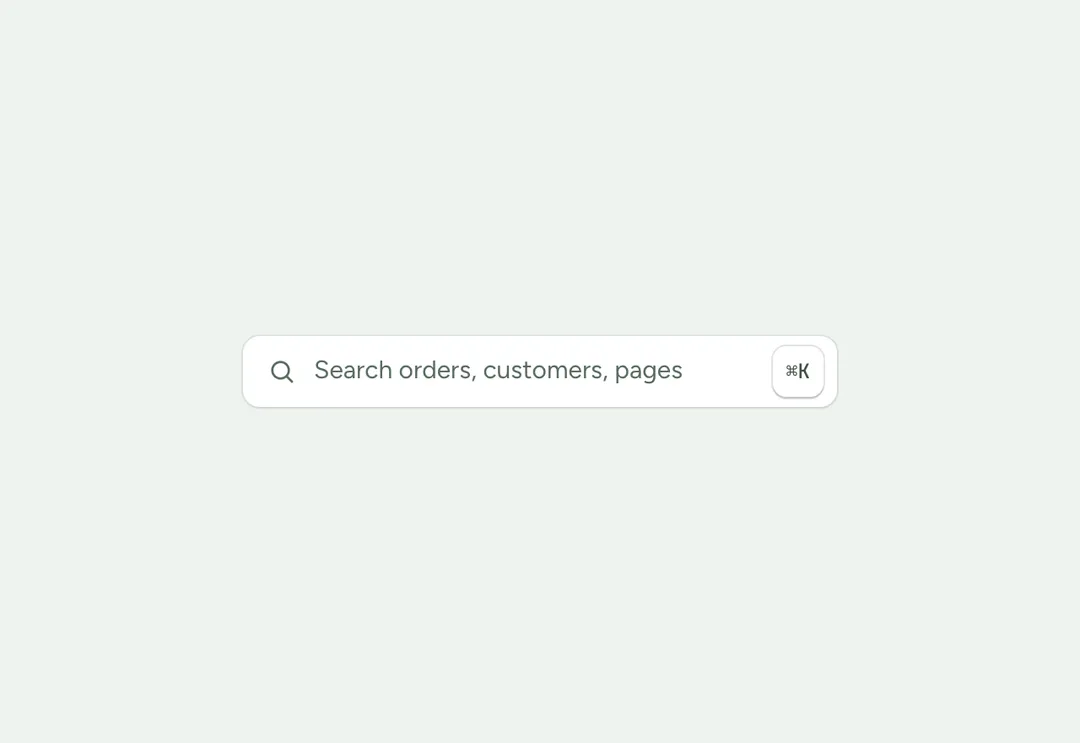
A search field that opens a dialog of pages and actions; filters as you type and works from the keyboard.
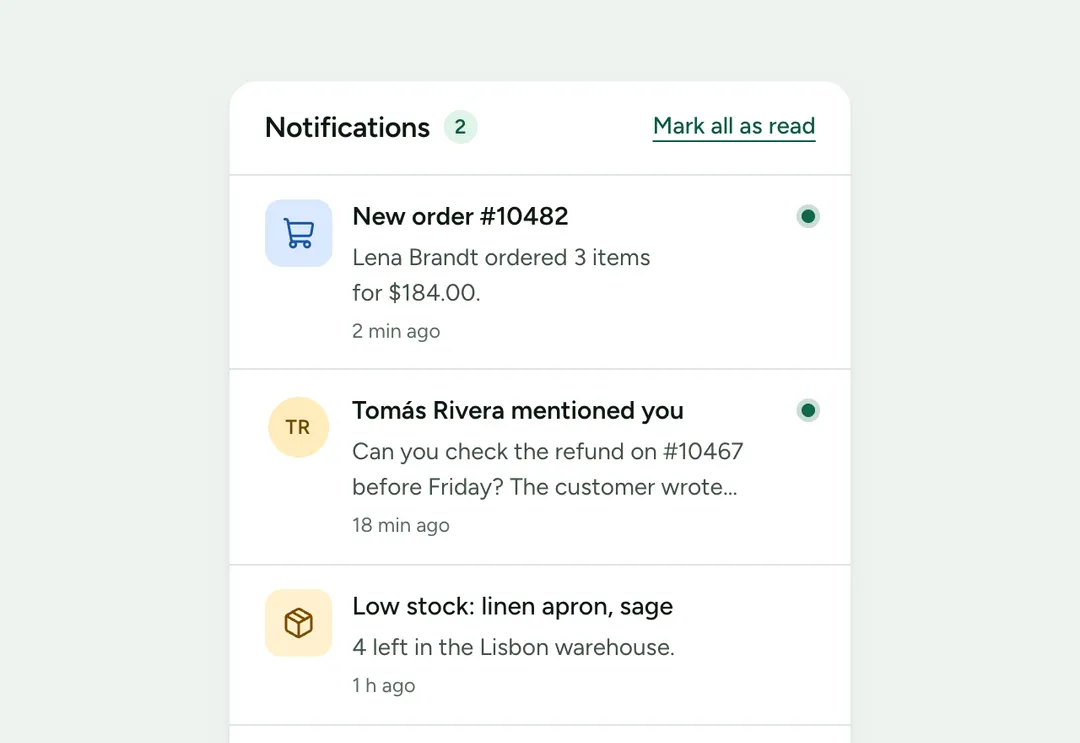
Notifications with an icon or avatar, a time and an unread mark, on a card or as a panel body.
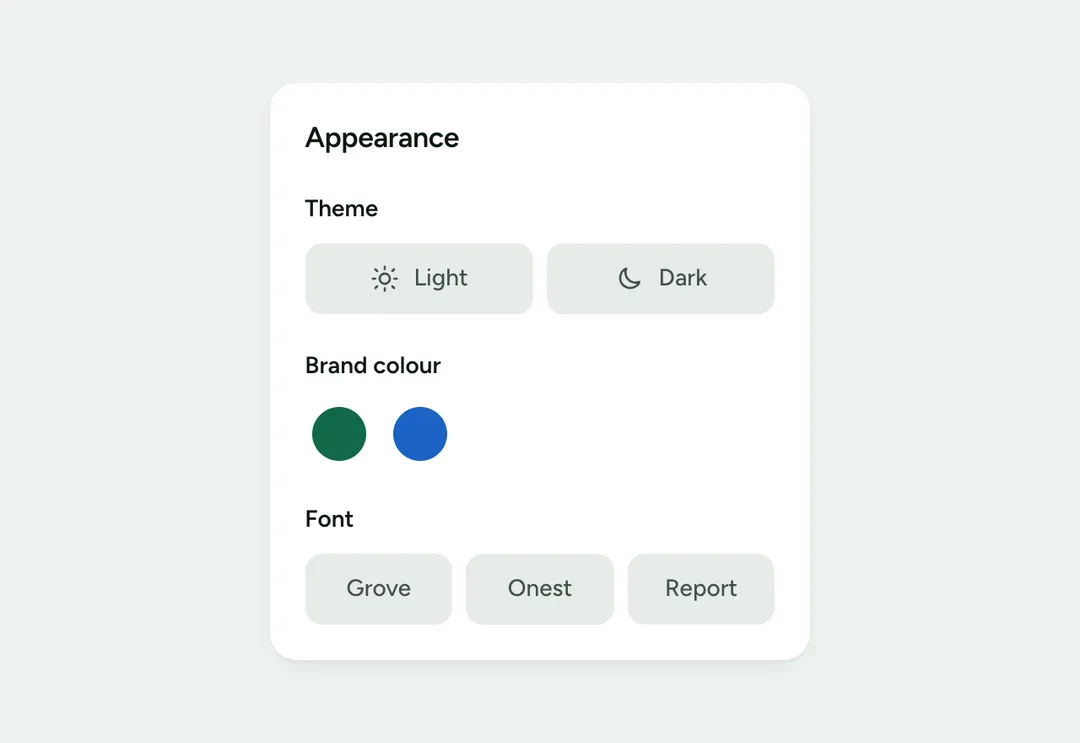
Lets a visitor pick light or dark, a brand color and a font preset, and saves the choice.
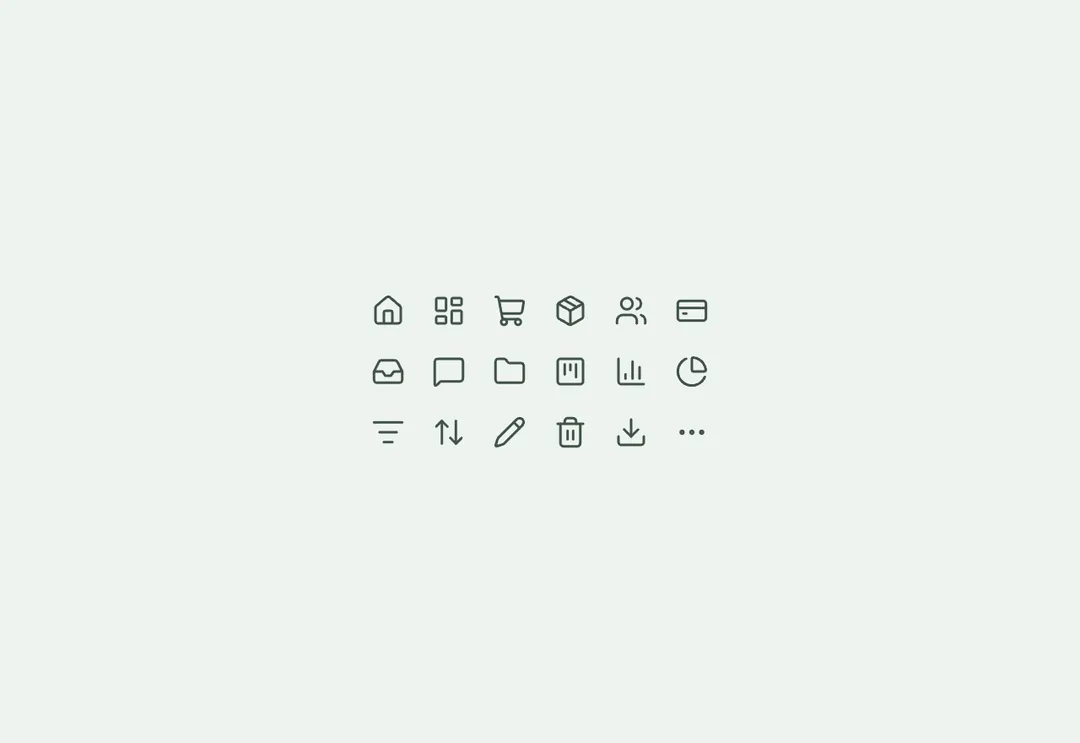
Sixty line icons for app screens, drawn like the shared set so size and stroke match.
The app shell holds a sidebar, a top bar and the page. From a laptop width up the sidebar stands beside the content and can fold to a rail of icons; on phones it opens as a drawer over the page and closes on Escape or when a link is followed. The sidebar groups links under quiet headings, shows counts and nests one level of child links. The page header carries the page's one h1, a breadcrumb, a status badge and the page's buttons.
The command palette is a search field that opens a dialog of pages and actions, filters as you type and is driven from the keyboard, with Ctrl or Command and K to open it. The notification list shows what is new with an unread mark. The theme customizer lets a visitor choose light or dark, a brand color and a font, and remembers the choice. These pieces belong to Grove, the admin style, and share its tokens with every other Grove component.
A free account takes 3 new pieces a day: the code, the styles and the install prompt. Pro and Team remove the limit.