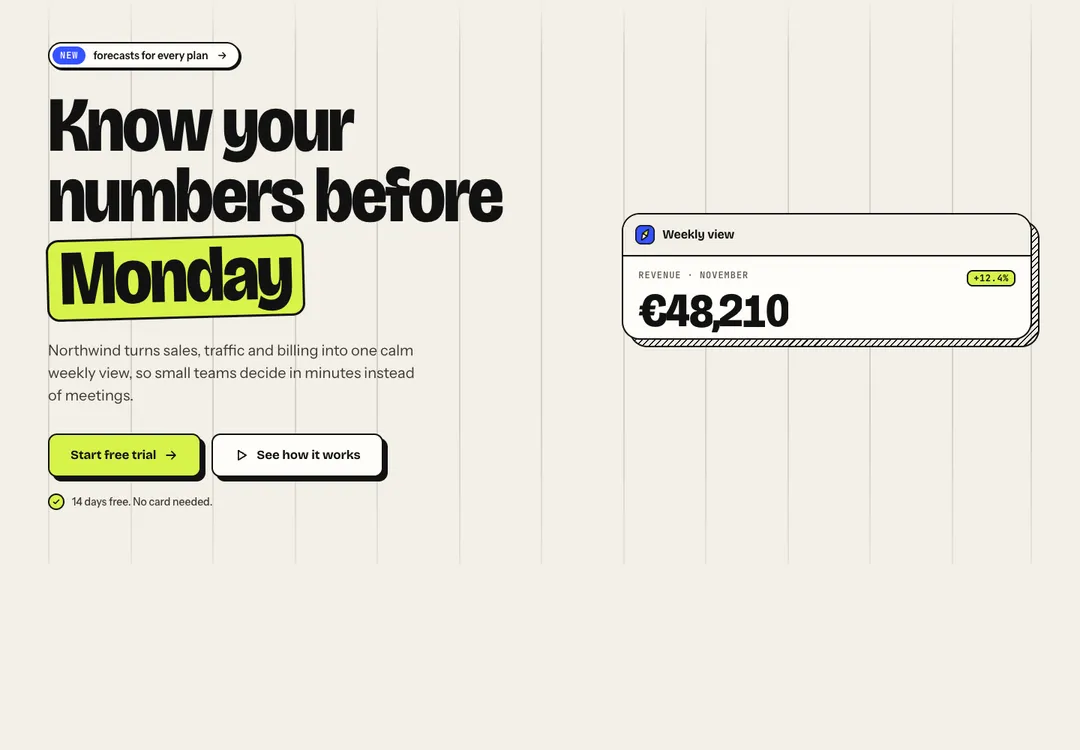
Neo-Brutal Hero Section
Opens the page with its one main heading; media sits beside the copy, below it, or is left out.
Ask Claude Code for a pricing section and you get a reasonable one. Paste the prompt for one of these and you get the section you were looking at a minute ago, hover states included. There are 879 of them, written in React and TypeScript with Tailwind CSS v4.
A free account takes 3 new pieces a day. Pro is $7 a month or $60 a year: no daily limit, the 32 full pages and a whole style in one command. See the plans
Open a component’s page and use it: switch to dark, drag it down to phone width, tab through it. You can look without an account.
Press Copy prompt and choose Claude Code. This step needs an account, and a free one takes 3 new components or blocks a day.
Run claude in the project folder and paste. Claude Code creates the .tsx file, adds a block of CSS to your global stylesheet and sets a theme attribute on the html element.
Unless you changed its permissions, Claude Code asks before it writes. A handful of approvals later the piece is in your app, holding sample content for you to replace.
# Hero: Neo-Brutal style by MadeByIliyan®
Add this component to my project exactly as given below. The prompt is complete: two files and one block of CSS. Install nothing for it (no UI kit, component library, icon or animation package, no skill).
Opens the page with its one main heading; media sits beside the copy, below it, or is left out.
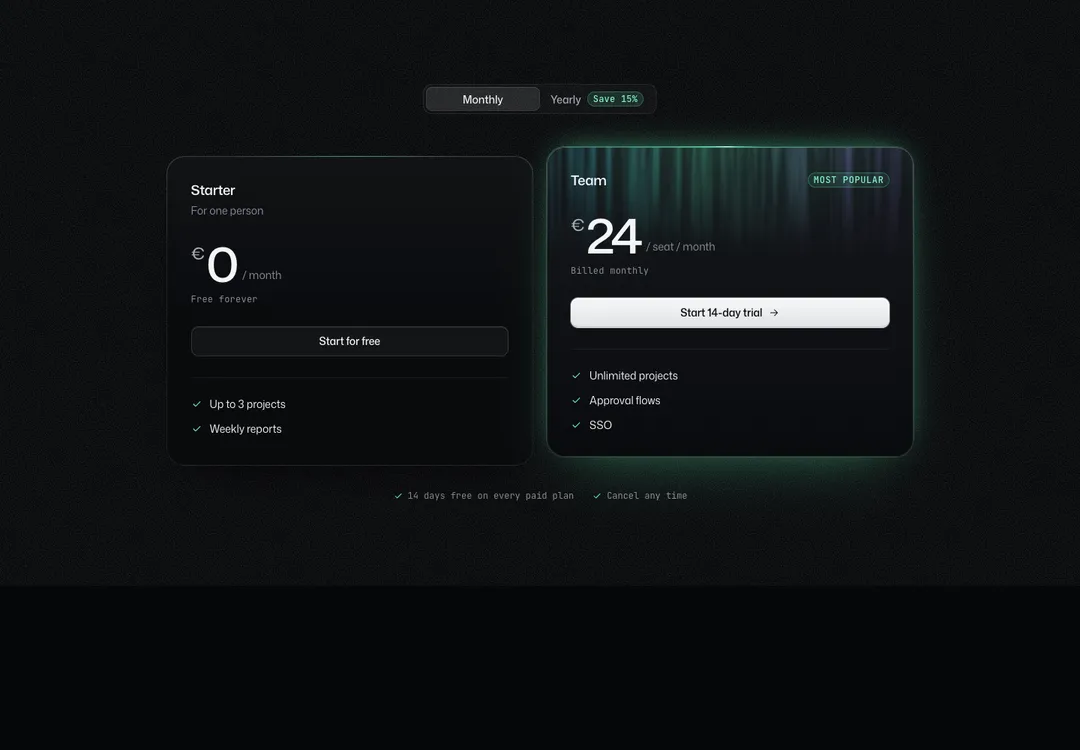
Up to four plans, one featured, with a monthly/yearly price switch that works without JavaScript.
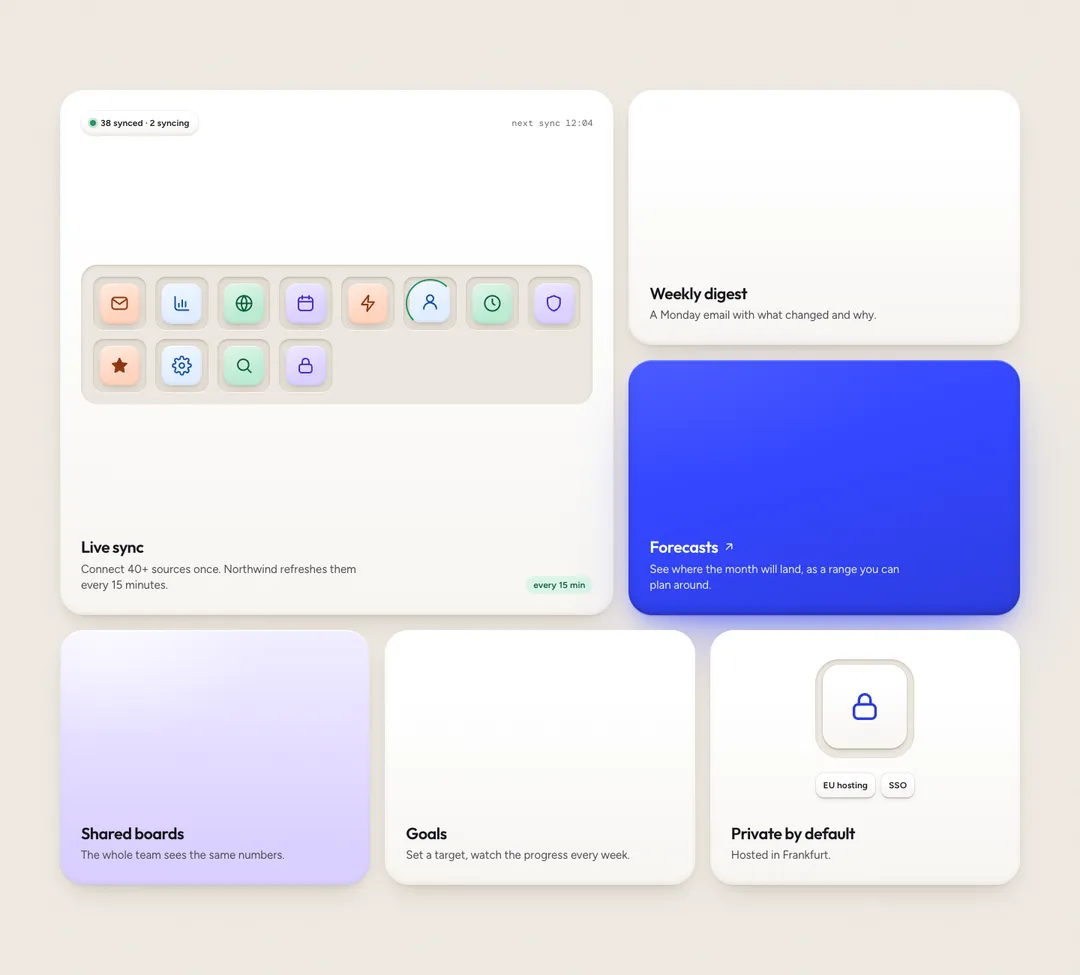
Feature tiles that set their own width and height on a 12-column grid and stack on phones.
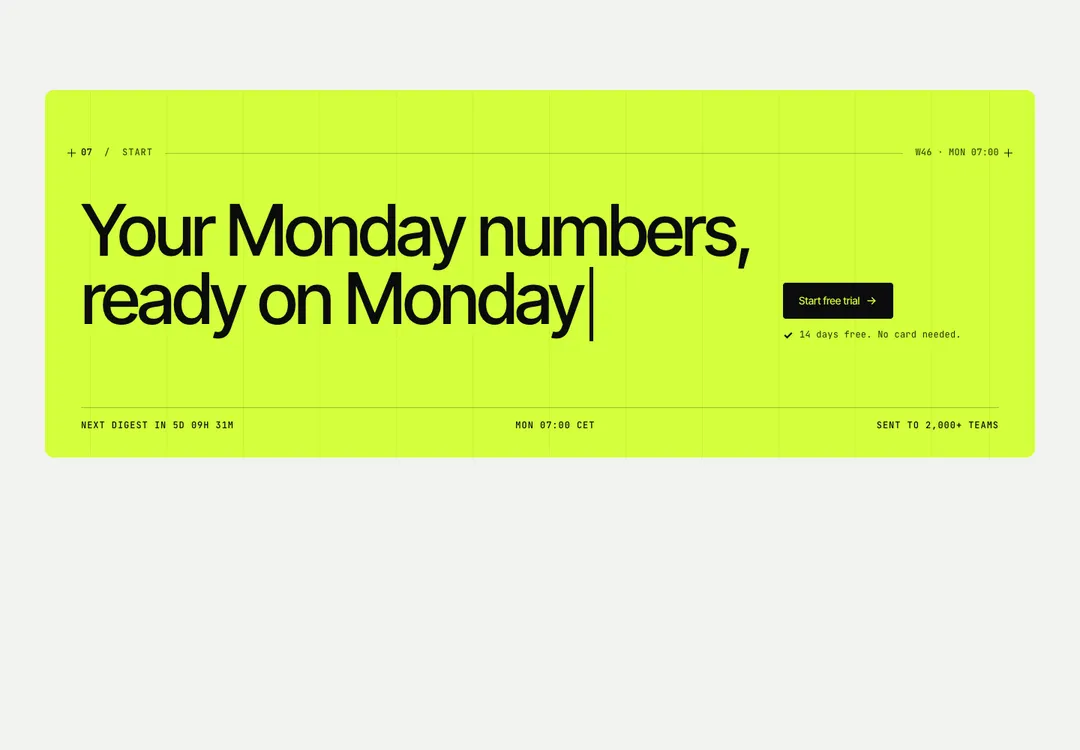
Closes a page with a heading, actions and a note, as a boxed panel or with no box at all.
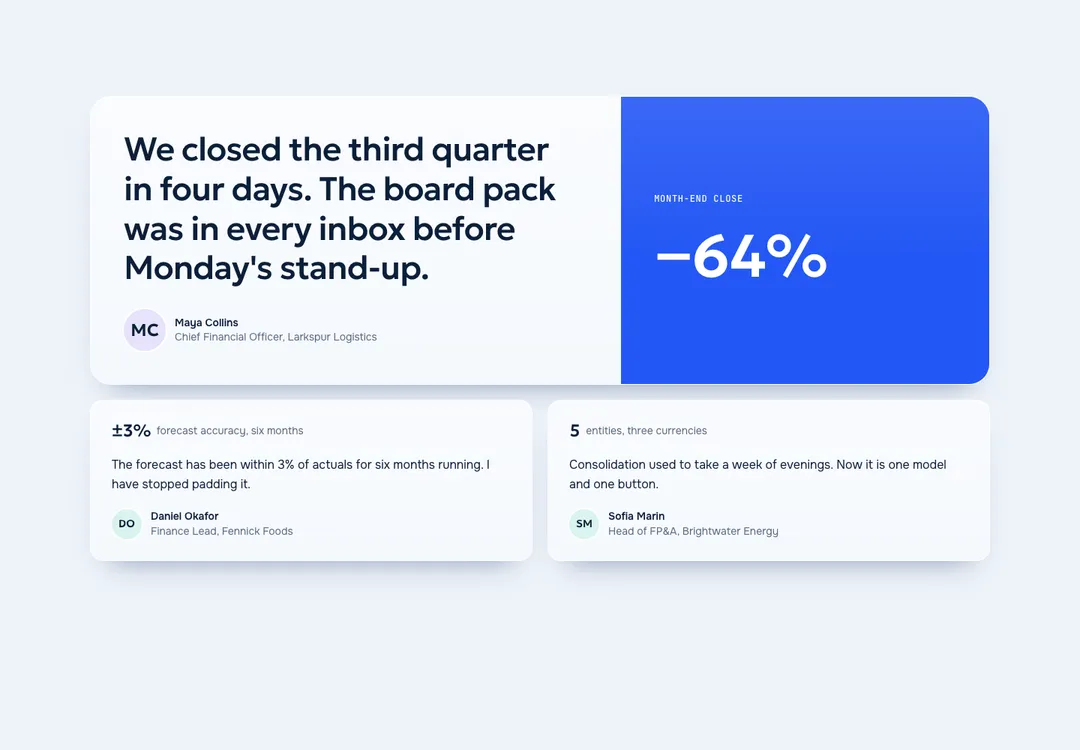
Customer quotes as a grid, a masonry wall, a scrolling marquee or a layout led by one large quote.
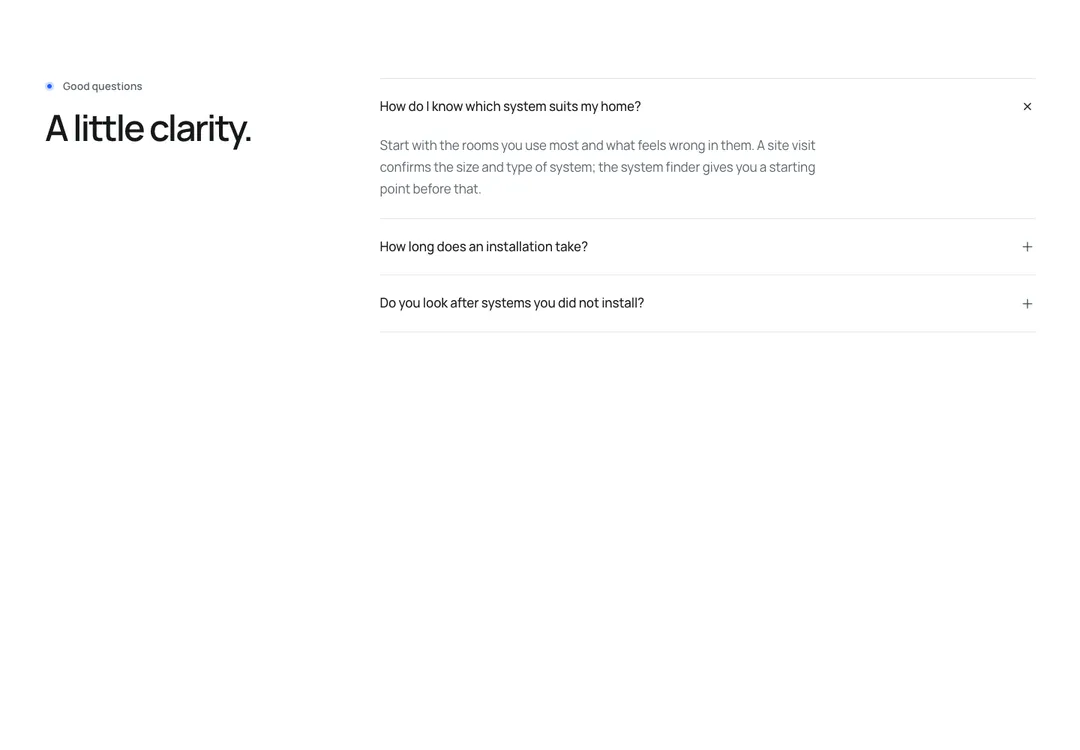
Questions and answers that open without JavaScript; find-in-page still reaches closed answers.
A theme here is a complete style with its own colors and type, drawn for light and for dark. Take your sections from one and they match.
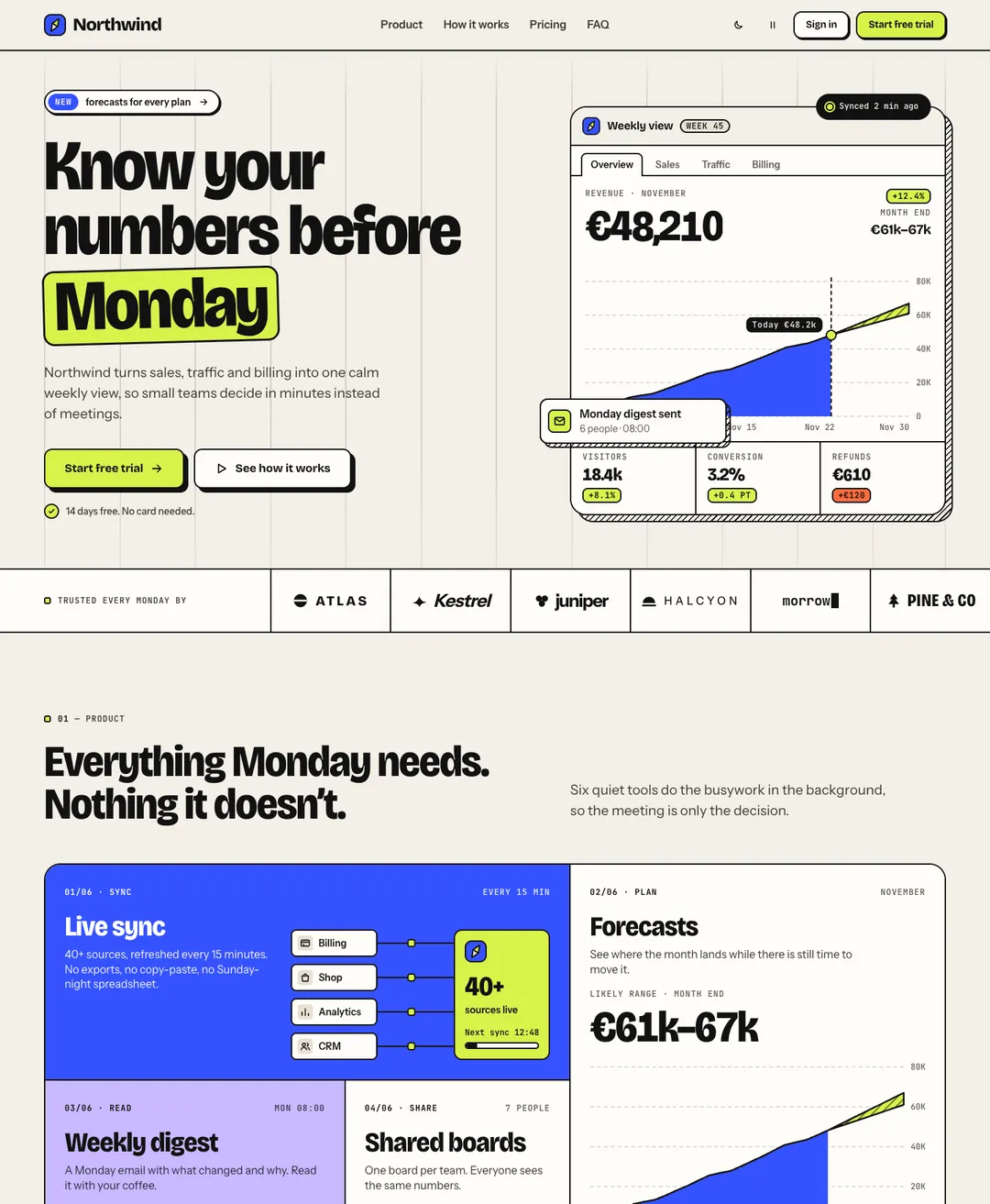
A SaaS landing page on warm paper: dashboard hero, bento features, testimonials, pricing and FAQ.
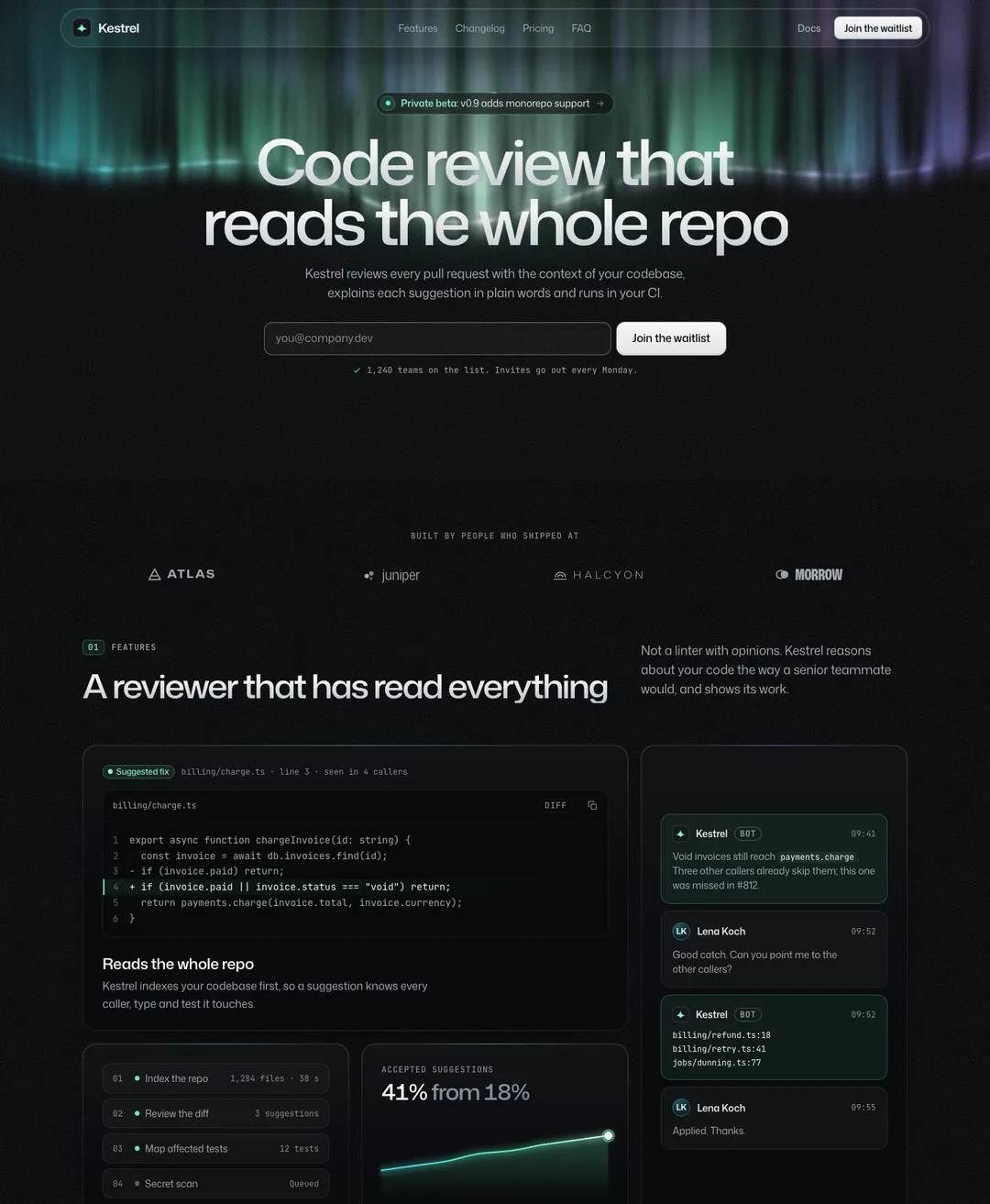
A dark launch page: waitlist form, bento features, changelog timeline, pricing and FAQ.
A finance advisory firm's site: a photo hero, priced services, case studies with a result on each cover, a timeline and the team.
The prompt opens by telling Claude Code to install nothing: no UI kit, no icon package, no animation library. Only a slider's prompt names a package, GSAP. Numbered steps follow. The component file comes first and goes to src/components, or to the folder your project already uses. Then one block of CSS for the global stylesheet, below the Tailwind import. Then the page setup, a data-theme attribute on the html element and a Google Fonts link.
Take a second piece from the same style and its prompt asks Claude Code to merge the new CSS into the block you have, adding only what is missing. The tokens stay in one place however many pieces you add.
Your CLAUDE.md still applies. There is no plugin, MCP server or API key in any of this. You copy text here and paste it there.
Claude Code is a trademark of its owner. MadeByIliyan® has no connection to it and claims no endorsement from its maker.
No. You copy a prompt on this site and paste it into Claude Code. The site has no connection to your terminal and runs nothing in your project.
The prompt asks it to copy the code as given, without rewriting, renaming or restyling. To bring a piece closer to your brand, change the color tokens in its CSS block afterwards. Pieces of one style share those tokens.
A small component is about 2k tokens and the largest full page about 76k. Each card shows its own estimate, so you can check before you copy.
React 18 or newer, TypeScript and Tailwind CSS v4. If Tailwind is missing, the prompt tells Claude Code to set it up first. Nothing else comes from npm.
A free account takes 3 new components or blocks a day, each with its code, its styles and its prompt. Pro and Team remove the limit and open the full pages.