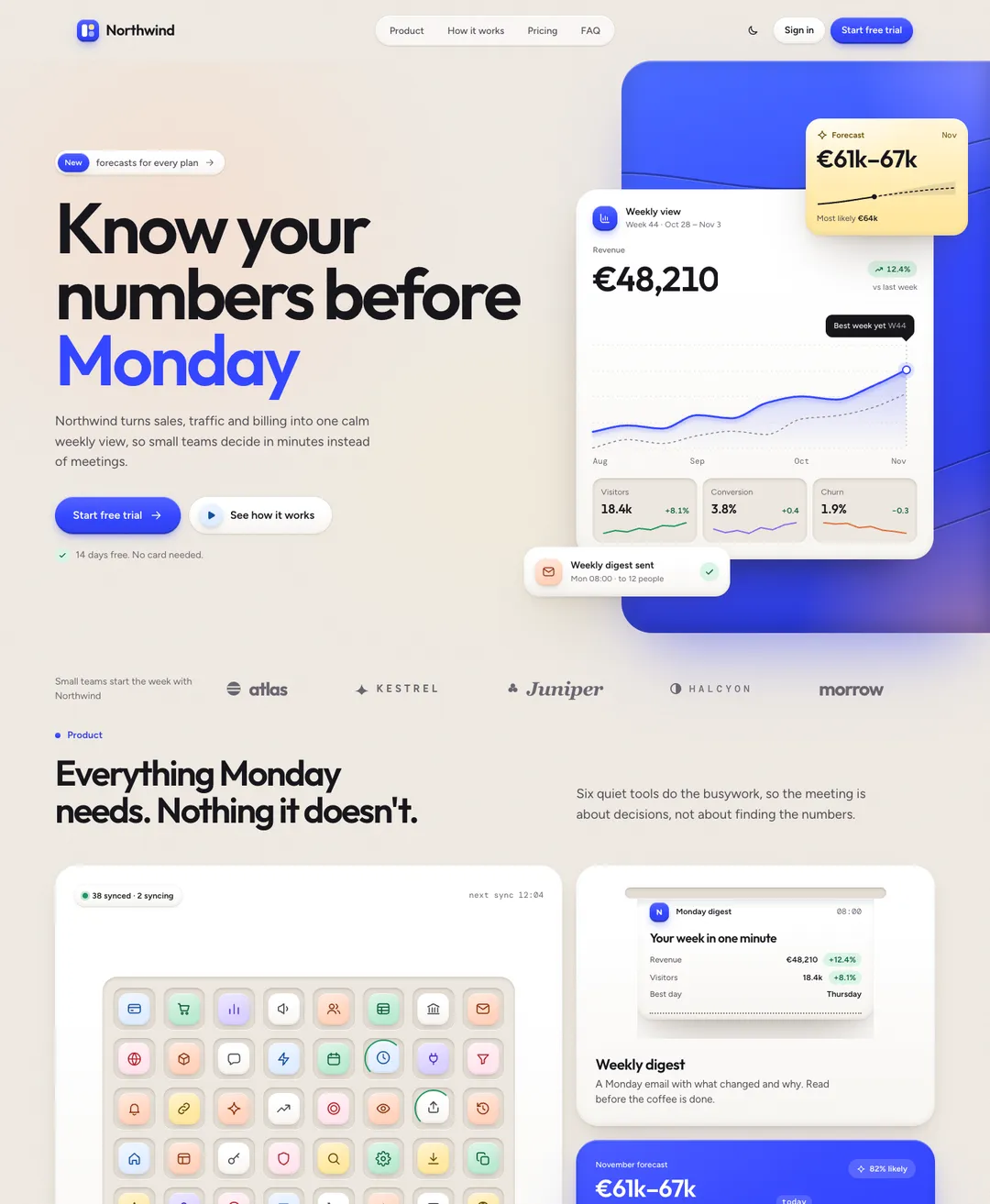
Soft Bento Landing Page
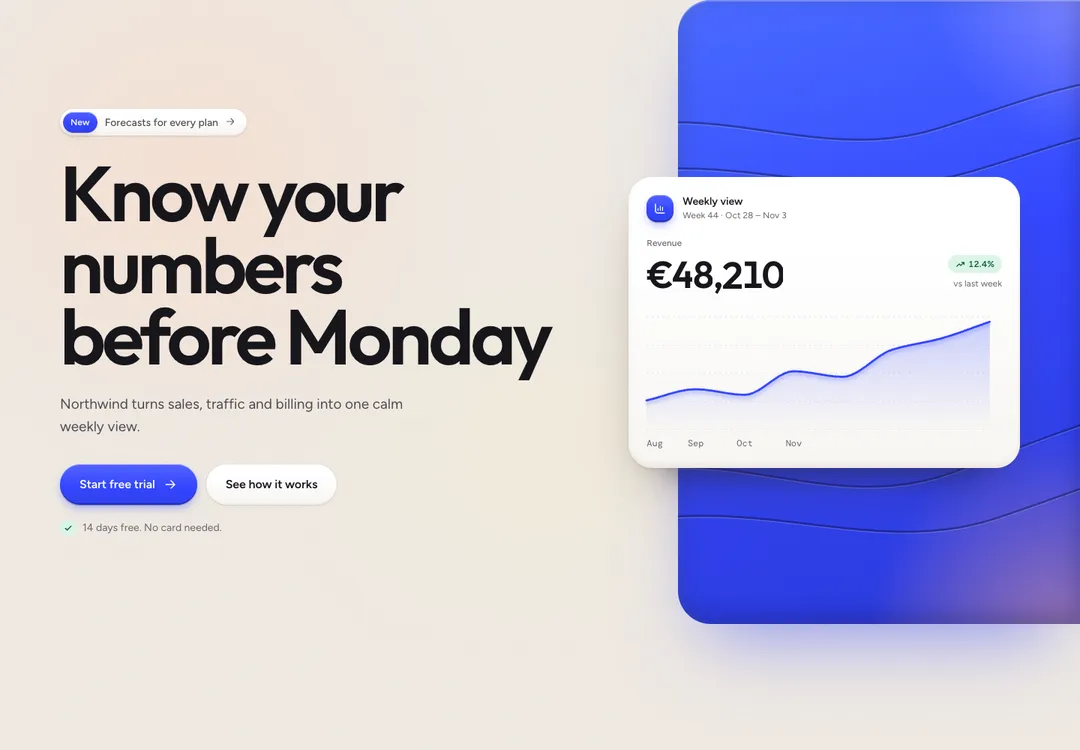
A SaaS landing page: dashboard on a blue stage, bento features, testimonials, pricing and FAQ.
A new Lovable app works within minutes, and it starts from the same look as most others. Choose one of the 10 styles here, paste its landing page or a few of its sections, and build the rest of the app on top.
A free account takes 3 new pieces a day. Pro is $7 a month or $60 a year: no daily limit, the 32 full pages and a whole style in one command. See the plans
Each style has its own canvas, fonts and color tokens. Look through the 10 and settle on one, because two on the same page will show.
Open a piece from that style and press Copy prompt, then Lovable. You need an account here. It is free for 3 new components or blocks a day.
Paste the whole prompt as one message. It contains the code and says where each part goes.
Check Lovable’s preview against the live preview on this site. Once they match, ask Lovable to replace the sample text and pictures with yours.
# Hero: Soft Bento style by MadeByIliyan®
Add this component to my project exactly as given below. The prompt is complete: two files and one block of CSS. Install nothing for it (no UI kit, component library, icon or animation package, no skill).
A SaaS landing page: dashboard on a blue stage, bento features, testimonials, pricing and FAQ.
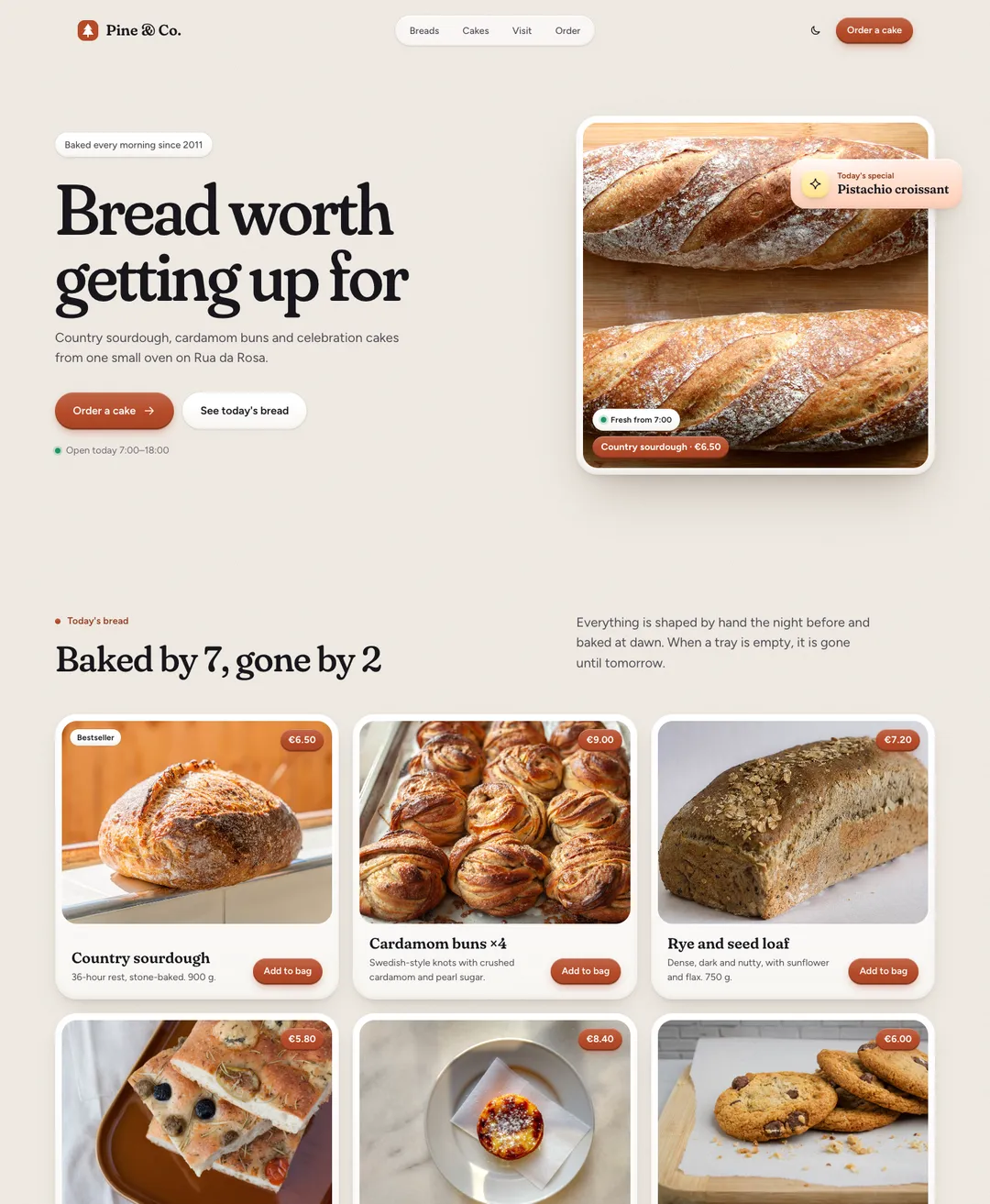
A bakery page: bread as product cards, cake price list, gallery, opening hours and order form.
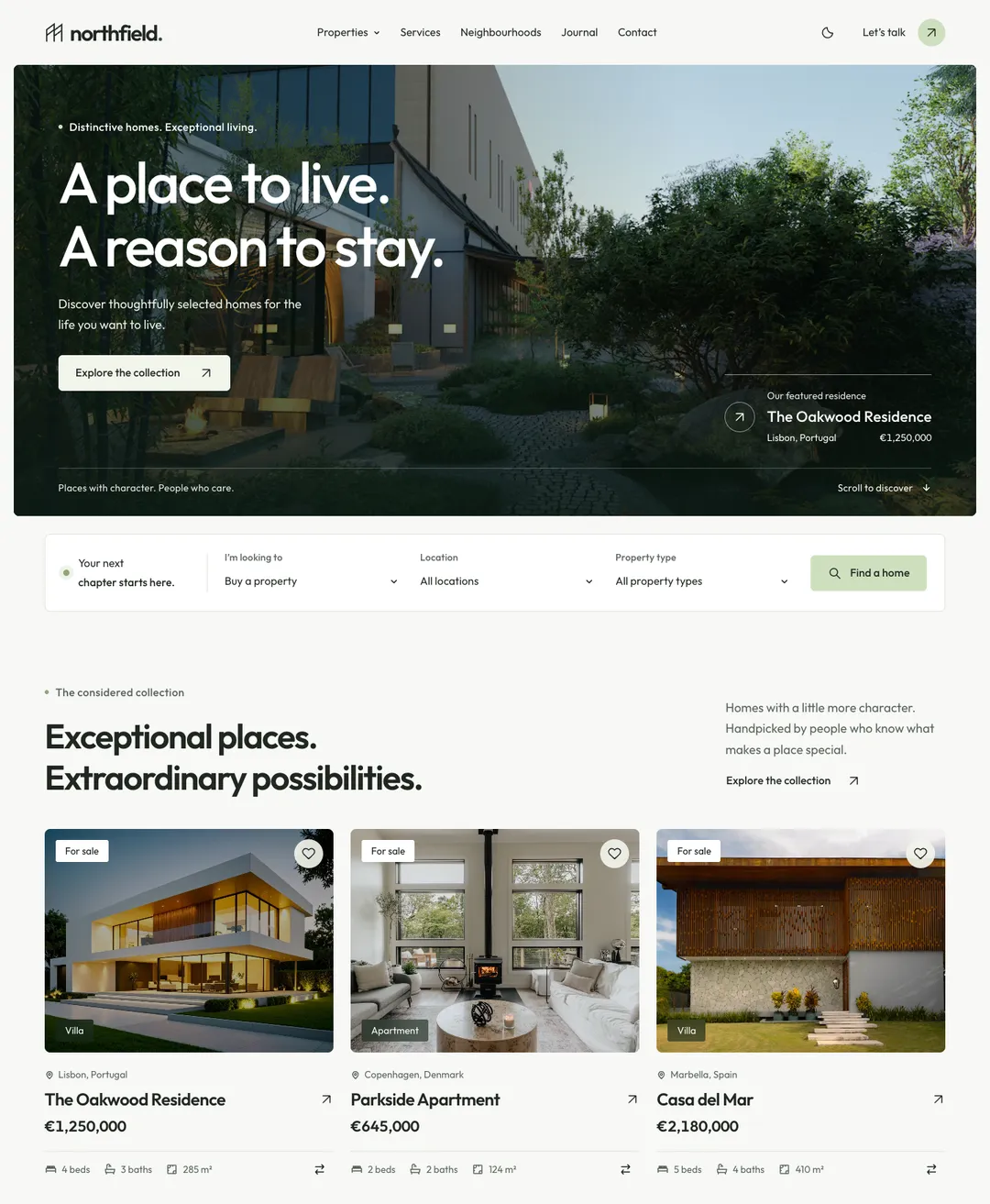
A real-estate agency home page: photo hero with a search bar, listing cards, neighborhoods and a journal.
A theme here is a complete style with its own colors and type, drawn for light and for dark. Take your sections from one and they match.
Opens the page with its one main heading; media sits beside the copy, below it, or is left out.
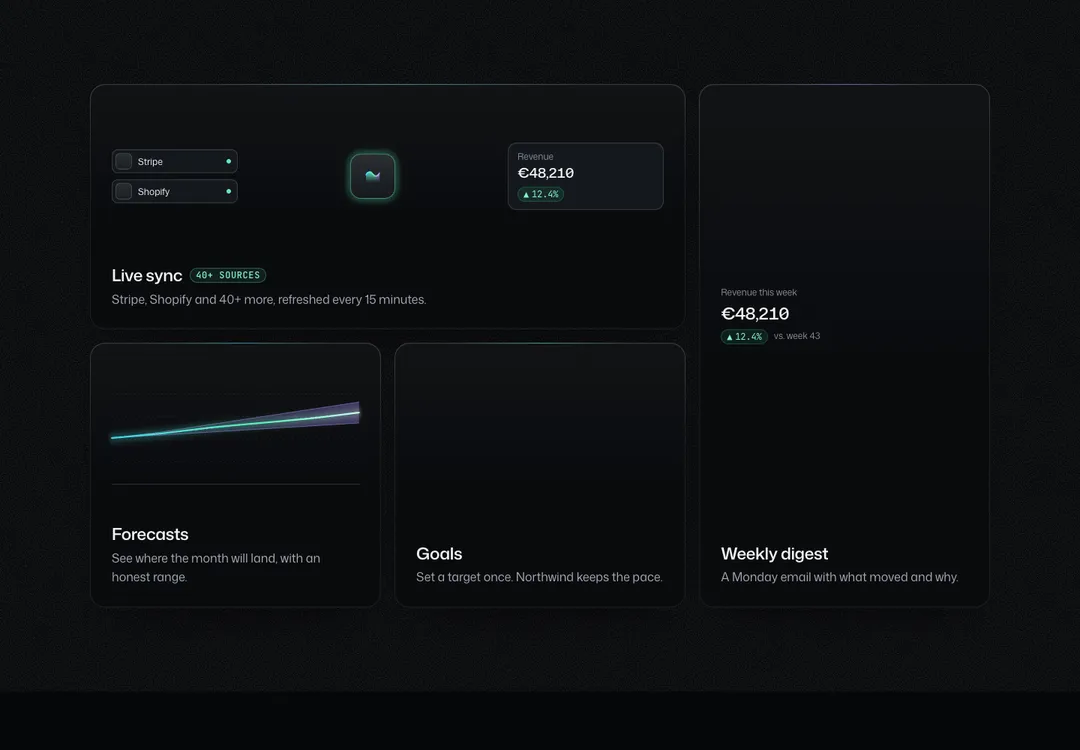
Feature tiles that set their own width and height on a 12-column grid and stack on phones.
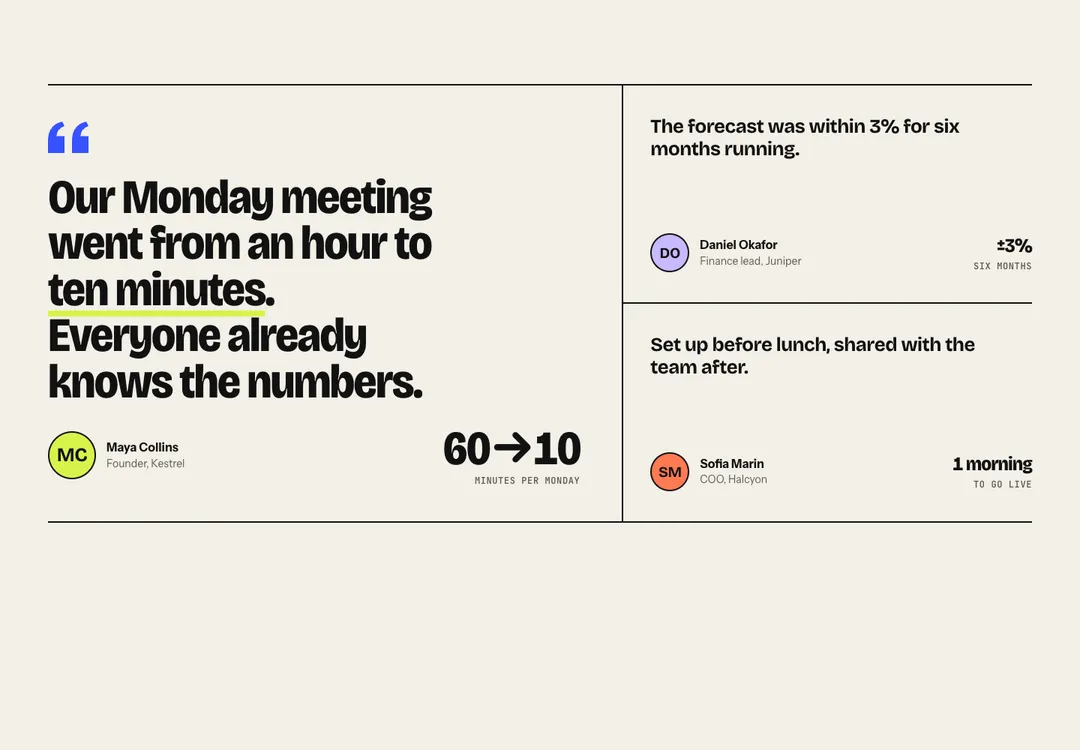
Customer quotes as a grid, a masonry wall, a scrolling marquee or a layout led by one large quote.
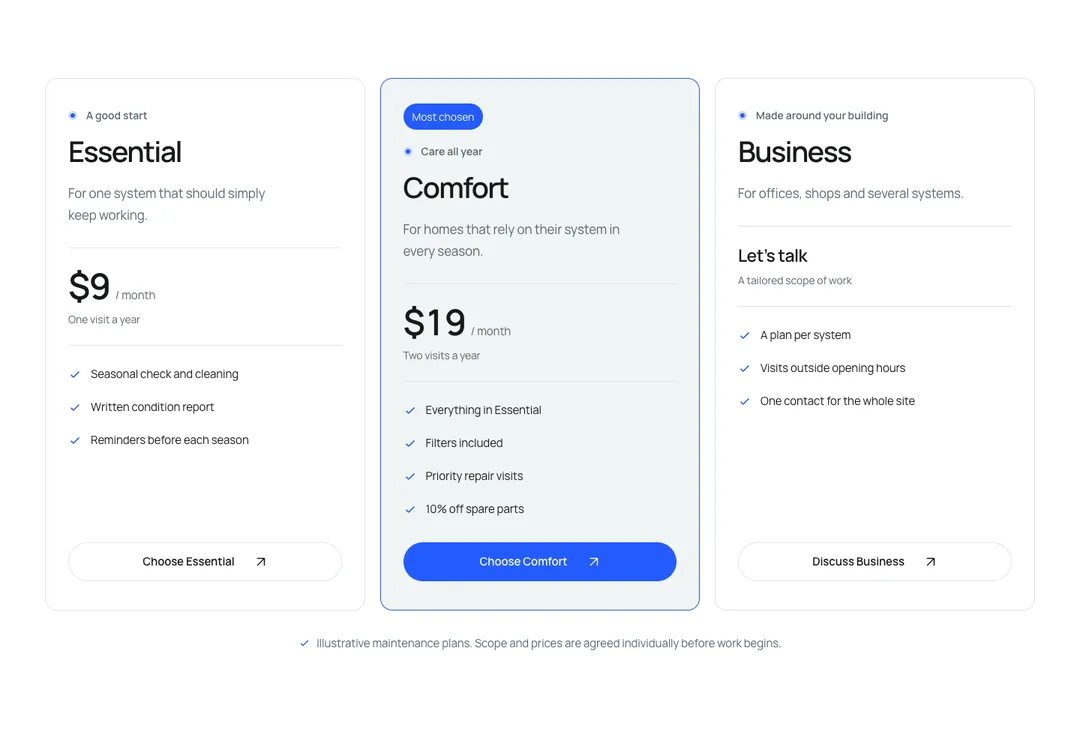
Up to four plans, one featured, with a monthly/yearly price switch that works without JavaScript.
Questions and answers that open without JavaScript; find-in-page still reaches closed answers.
Brand, actions and link columns above a legal row with social links, plus an optional wordmark.
The styles in a prompt are written for Tailwind CSS v4. Ask Lovable which version your project uses, or look for tailwindcss in package.json. If the version starts with 3, have Lovable upgrade to v4 and confirm that the app still builds before you paste anything.
The prompt does tell the tool to set up Tailwind v4 when a project has none. A project that is already on v3 is a different job, because its old config has to be migrated, and that goes better as a step of its own.
Newer Lovable projects render pages on the server, as Next.js does, and the components are written for that. The ones with motion need their small runtime started once, and the prompt spells that out for Next.js and for Vite only. If scroll animations do not play, look there first.
Lovable is a trademark of its owner. MadeByIliyan® has no connection to it and claims no endorsement from its maker.
After an upgrade, yes. The CSS uses v4’s @theme and @utility rules, which v3 does not read. Ask Lovable to move the project to Tailwind CSS v4, check the app, then paste the prompt.
Yes, and for a new project it is the quickest start. A full page is one prompt that holds a complete page, such as a landing page, a bakery site or an event page. Paste it, then ask for your own content. Full pages come with Pro and Team.
Yes. The license covers unlimited sites and apps, for you and for your clients, on the free plan too. You may not resell or share the components themselves.
A free account takes 3 new components or blocks a day, each with its code, its styles and its prompt. Pro and Team remove the limit and open the full pages.