Aeris Aspect Ratio Image
Keeps the layout from shifting as the image loads, with optional caption, overlay and photo grade.
Keeps the layout from shifting as the image loads, with optional caption, overlay and photo grade.
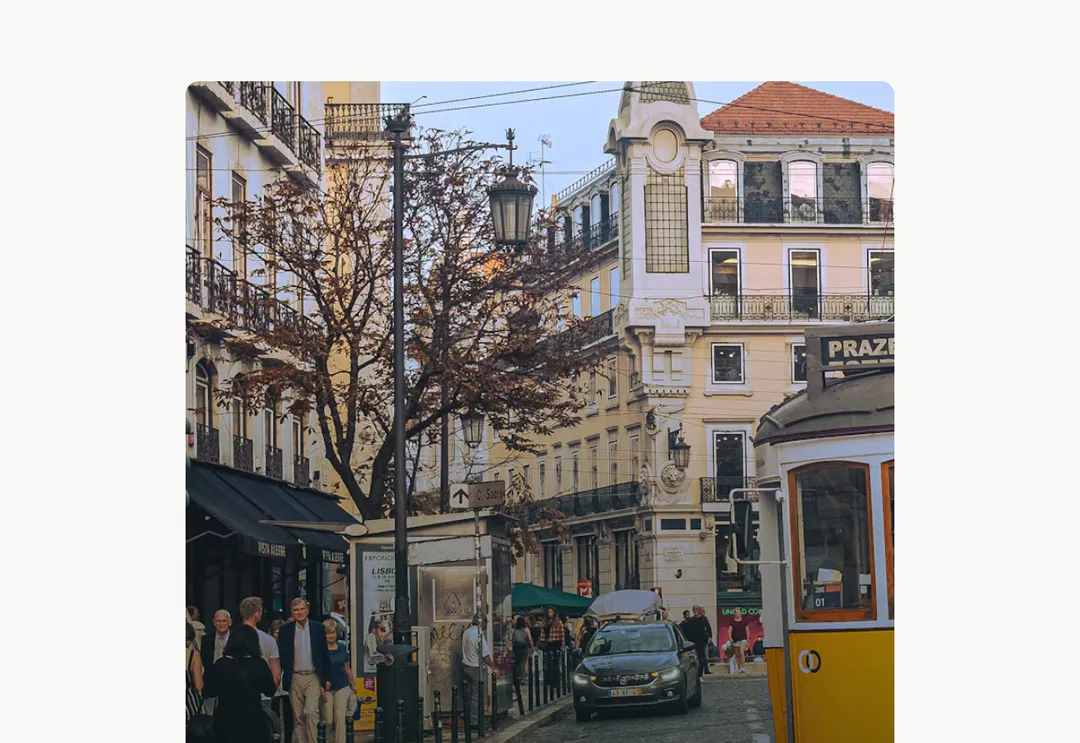
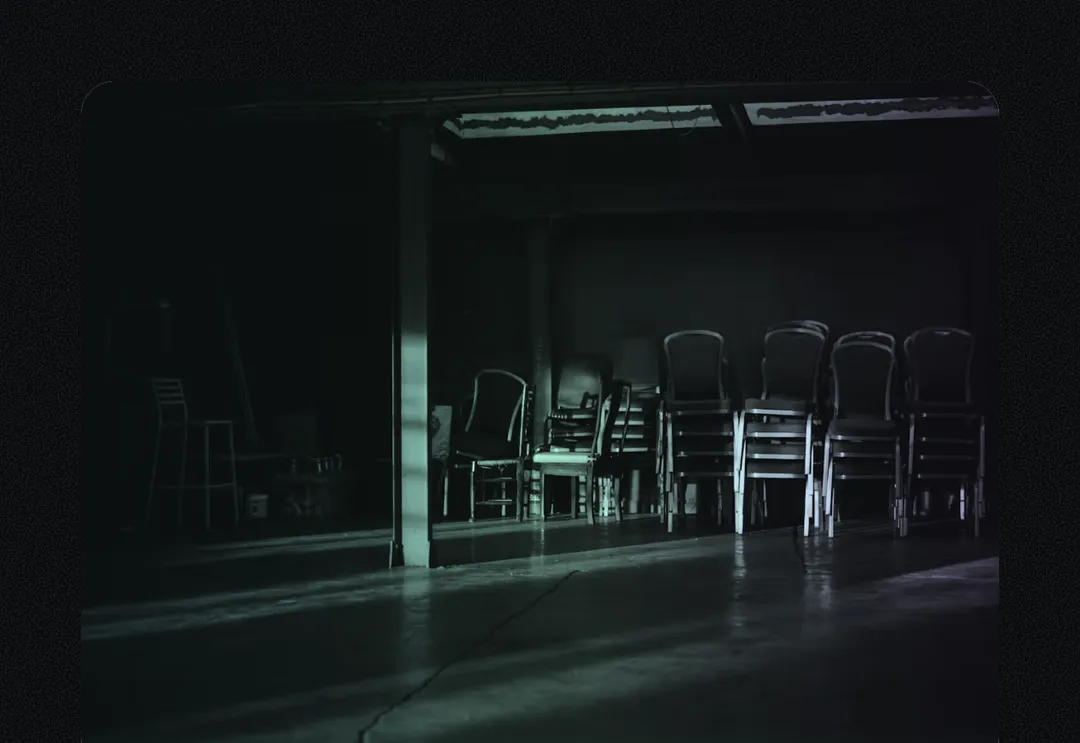
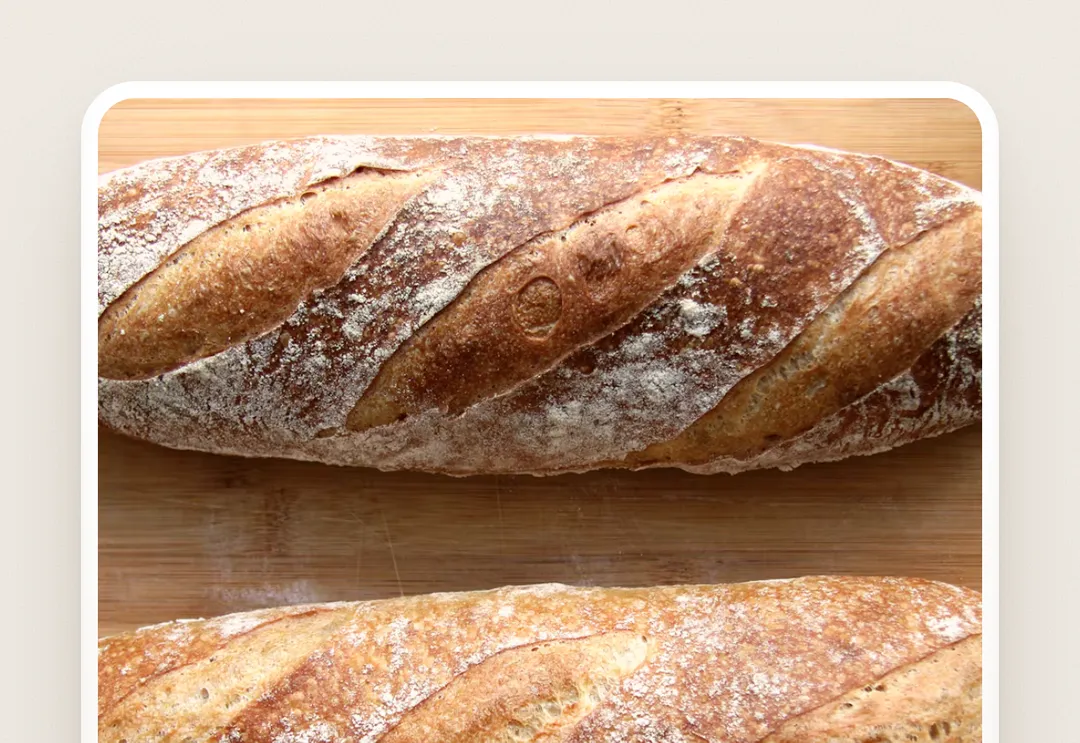
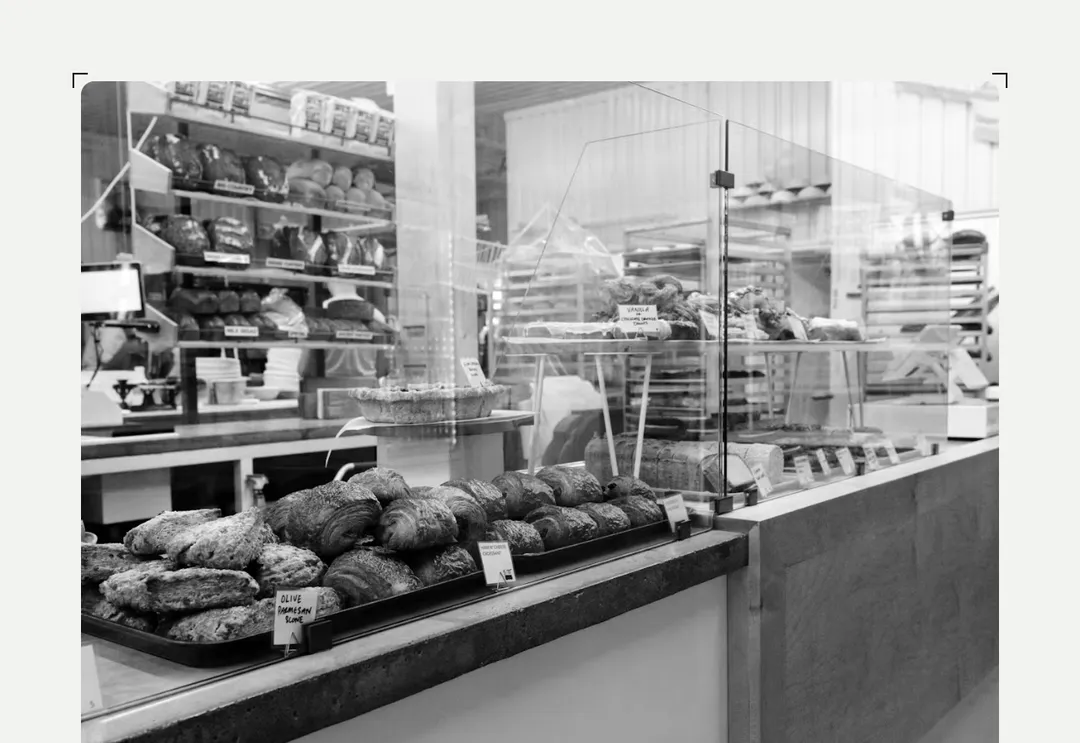
An image in a ratio box (no layout shift), with an optional caption (then the root is a <figure>), an overlay on a scrim, and the kit's photo grade. Lazy by default; priority for the first viewport. Seat photos: a p-2.5 tile around it (as below), or a block with its own white rim.
It is part of Grove: white cards on sage, pastel chips, pine green. The style’s 135 pieces share one set of tokens, type and motion, in a light and a dark theme, so whatever you take from it fits together.
To put it in your project, copy the prompt into Claude Code, OpenAI Codex or Cursor, or add it by hand. The documentation walks through both.
Keeps the layout from shifting as the image loads, with optional caption, overlay and photo grade.
Keeps the layout from shifting as the image loads, with optional caption, overlay and photo grade.
Keeps the layout from shifting as the image loads, with optional caption, overlay and photo grade.
Keeps the layout from shifting as the image loads, with optional caption, overlay and photo grade.
Keeps the layout from shifting as the image loads, with optional caption, overlay and photo grade.
Keeps the layout from shifting as the image loads, with optional caption, overlay and photo grade.
Keeps the layout from shifting as the image loads, with optional caption, overlay and photo grade.
Keeps the layout from shifting as the image loads, with optional caption, overlay and photo grade.