Grove Kanban Board
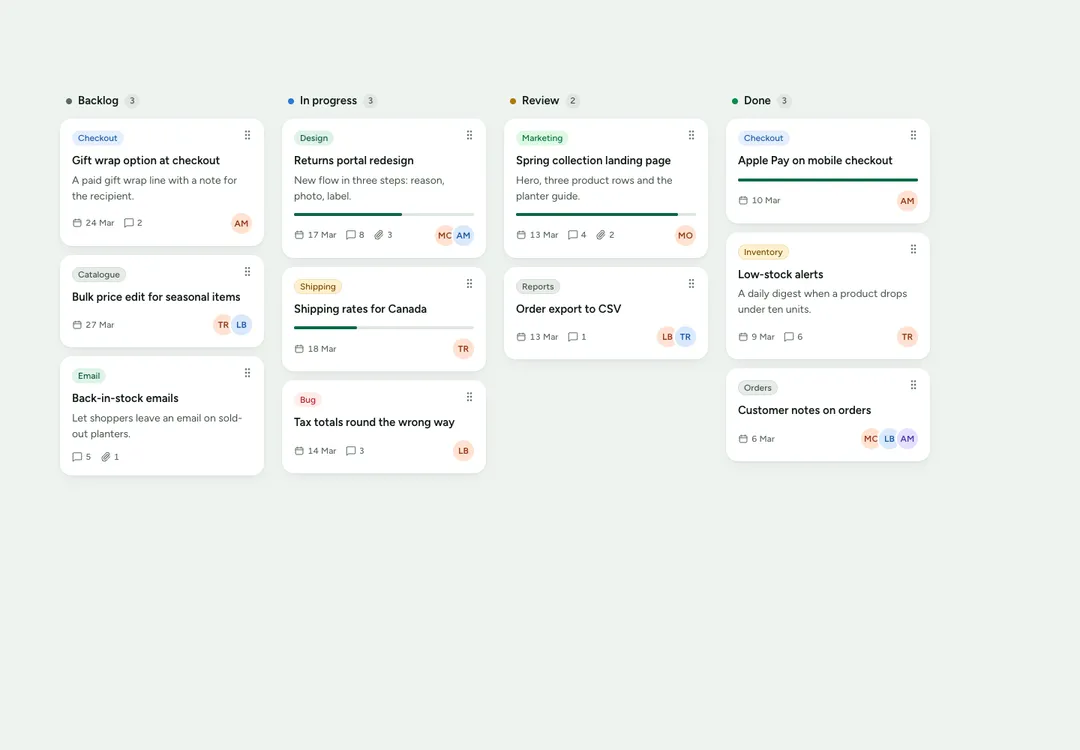
Columns of cards that move by mouse, touch or keyboard; each move is announced to screen readers.
10 React pieces that carry a whole app screen: a kanban board, a calendar, chat, an inbox list, a task list, file cards, an upload zone, an invoice, a sign-in frame and settings sections. Preview each live.
Columns of cards that move by mouse, touch or keyboard; each move is announced to screen readers.
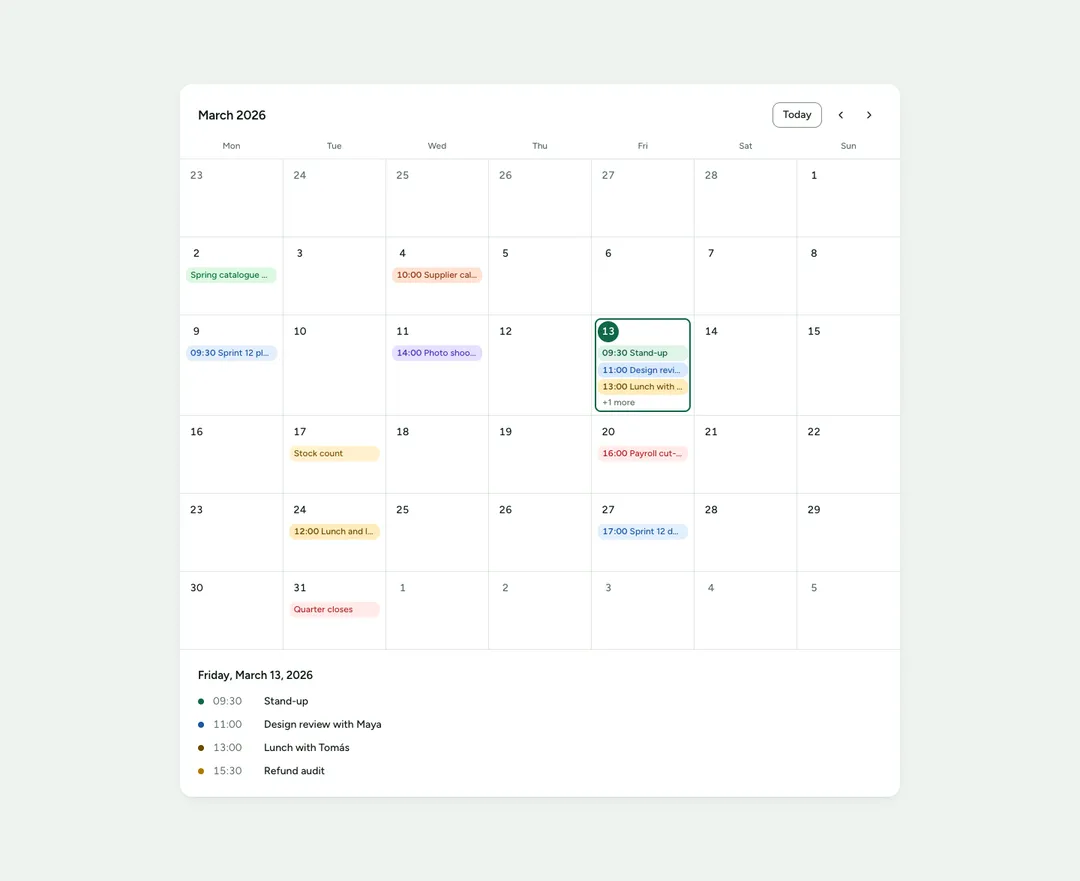
A month grid with events as pills; pick a day to list what is on it.
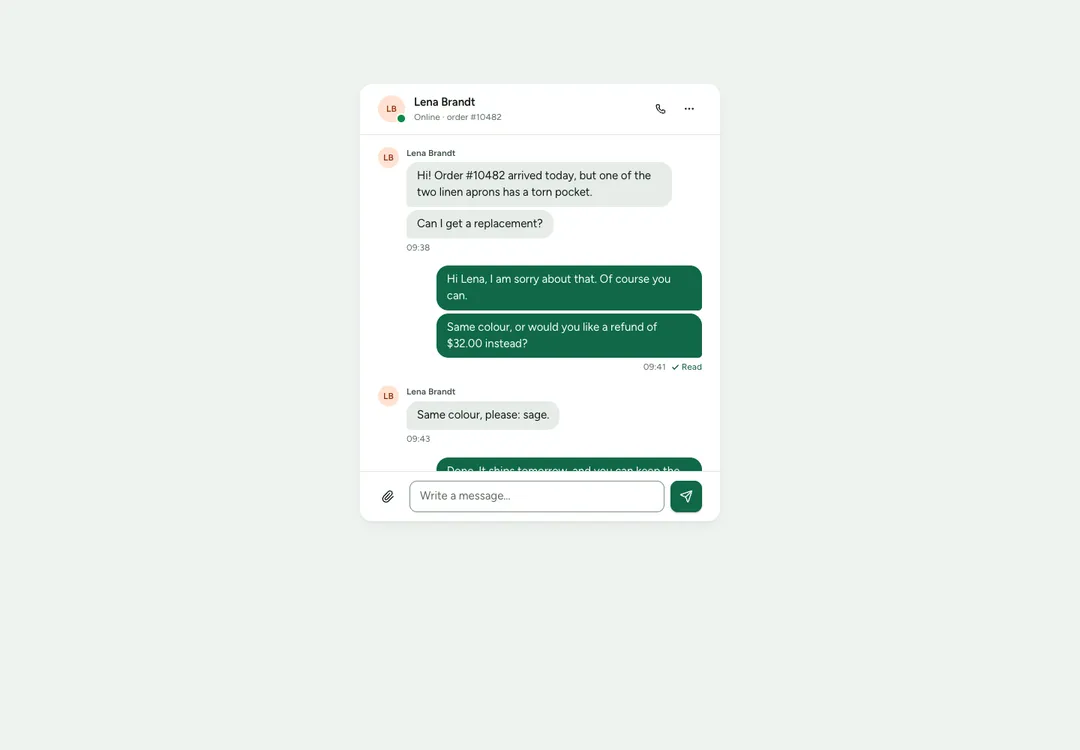
A message thread with grouped bubbles and a composer, plus a list of conversations.
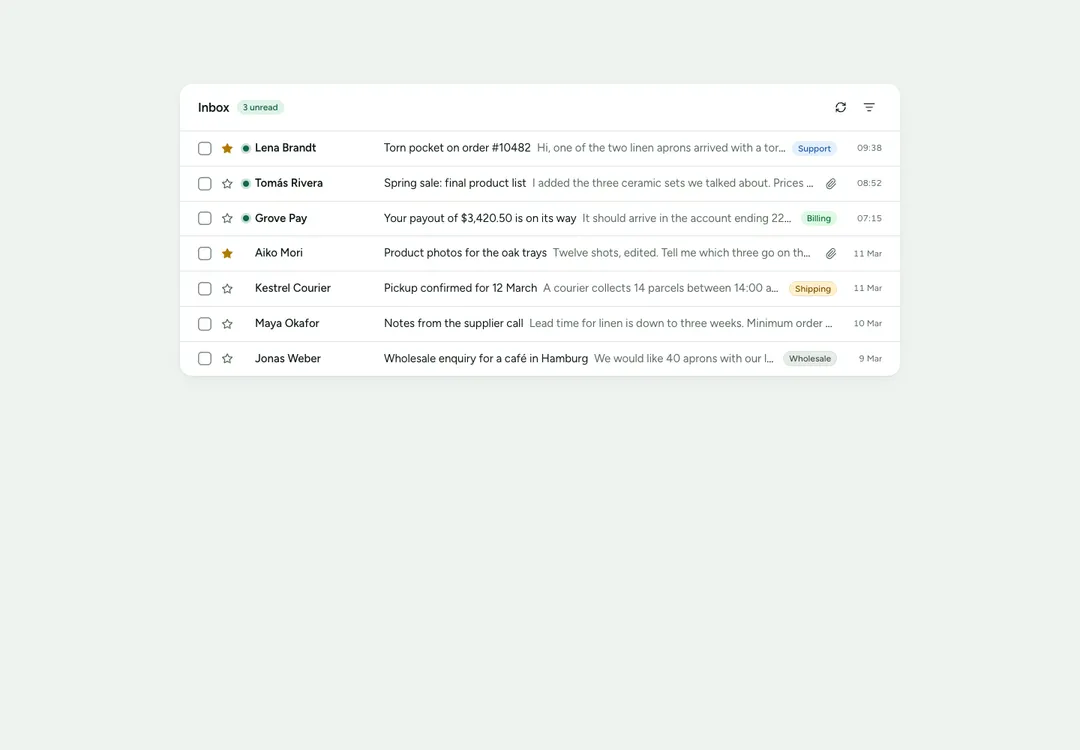
Inbox rows with sender, subject, preview, labels and time; unread rows are marked.
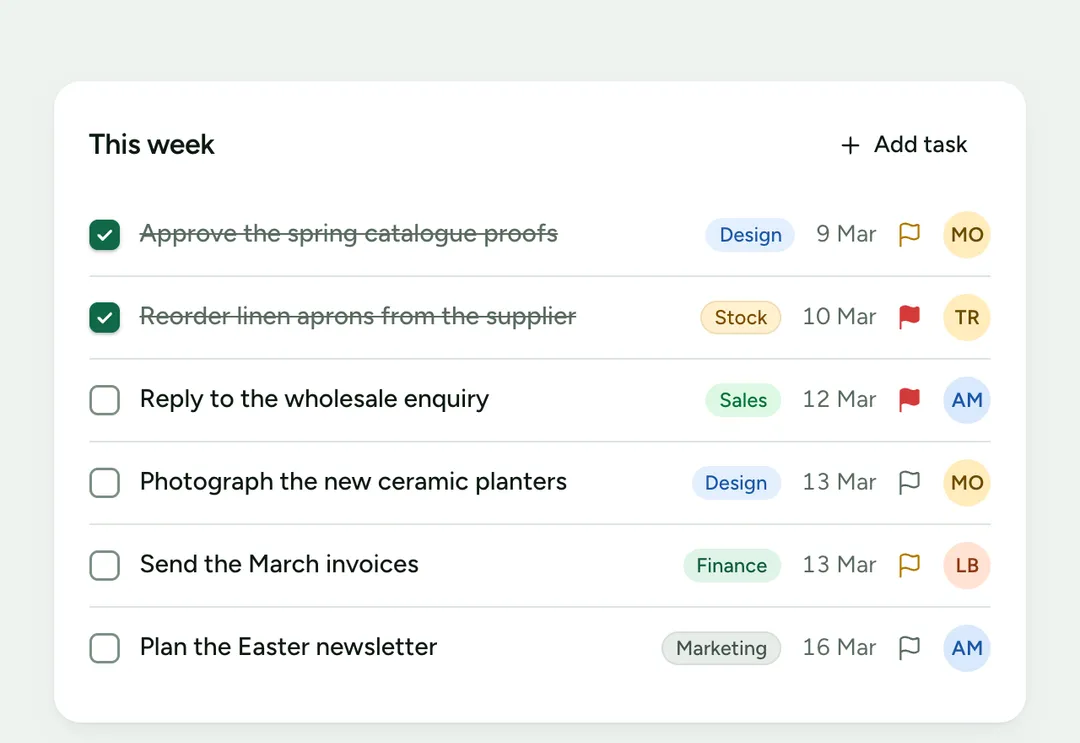
Tasks with native checkboxes, priority, due date and assignee; done tasks are struck through.
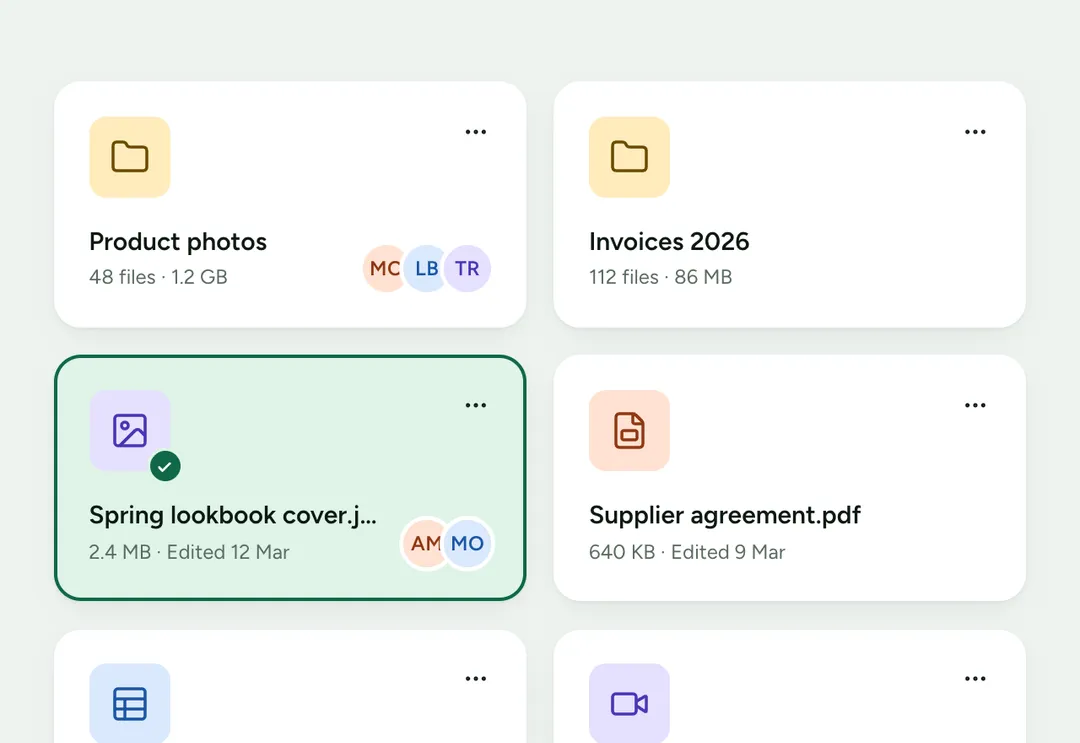
A file or folder as a card or a row, with an icon chip by type, details and actions.
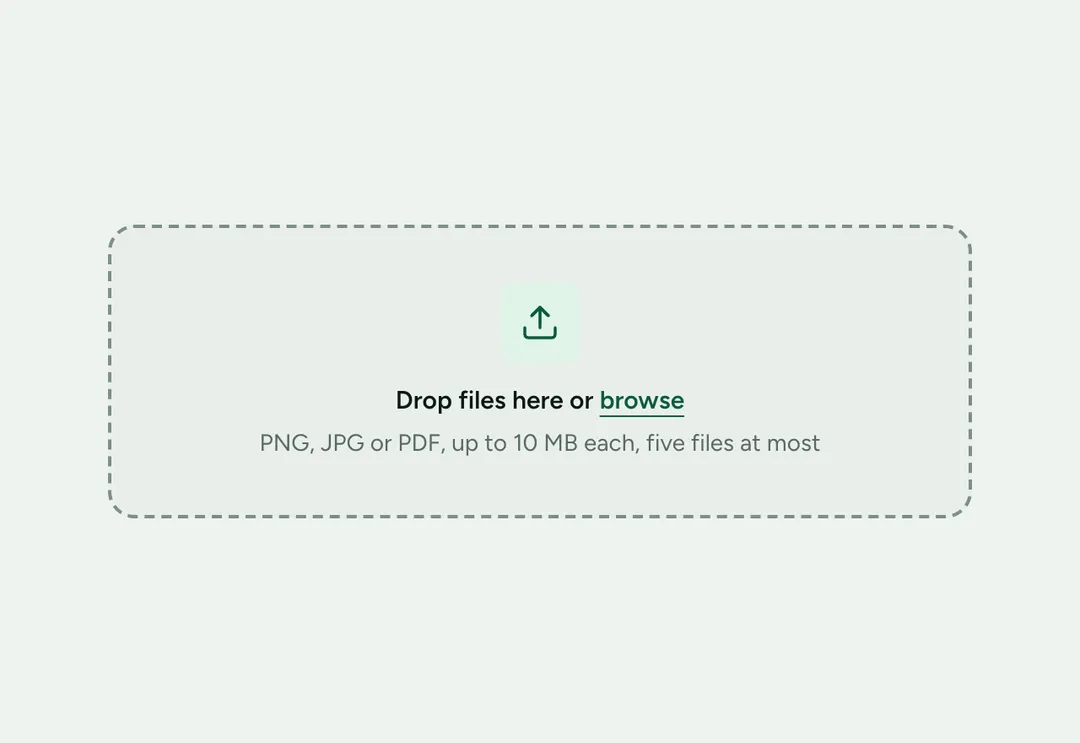
A drop area on a real file input: drag files in or browse, then review and remove them.
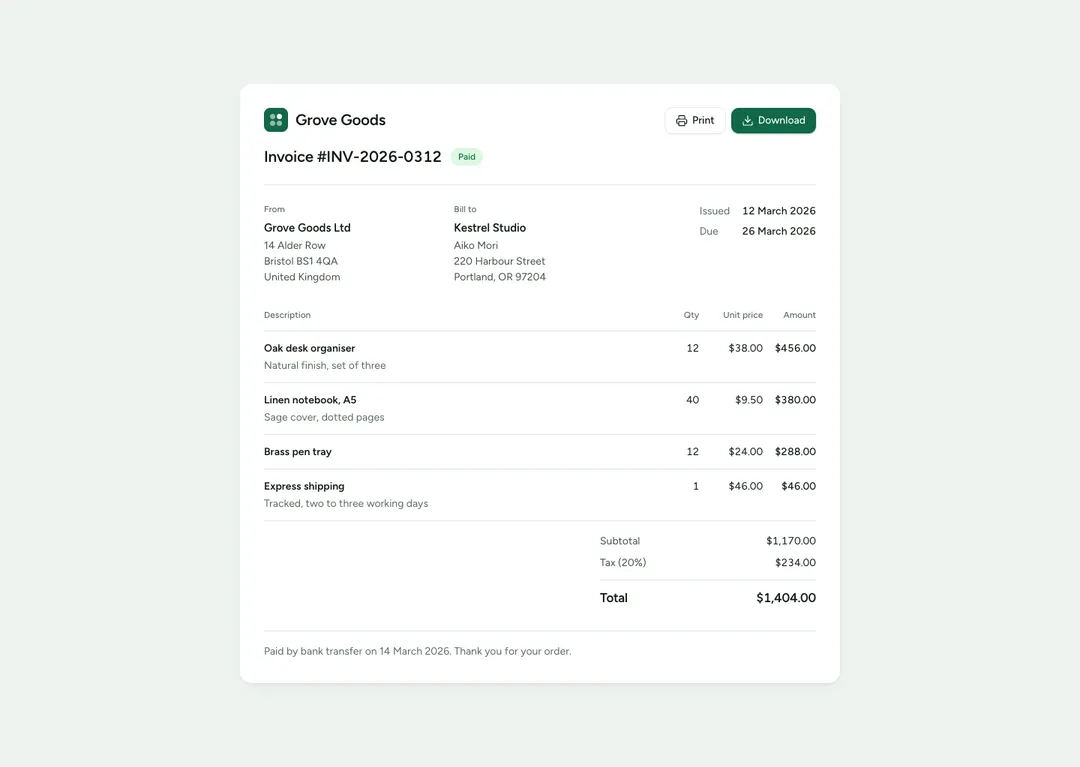
A printable invoice: both parties, line items, tax, discount and a total computed from the items.
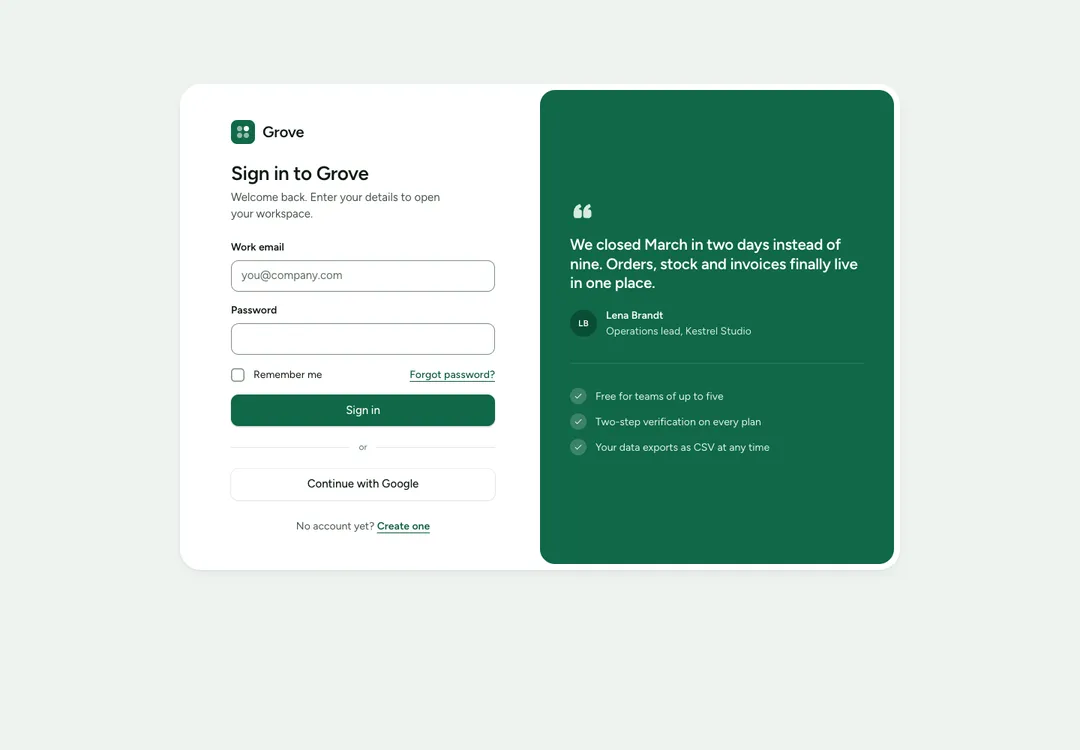
The frame of a sign-in or sign-up page: a centered card, or a form beside a green panel.
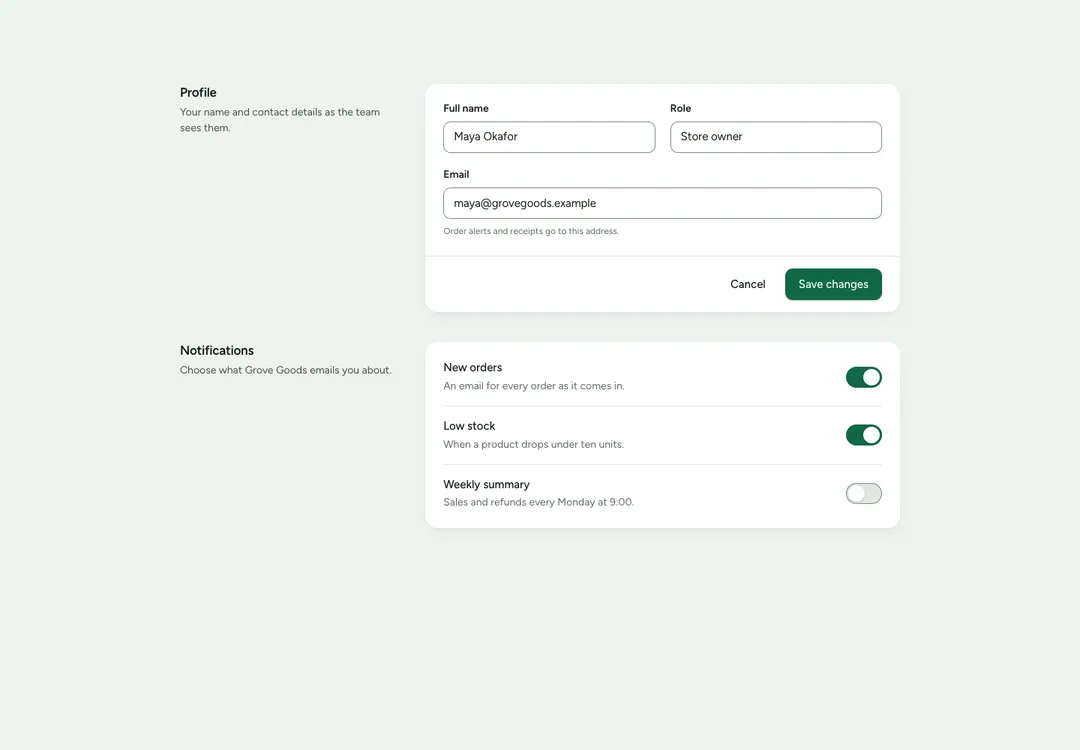
A titled settings group: text at the side, a card of rows with one control each, and a footer for Save.
The kanban board moves cards between columns by mouse, by touch from a grip handle, or from the keyboard, and announces each move to screen readers. The calendar is a month grid with events as pills; choosing a day lists what is on it. Chat groups messages by sender and appends what you send; the mail list marks unread rows and shows labels and attachments. The task list uses native checkboxes, so it works without JavaScript.
File cards show a file or folder with an icon chip by type, and the upload zone is built on a real file input, so a form still submits what was dropped. The invoice computes its amounts and total from the line items and prints cleanly. The auth card frames sign-in and sign-up, and the settings section sets rows with one control each above a footer for Save. All of them keep their state in the page and take sample data as plain arrays.
A free account takes 3 new pieces a day: the code, the styles and the install prompt. Pro and Team remove the limit.