Bavaria Aspect Ratio Image
Keeps the layout from shifting as the image loads, with optional caption, overlay and photo grade.
Keeps the layout from shifting as the image loads, with optional caption, overlay and photo grade.
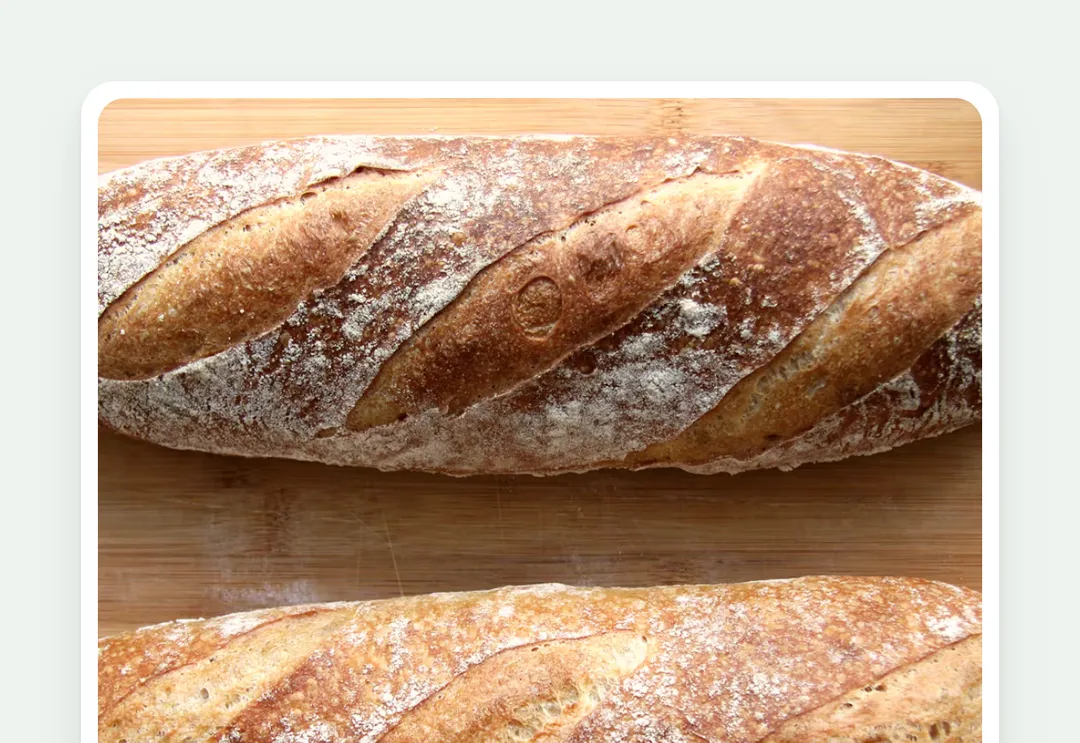
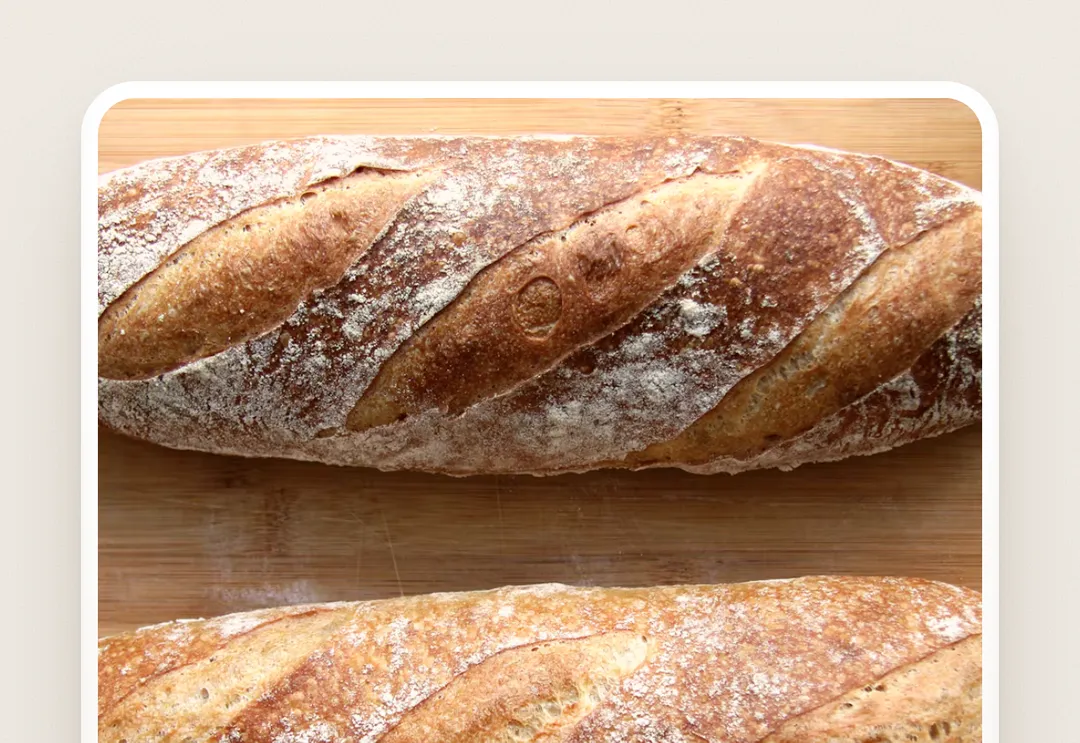
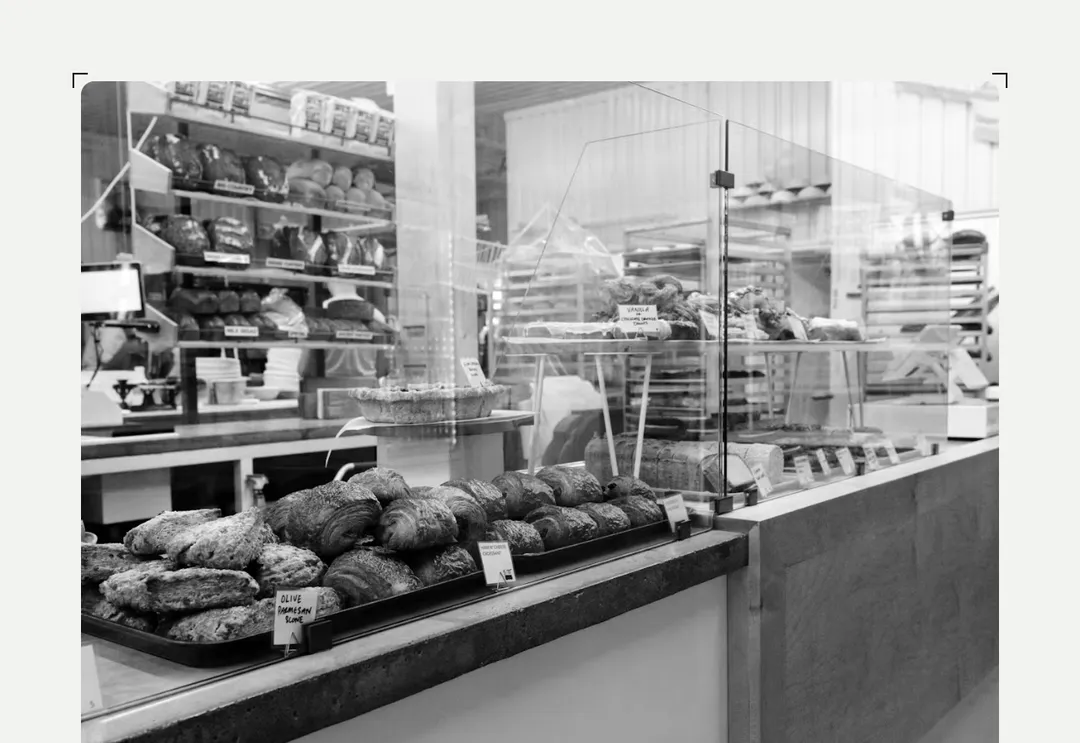
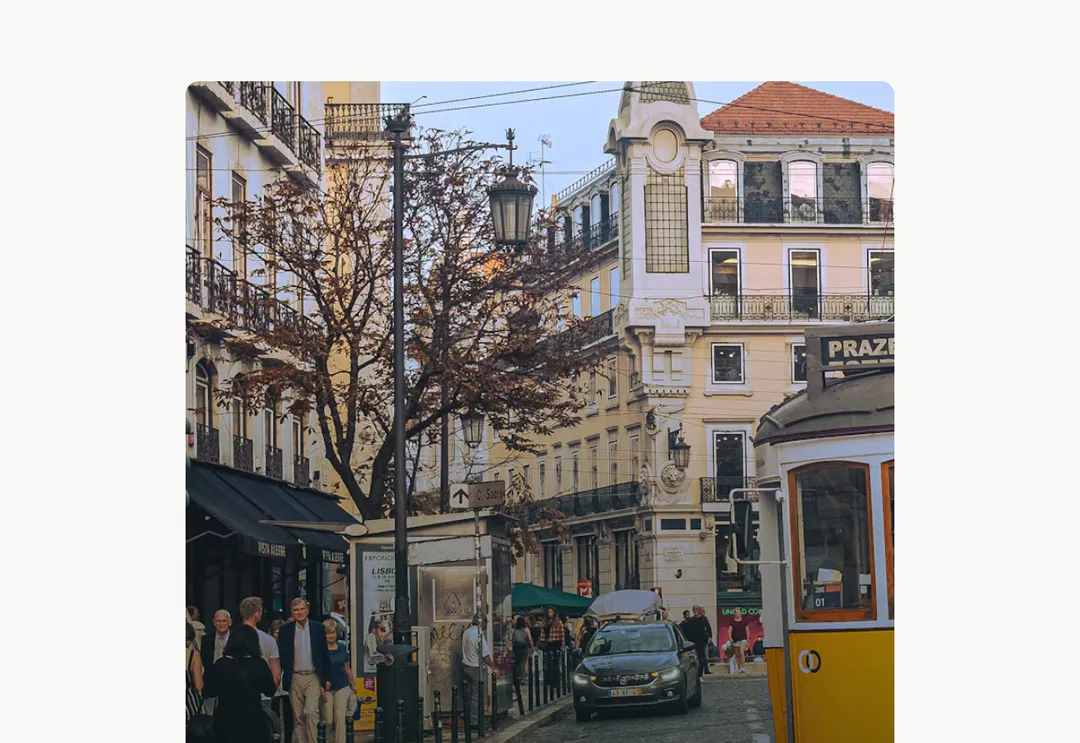
A photograph in a ratio box (no layout shift) with 12 px corners. overlay sets white text at the bottom left on a dark shade (it is a data-surface="photo" layer, so tags and buttons inside read correctly); caption is a small muted line under the image, its parts spread to both ends (category left, read time right); zoom eases the photo 4% larger while it, or a group ancestor such as its card or link, is hovered; grade takes a little colour out, so mixed photographs share one light. Lazy by default; priority for the first viewport.
It is part of Aeris: white pages, soft grey cards, one electric blue. The style’s 92 pieces share one set of tokens, type and motion, in a light and a dark theme, so whatever you take from it fits together.
To put it in your project, copy the prompt into Claude Code, OpenAI Codex or Cursor, or add it by hand. The documentation walks through both.
Keeps the layout from shifting as the image loads, with optional caption, overlay and photo grade.
Keeps the layout from shifting as the image loads, with optional caption, overlay and photo grade.
Keeps the layout from shifting as the image loads, with optional caption, overlay and photo grade.
Keeps the layout from shifting as the image loads, with optional caption, overlay and photo grade.
Keeps the layout from shifting as the image loads, with optional caption, overlay and photo grade.
Keeps the layout from shifting as the image loads, with optional caption, overlay and photo grade.
Keeps the layout from shifting as the image loads, with optional caption, overlay and photo grade.
Keeps the layout from shifting as the image loads, with optional caption, overlay and photo grade.