Aeris Feature Section with Image
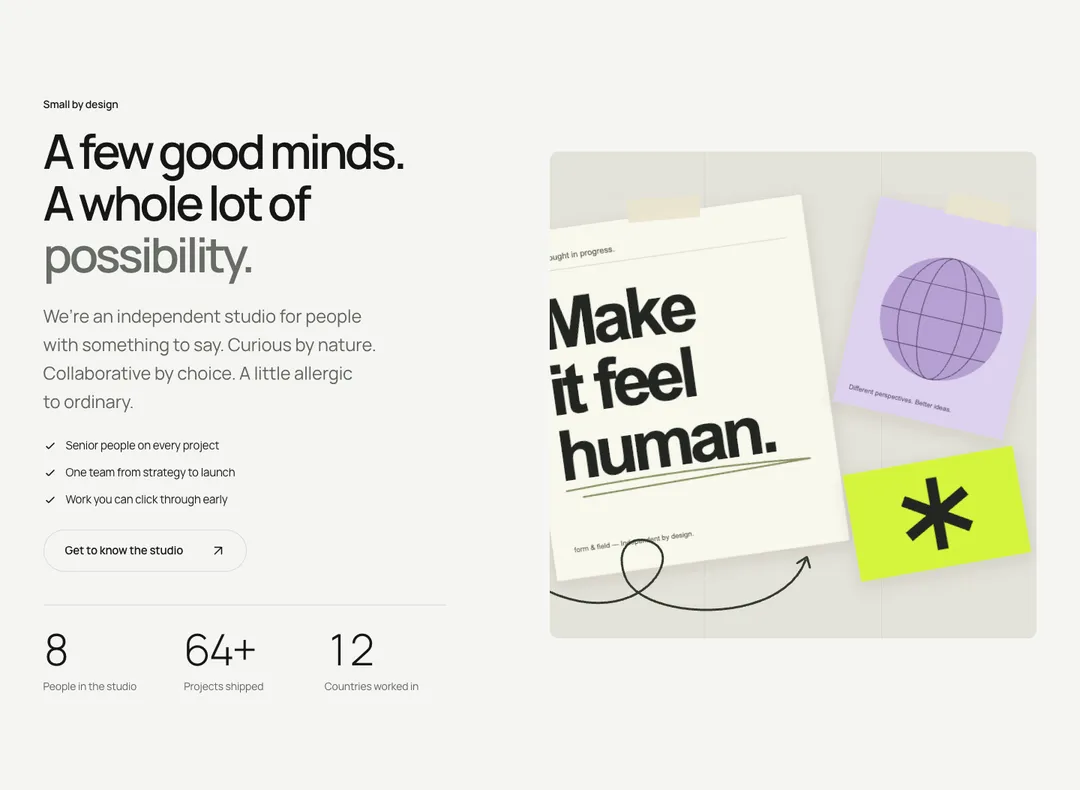
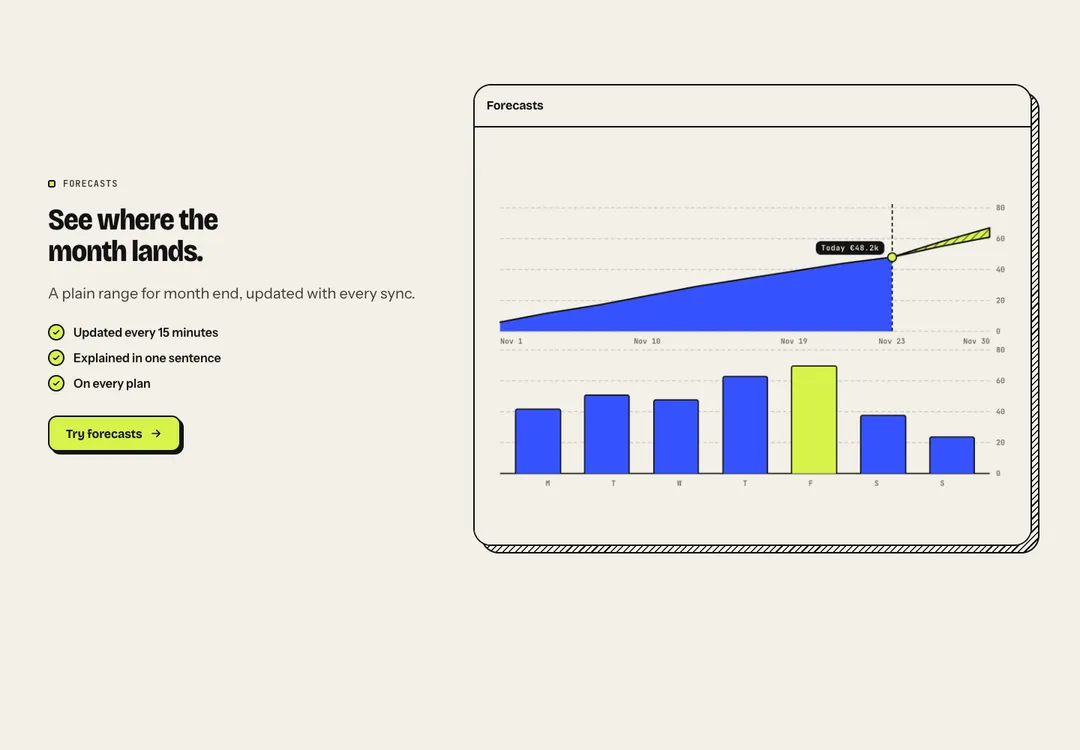
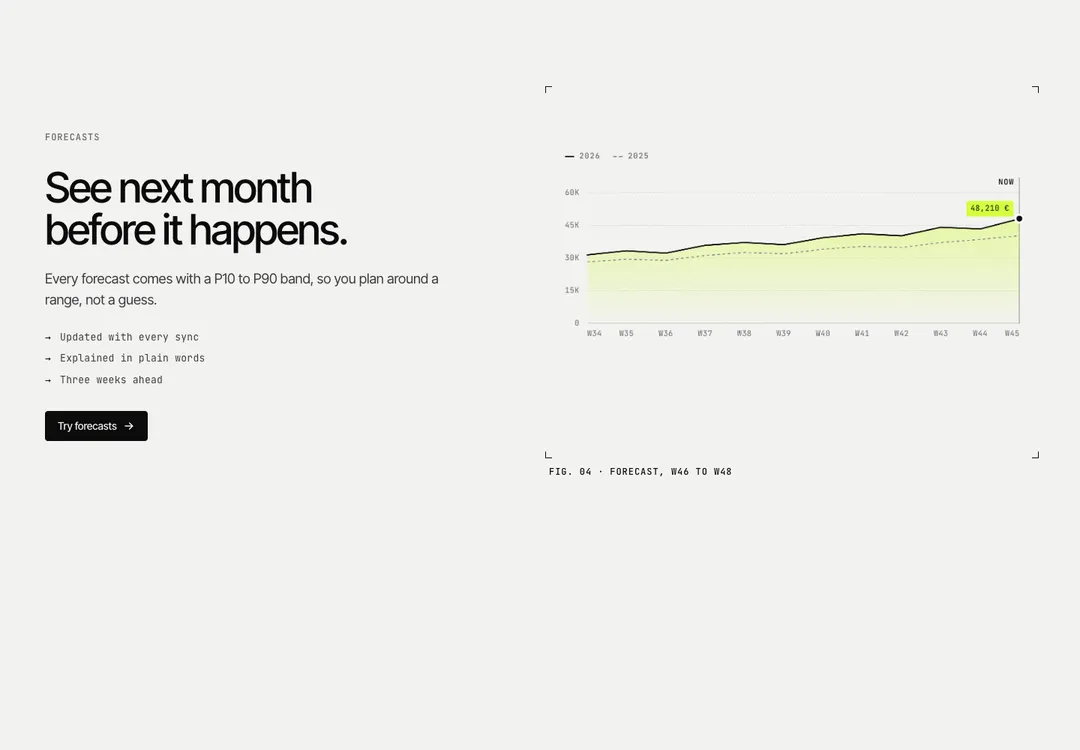
One feature in depth: heading, text, points and actions beside an image or mockup, on either side.
BavariaMotion
One feature in depth: heading, text, points and actions beside an image or mockup, on either side.
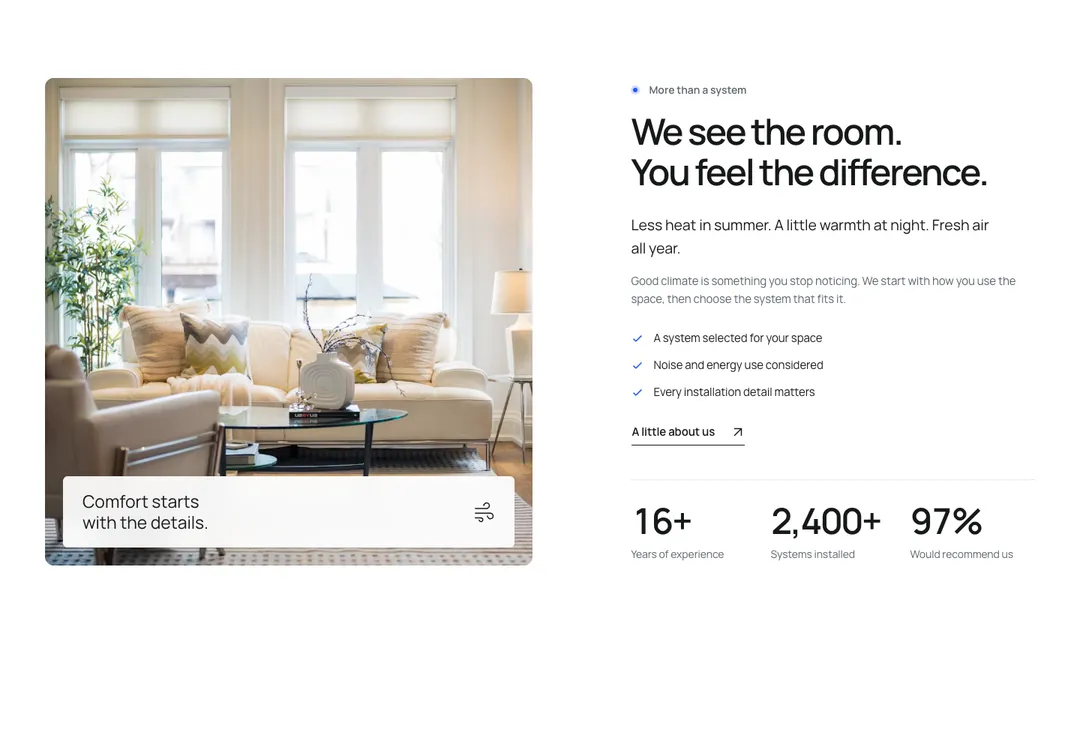
A photograph beside its story, for the white band (<Section tone="muted">): the dotted eyebrow, a title of two short lines, a lead sentence in ink, the text, checked points and actions (usually one link button with the ↗) on 5 columns, the media on 6. note lays a short line over the foot of the photograph on chalk glass (the same in both modes); an icon after the words sits at its far end. stats adds two or three figures under a rule below the copy, counting up once. Stacks under lg with the text first; reverse puts the media on the left at lg, as the template does.
It is part of Bavaria: chalk pages, architectural photos, sage and forest green. The style’s 93 pieces share one set of tokens, type and motion, in a light and a dark theme, so whatever you take from it fits together.
To put it in your project, copy the prompt into Claude Code, OpenAI Codex or Cursor, or add it by hand. The documentation walks through both.
One feature in depth: heading, text, points and actions beside an image or mockup, on either side.
One feature in depth: heading, text, points and actions beside an image or mockup, on either side.
One feature in depth: heading, text, points and actions beside an image or mockup, on either side.
One feature in depth: heading, text, points and actions beside an image or mockup, on either side.
One feature in depth: heading, text, points and actions beside an image or mockup, on either side.
One feature in depth: heading, text, points and actions beside an image or mockup, on either side.
One feature in depth: heading, text, points and actions beside an image or mockup, on either side.
One feature in depth: heading, text, points and actions beside an image or mockup, on either side.