Aeris Code Block
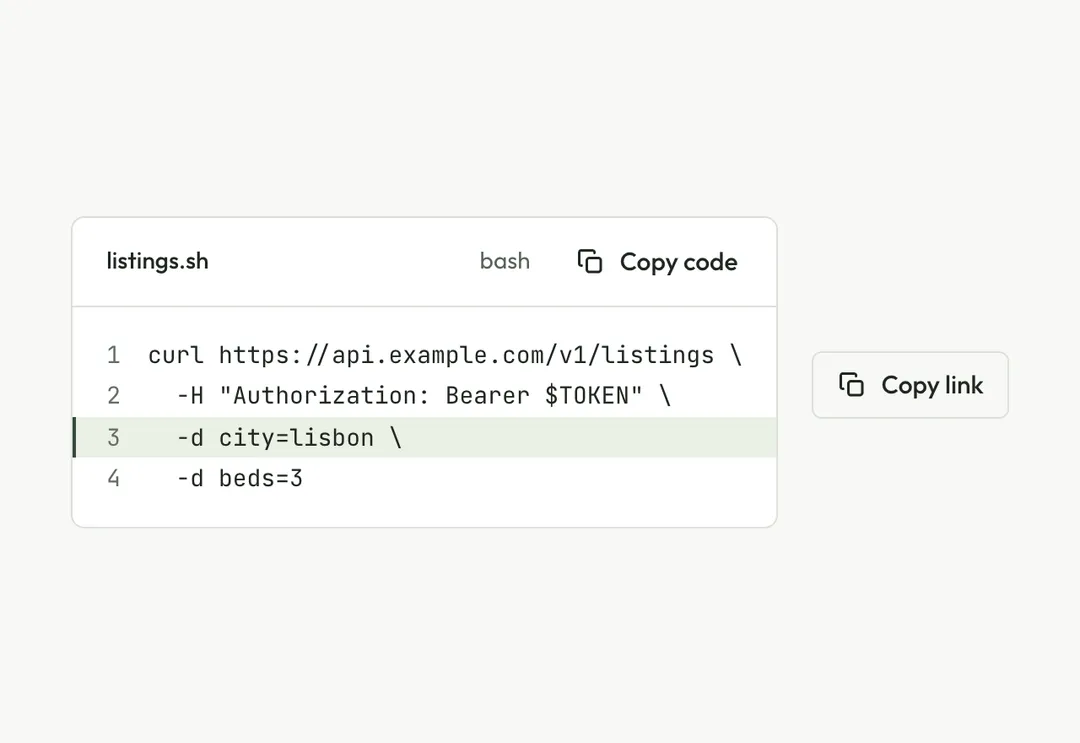
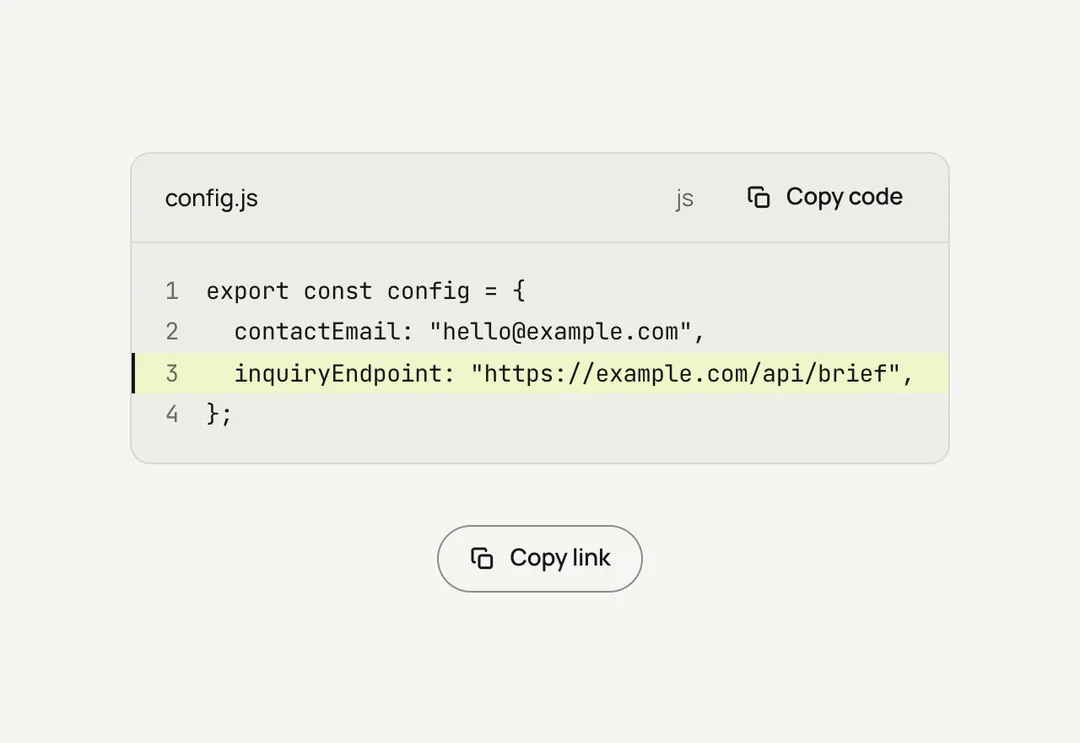
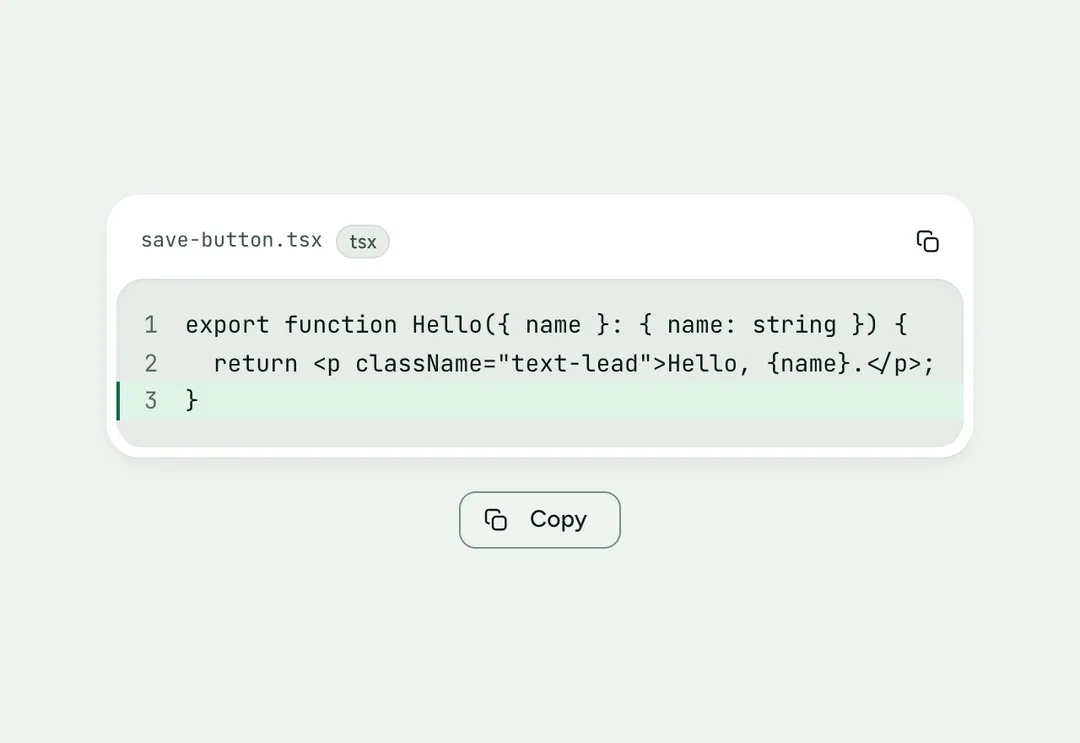
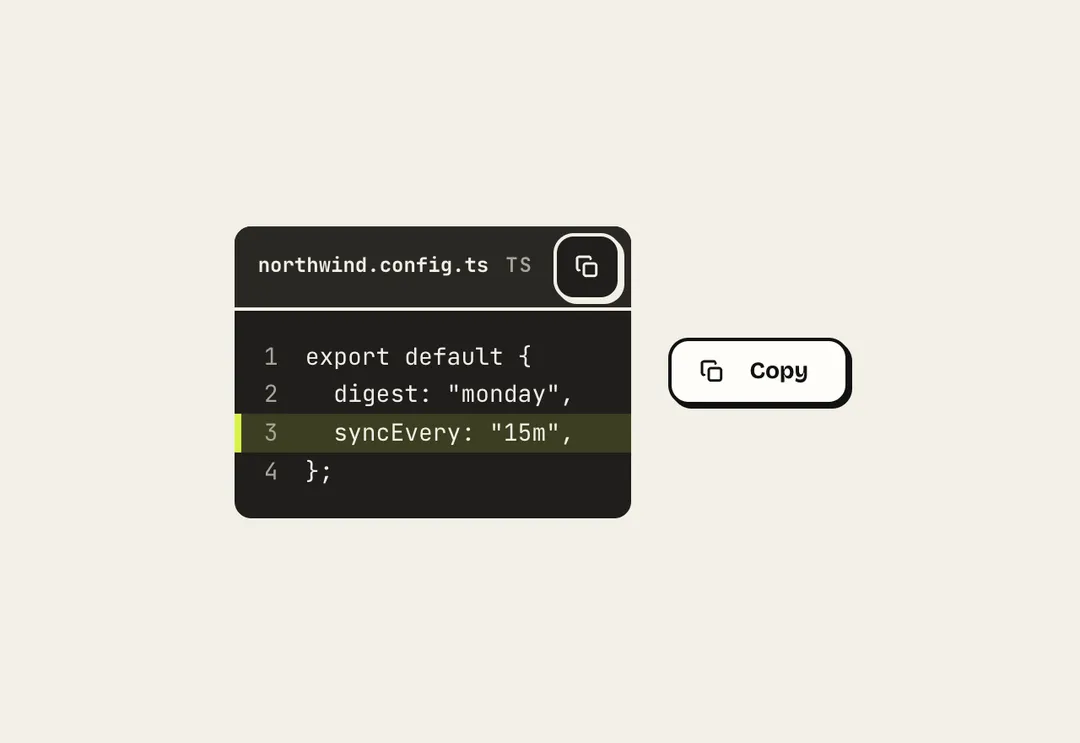
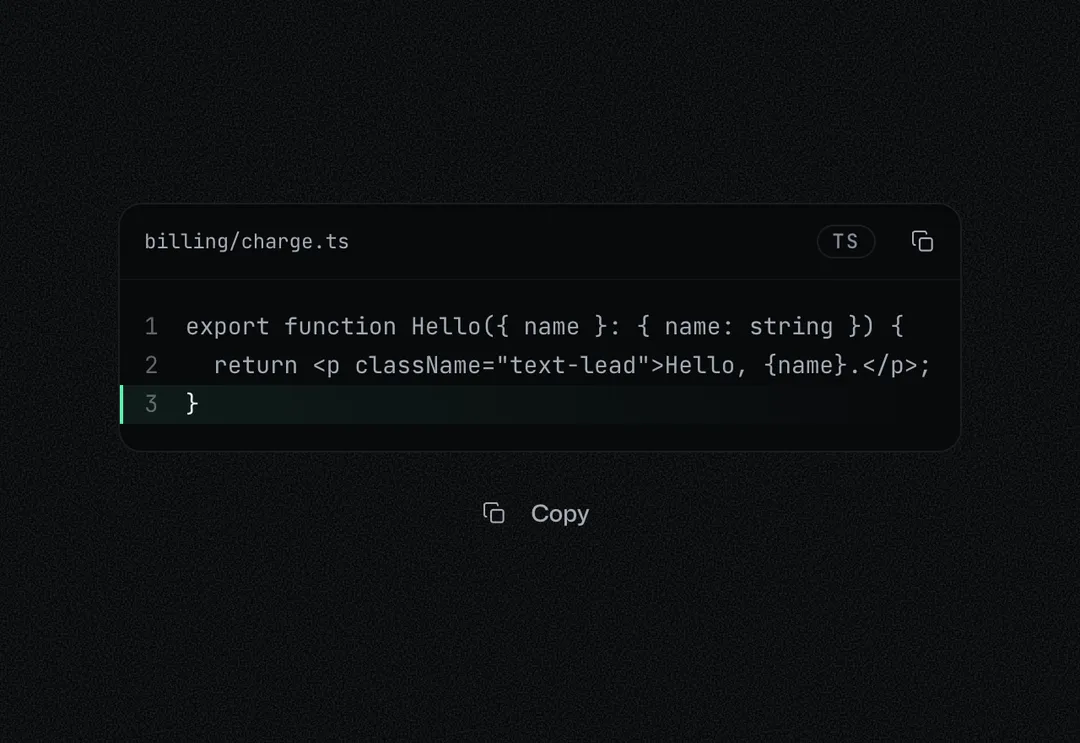
A code panel with a filename, line numbers, marked lines and a copy button; no syntax highlighting.
A code panel with a filename, line numbers, marked lines and a copy button; no syntax highlighting.
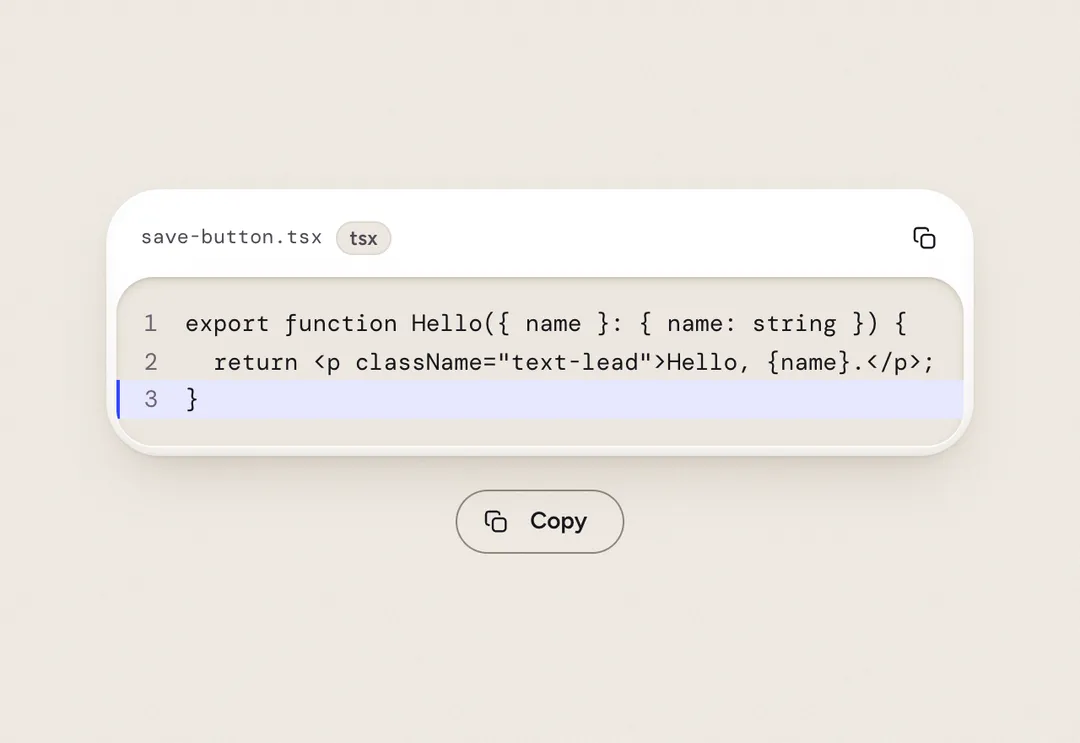
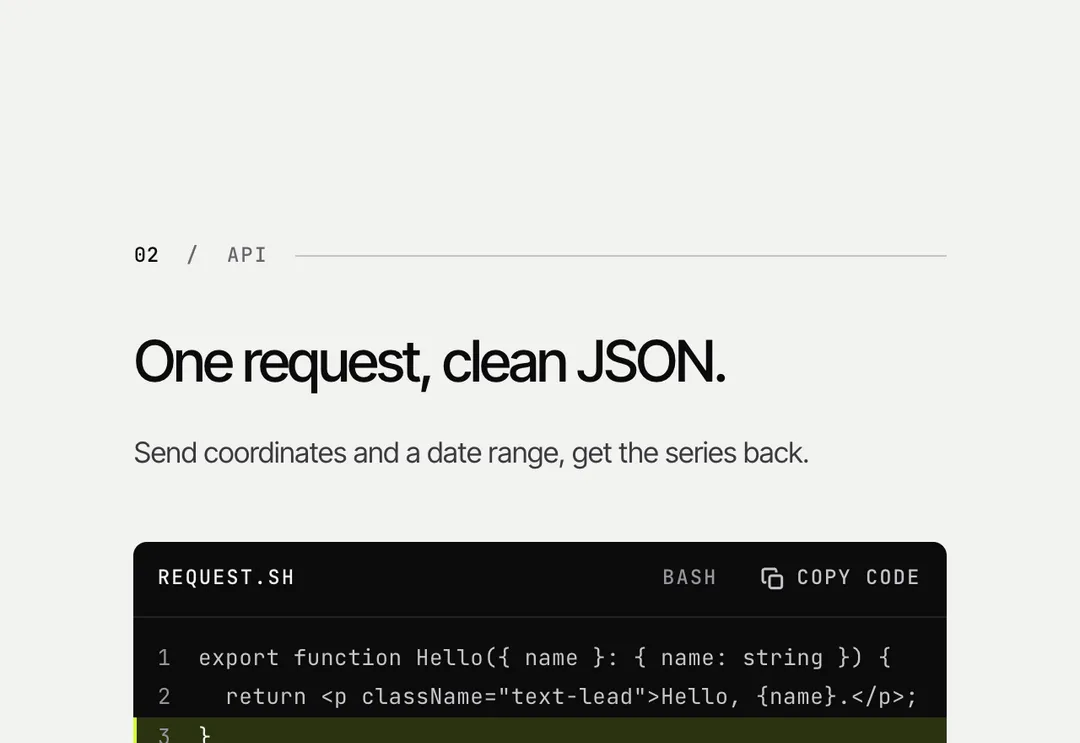
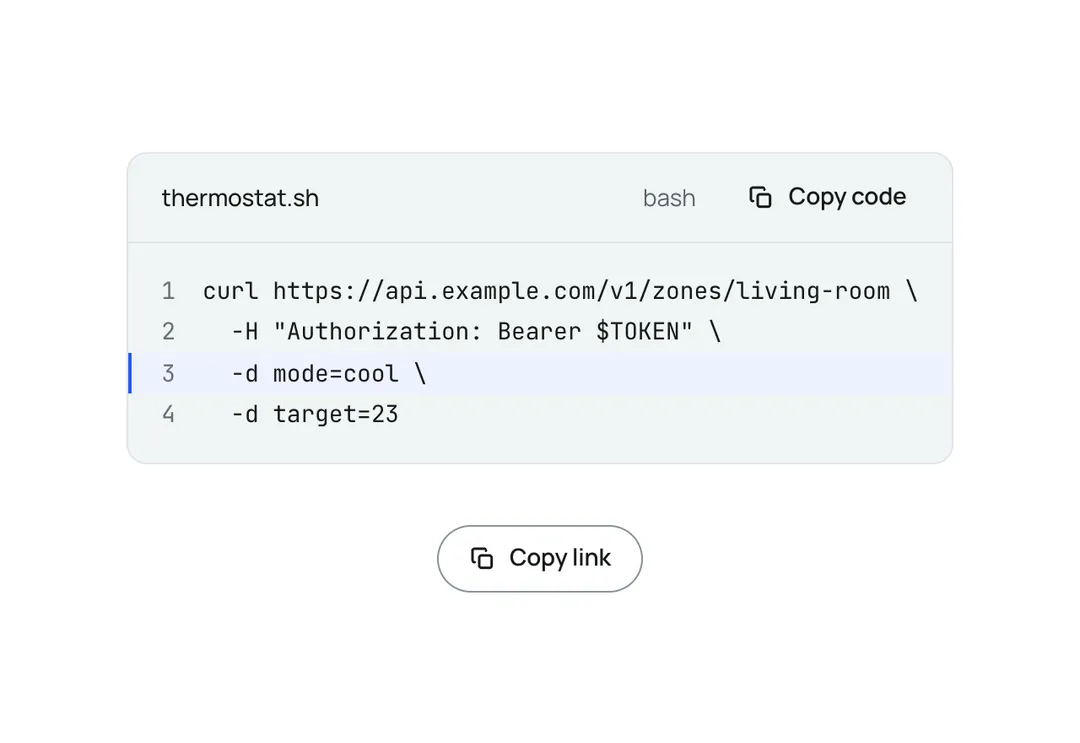
CodeBlock is a code panel with a filename or language label, optional line numbers, marked lines and a copy button; long lines scroll inside the panel, which is a focusable region named by the filename. It is the one dark panel on a light page (it sets data-theme="dark" itself; in Night flight it is a pane a step lighter than the ground). Plain text, no highlighting. CopyButton copies any value and announces "Copied". Client component.
It is part of Glass Meridian: daylight sky, frosted glass, one blue line. The style’s 92 pieces share one set of tokens, type and motion, in a light and a dark theme, so whatever you take from it fits together.
To put it in your project, copy the prompt into Claude Code, OpenAI Codex or Cursor, or add it by hand. The documentation walks through both.
A code panel with a filename, line numbers, marked lines and a copy button; no syntax highlighting.
A code panel with a filename, line numbers, marked lines and a copy button; no syntax highlighting.
A code panel with a filename, line numbers, marked lines and a copy button; no syntax highlighting.
A code panel with a filename, line numbers, marked lines and a copy button; no syntax highlighting.
A code panel with a filename, line numbers, marked lines and a copy button; no syntax highlighting.
A code panel with a filename, line numbers, marked lines and a copy button; no syntax highlighting.
A code panel with a filename, line numbers, marked lines and a copy button; no syntax highlighting.
A code panel with a filename, line numbers, marked lines and a copy button; no syntax highlighting.