Bavaria Code Block
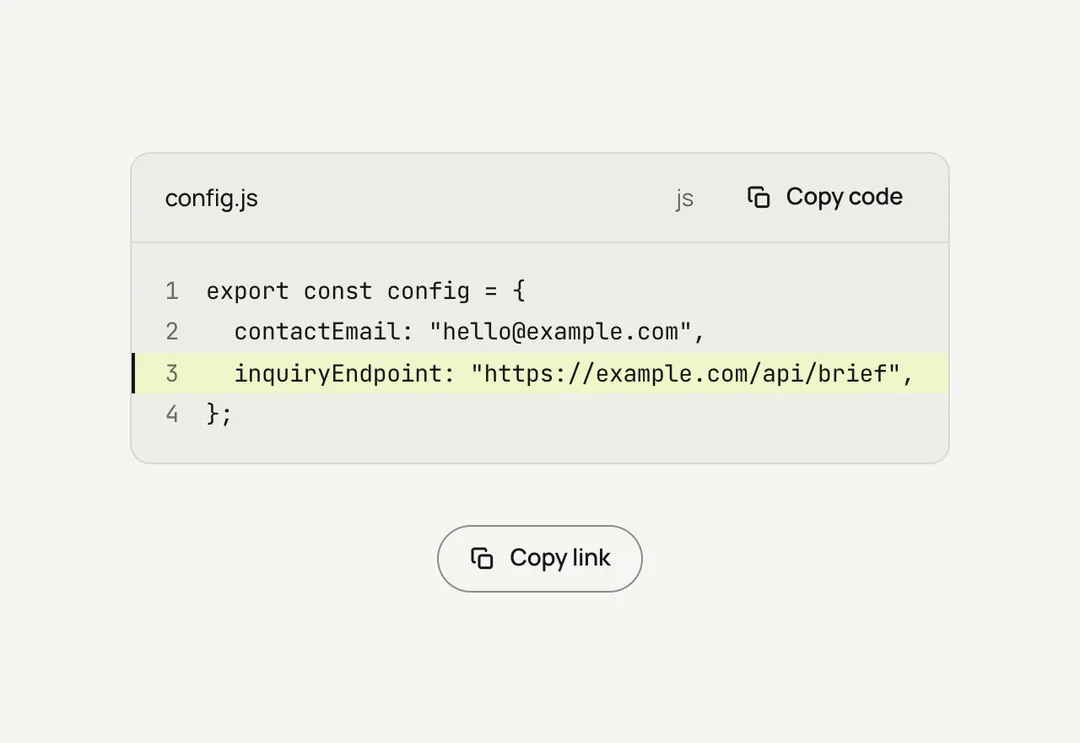
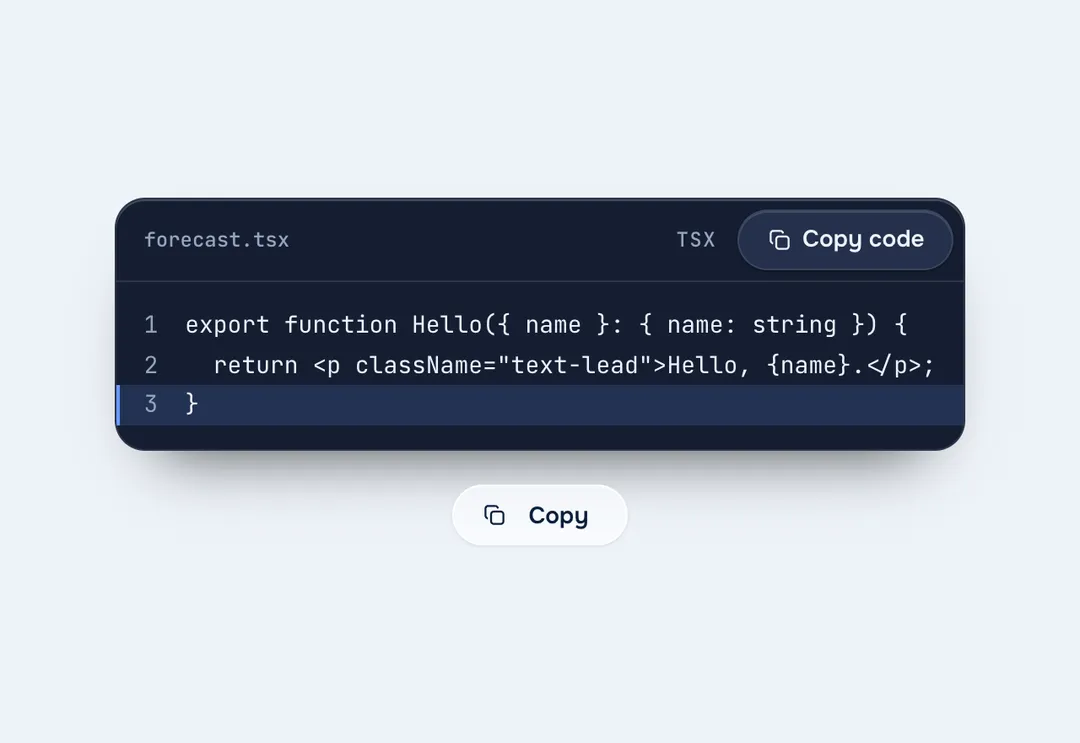
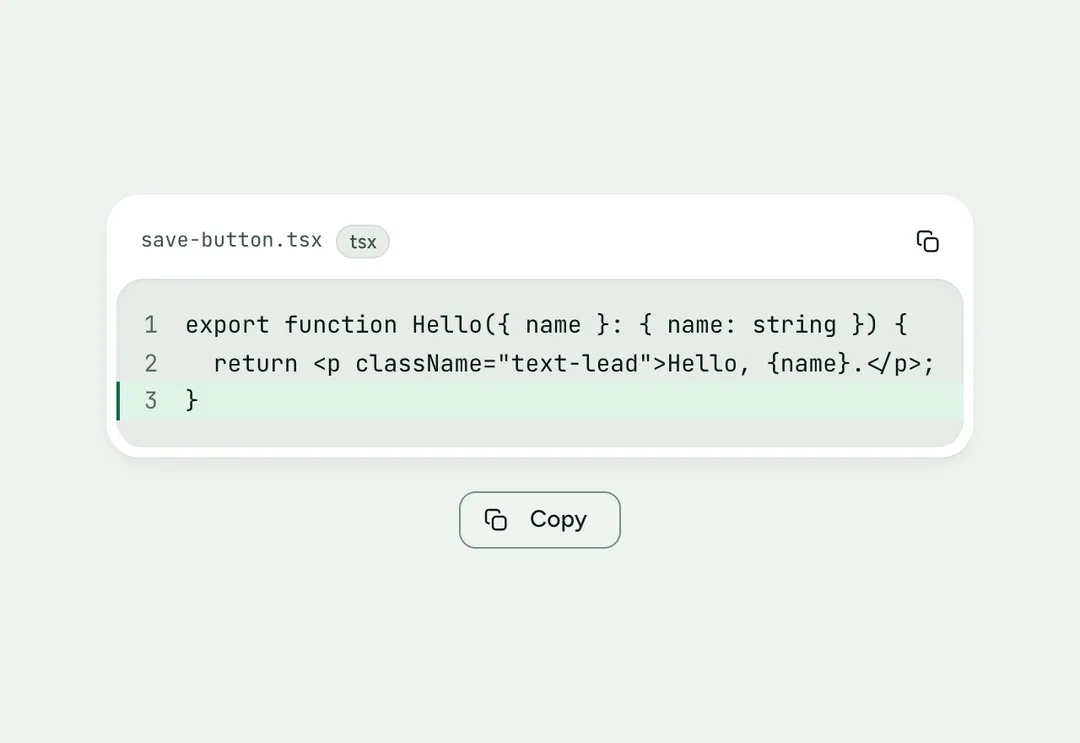
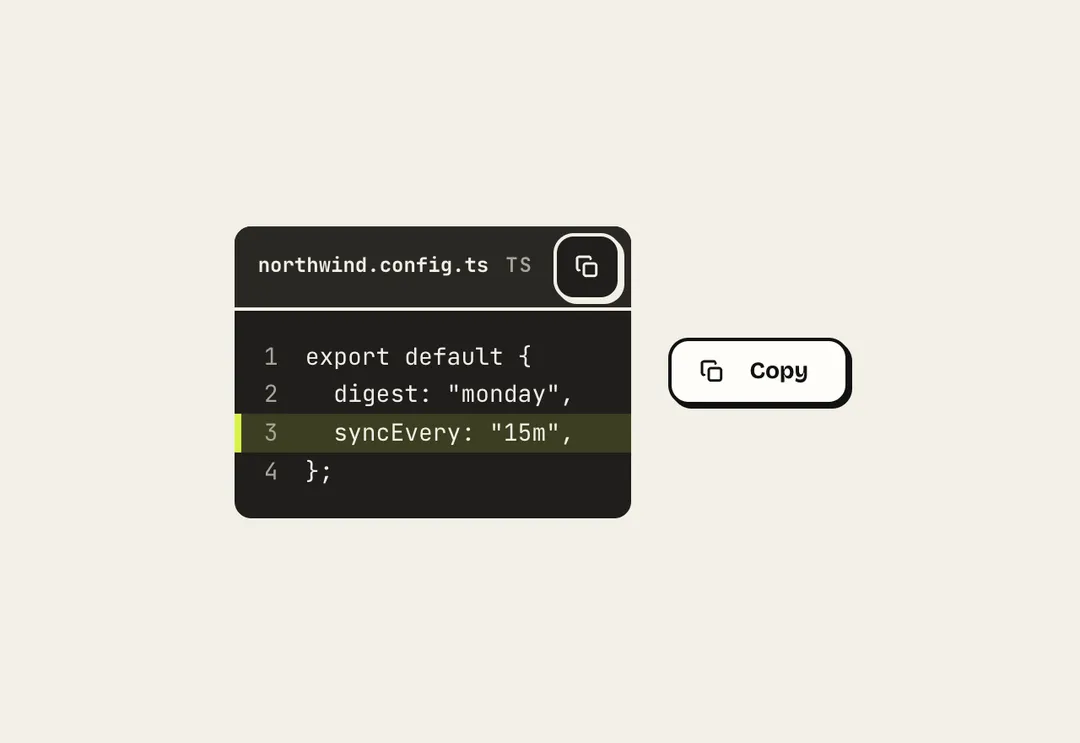
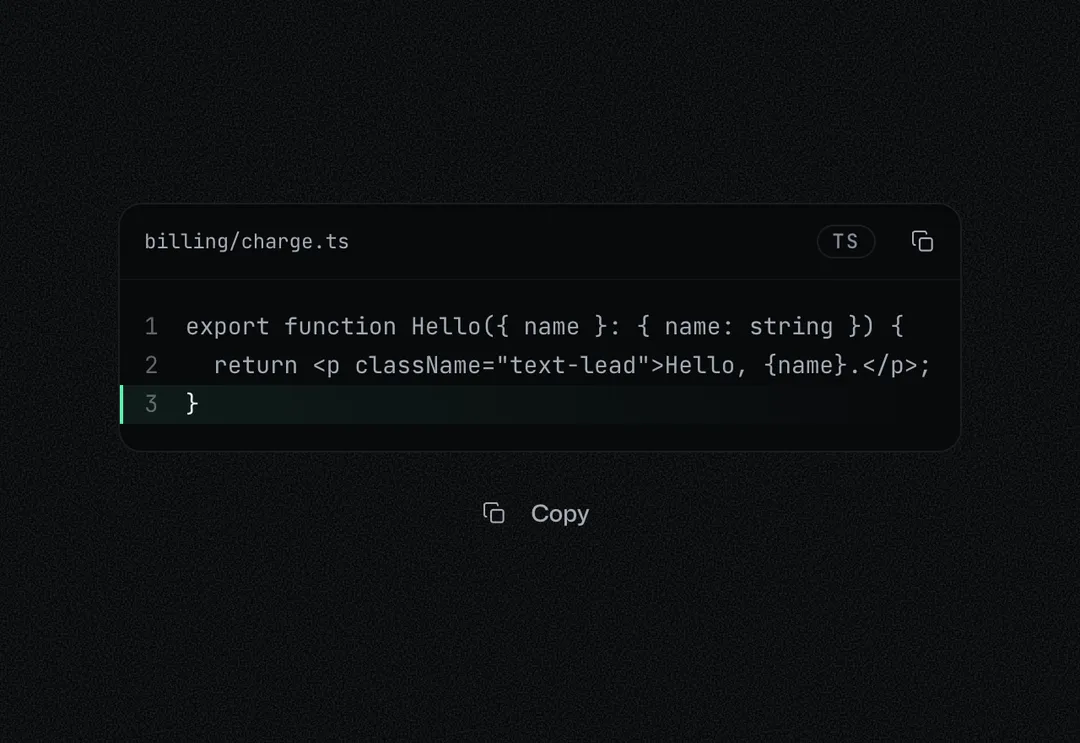
A code panel with a filename, line numbers, marked lines and a copy button; no syntax highlighting.
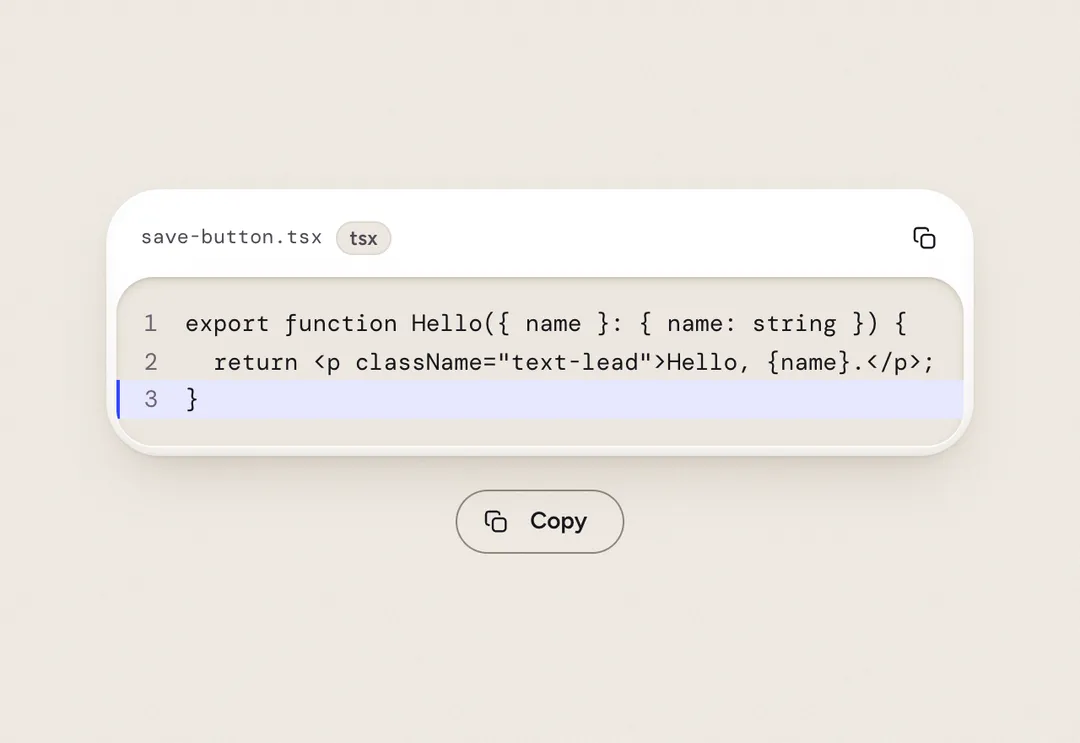
A code panel with a filename, line numbers, marked lines and a copy button; no syntax highlighting.
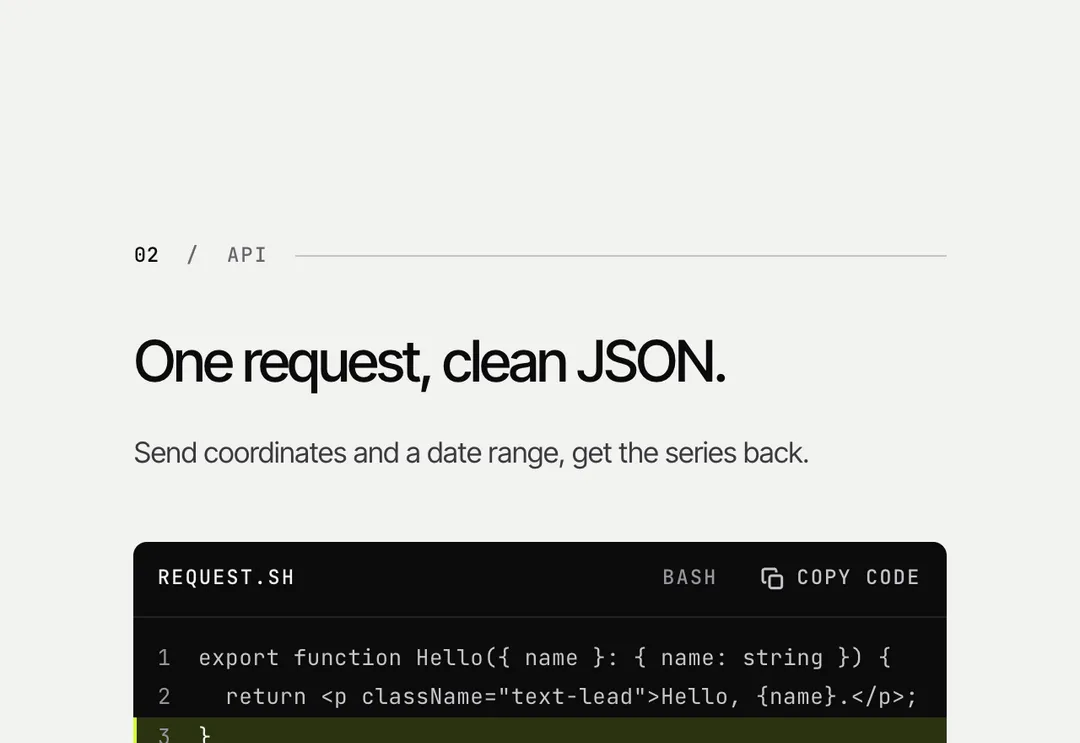
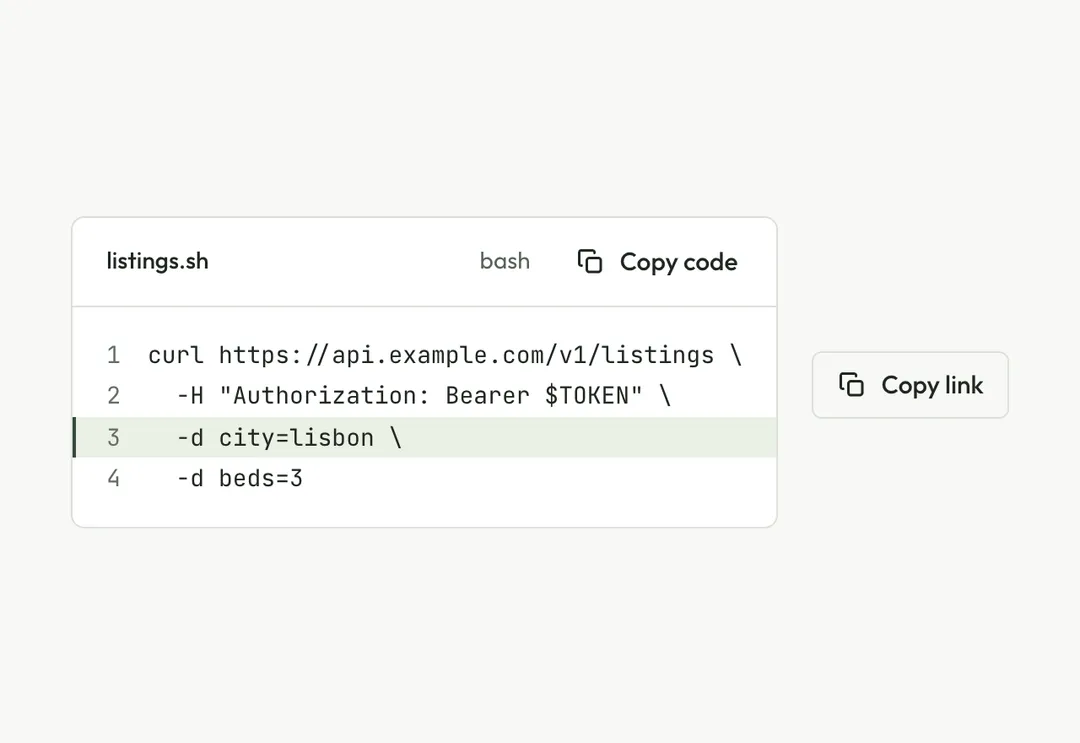
CodeBlock is code on a soft panel with a hairline and 12 px corners that follows the theme (the soft grey in light, the dark surface at night): a head with the filename or language and a copy button, optional line numbers, and marked lines on a pale wash behind an accent edge. The code is plain text in the mono face (no highlighting); long lines scroll inside the panel, which is a focusable region named by the filename. CopyButton copies any value and announces "Copied"; iconOnly makes it a round icon button. Client component. In a custom grid, give the grid grid-cols-1 (or the cell min-w-0), or on phones the column grows to the longest line and the page scrolls sideways.
It is part of Aeris: white pages, soft grey cards, one electric blue. The style’s 92 pieces share one set of tokens, type and motion, in a light and a dark theme, so whatever you take from it fits together.
To put it in your project, copy the prompt into Claude Code, OpenAI Codex or Cursor, or add it by hand. The documentation walks through both.
A code panel with a filename, line numbers, marked lines and a copy button; no syntax highlighting.
A code panel with a filename, line numbers, marked lines and a copy button; no syntax highlighting.
A code panel with a filename, line numbers, marked lines and a copy button; no syntax highlighting.
A code panel with a filename, line numbers, marked lines and a copy button; no syntax highlighting.
A code panel with a filename, line numbers, marked lines and a copy button; no syntax highlighting.
A code panel with a filename, line numbers, marked lines and a copy button; no syntax highlighting.
A code panel with a filename, line numbers, marked lines and a copy button; no syntax highlighting.
A code panel with a filename, line numbers, marked lines and a copy button; no syntax highlighting.