Aeris Animated Background
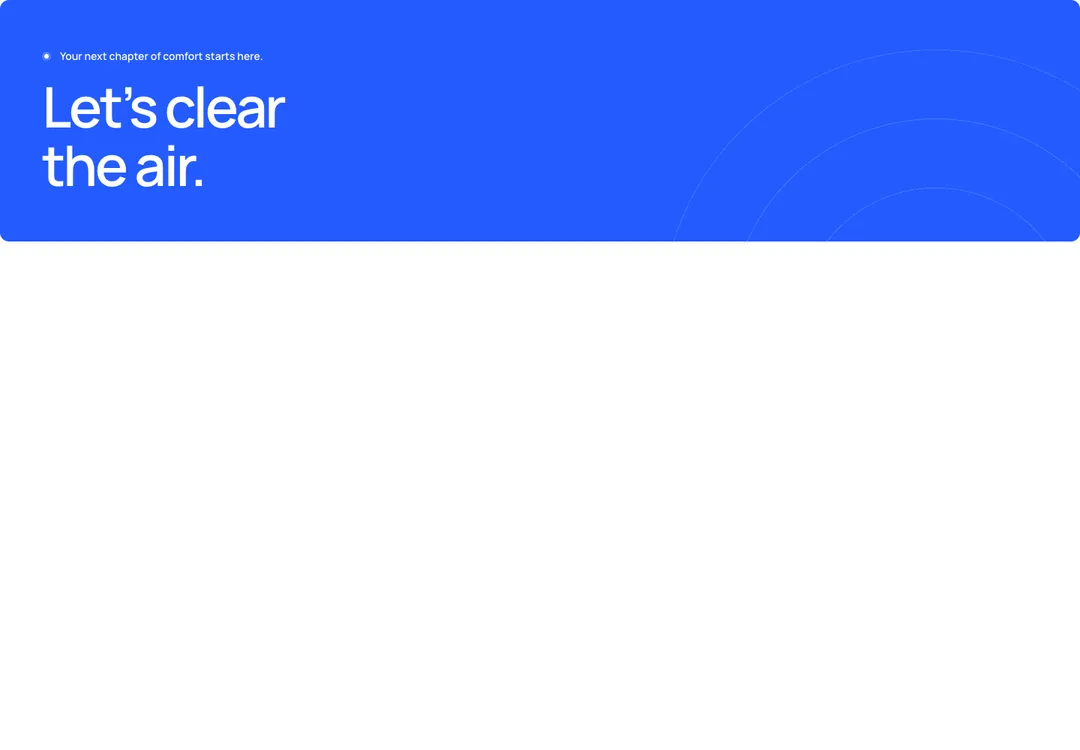
The style's own background, animated behind a section's content without blocking clicks.
Glass MeridianMotion
The style's own background, animated behind a section's content without blocking clicks.
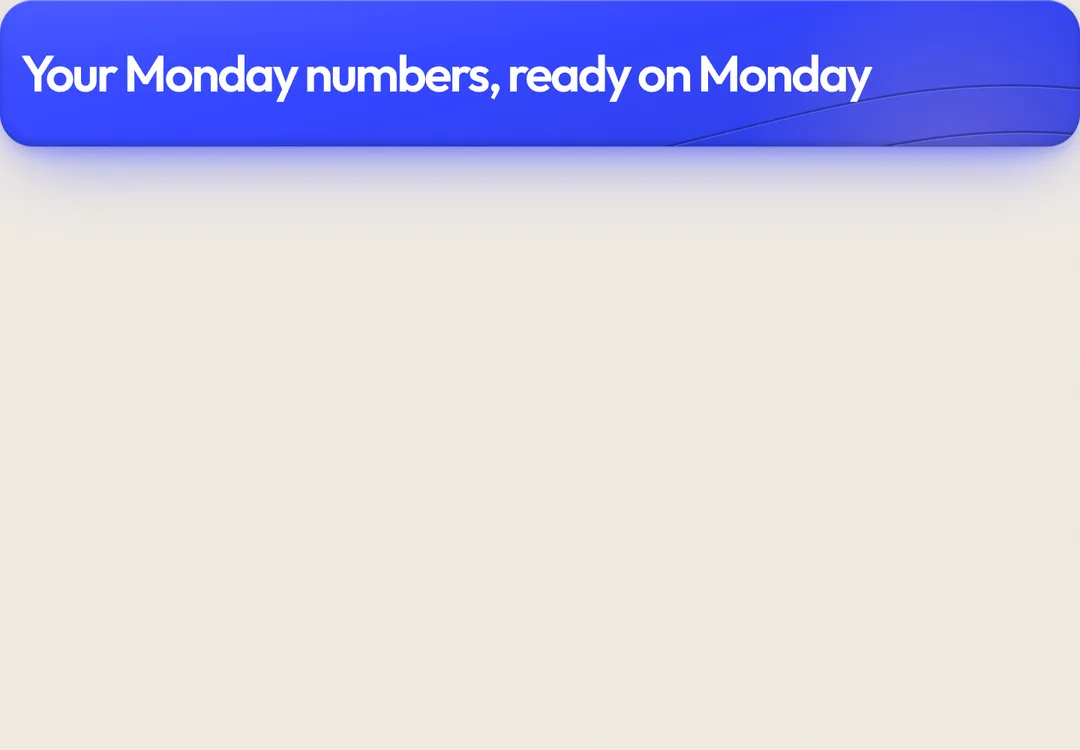
The sky: the page ground with its light, and only that. It never draws the line. position="top" is the sky wash with a window-light bloom and one faint blue bloom, fading in and out at its ends: the Hero's backdrop, or the first child of a Section that should open a second daylight (pricing, a plain CTA). position="fill" is the two blooms alone over the parent's ground: pass fade in a Section, leave it off in a rounded panel. Put it first inside a relative isolate parent (Hero, Section and the CTA panel are such parents): it sits behind the content, clipped to the parent, and never takes pointer events. It is still; only intensity="high" lets the blooms drift slowly. One per view.
It is part of Glass Meridian: daylight sky, frosted glass, one blue line. The style’s 92 pieces share one set of tokens, type and motion, in a light and a dark theme, so whatever you take from it fits together.
To put it in your project, copy the prompt into Claude Code, OpenAI Codex or Cursor, or add it by hand. The documentation walks through both.
The style's own background, animated behind a section's content without blocking clicks.
The style's own background, animated behind a section's content without blocking clicks.
The style's own background, animated behind a section's content without blocking clicks.
The style's own background, animated behind a section's content without blocking clicks.
The style's own background, animated behind a section's content without blocking clicks.
The style's own background, animated behind a section's content without blocking clicks.
The style's own background, animated behind a section's content without blocking clicks.
The style's own background, animated behind a section's content without blocking clicks.