Aeris Dark Mode Toggle
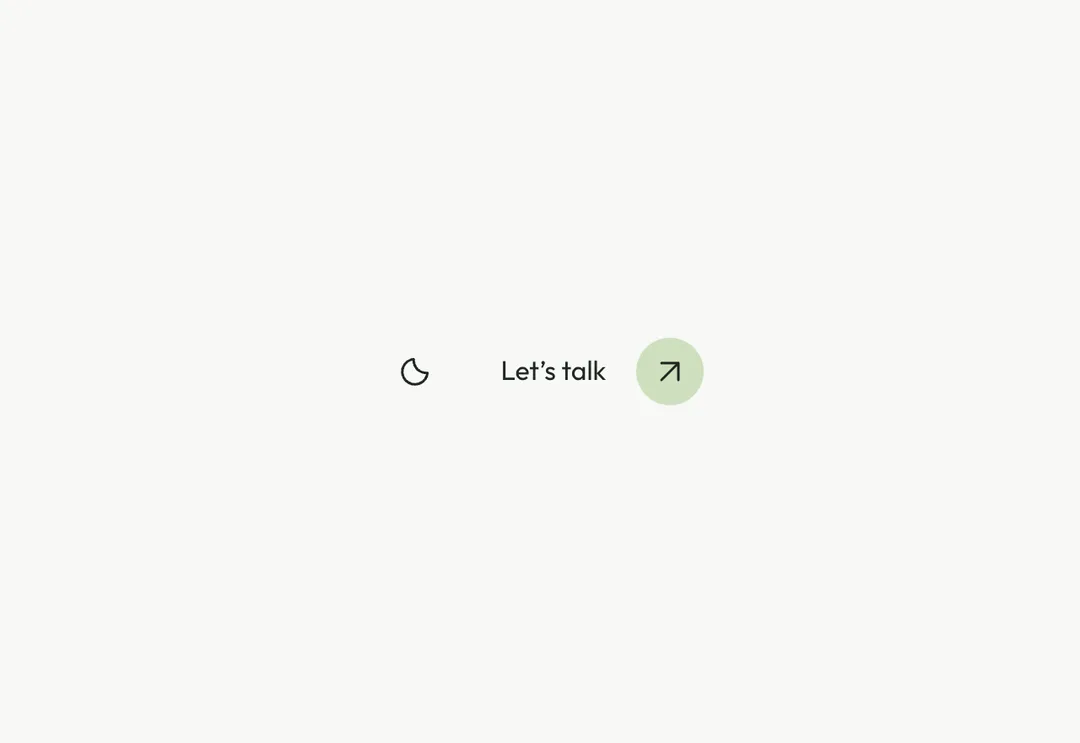
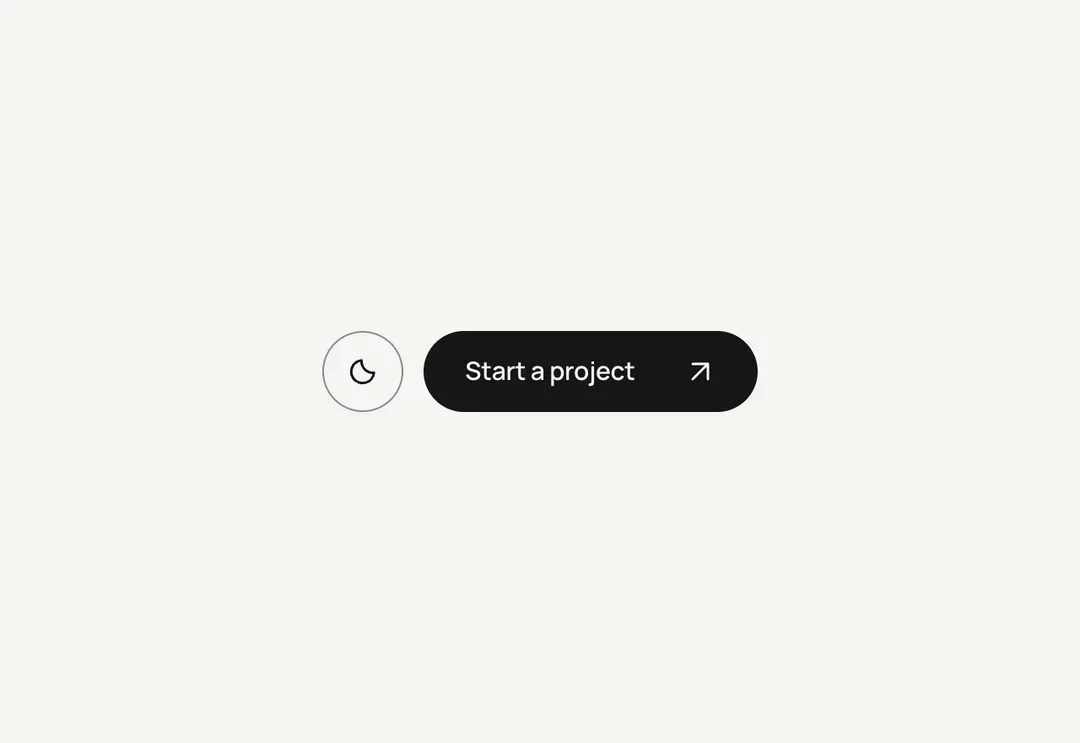
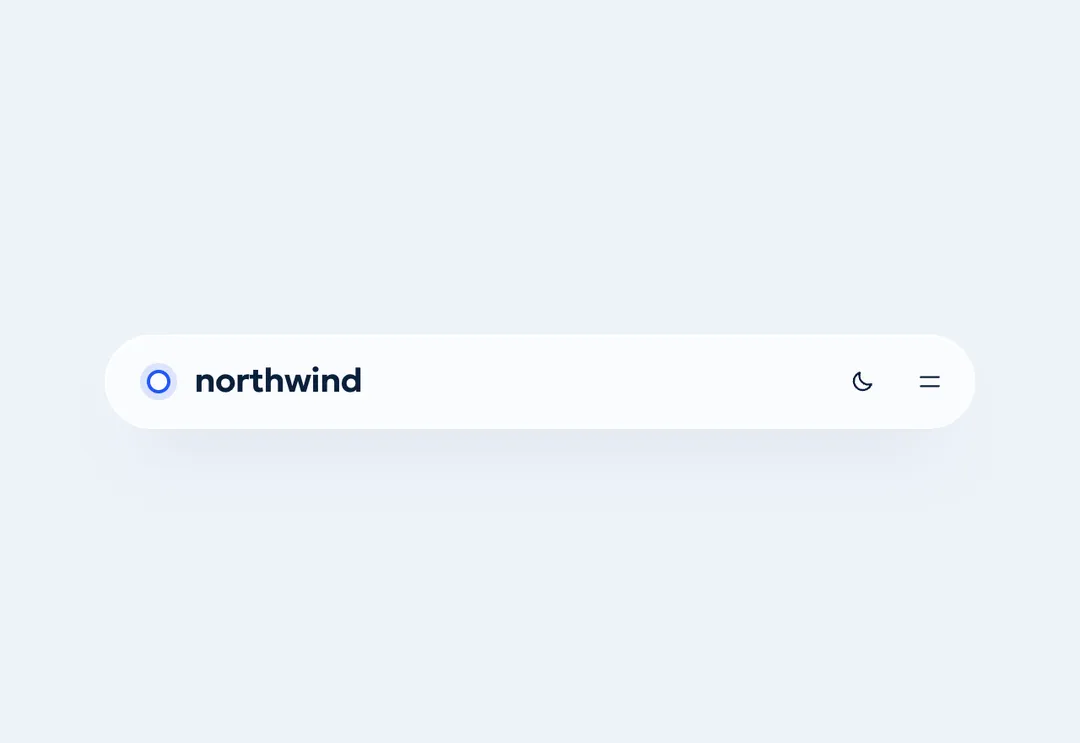
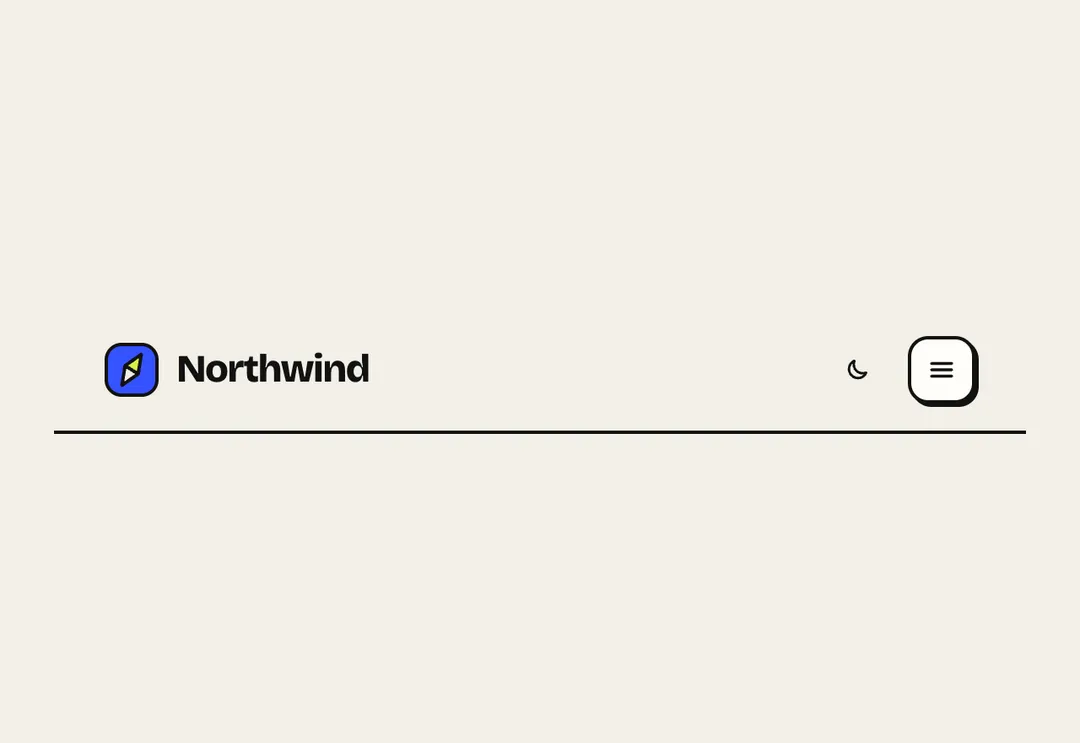
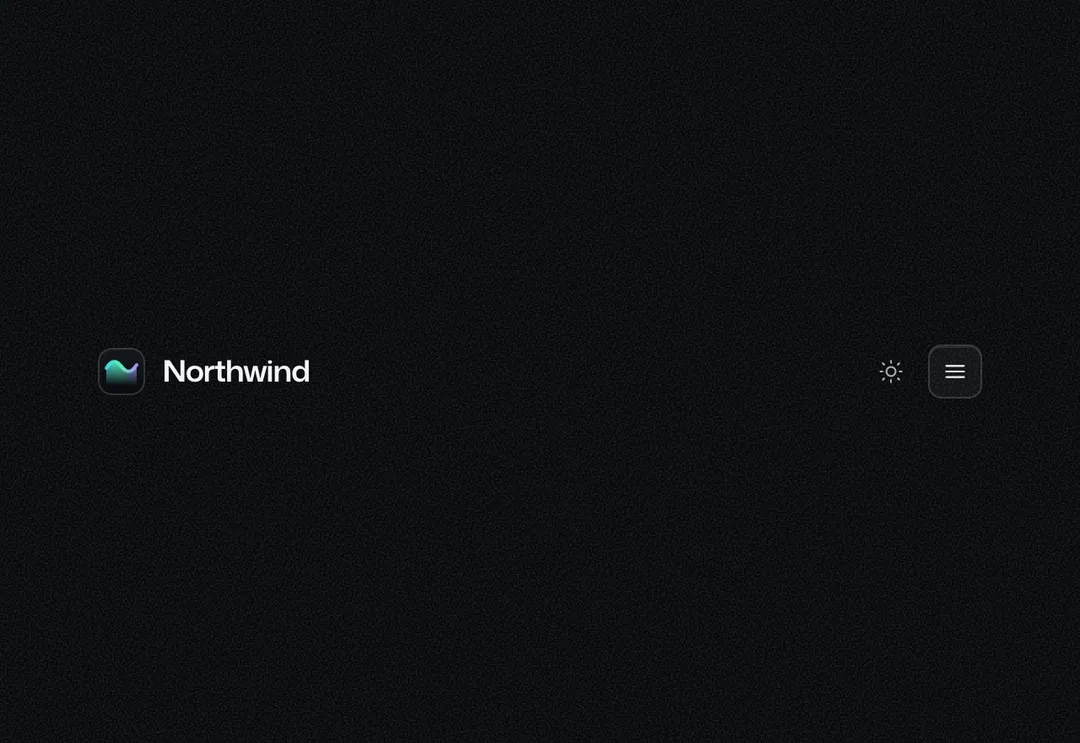
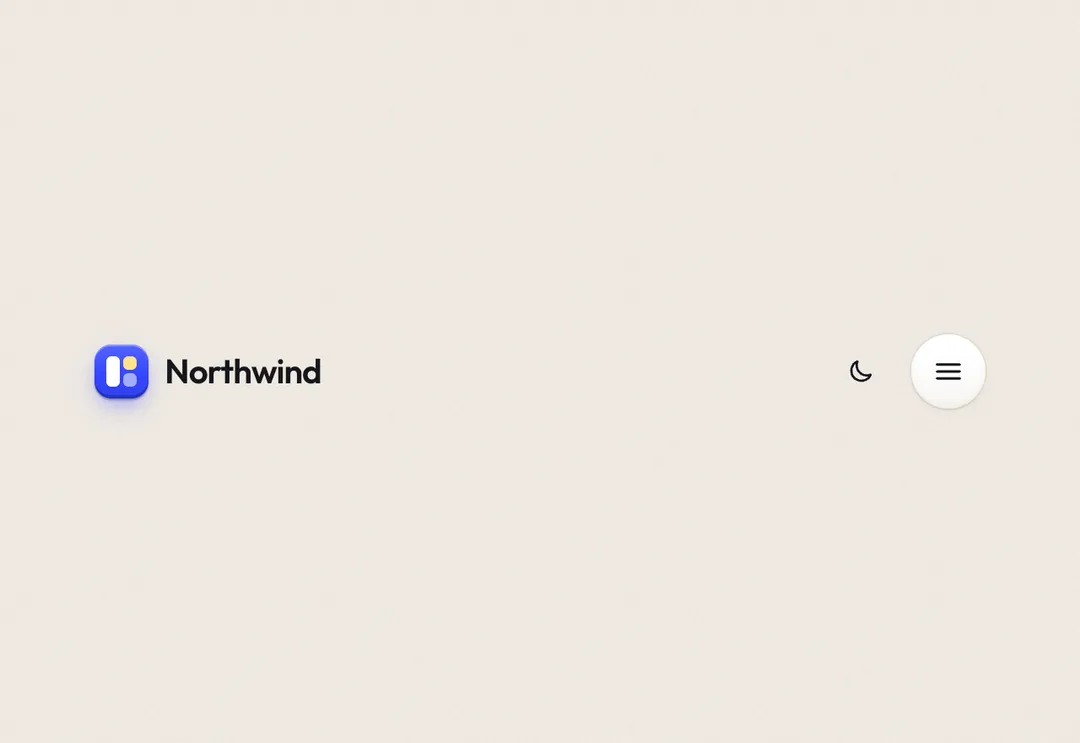
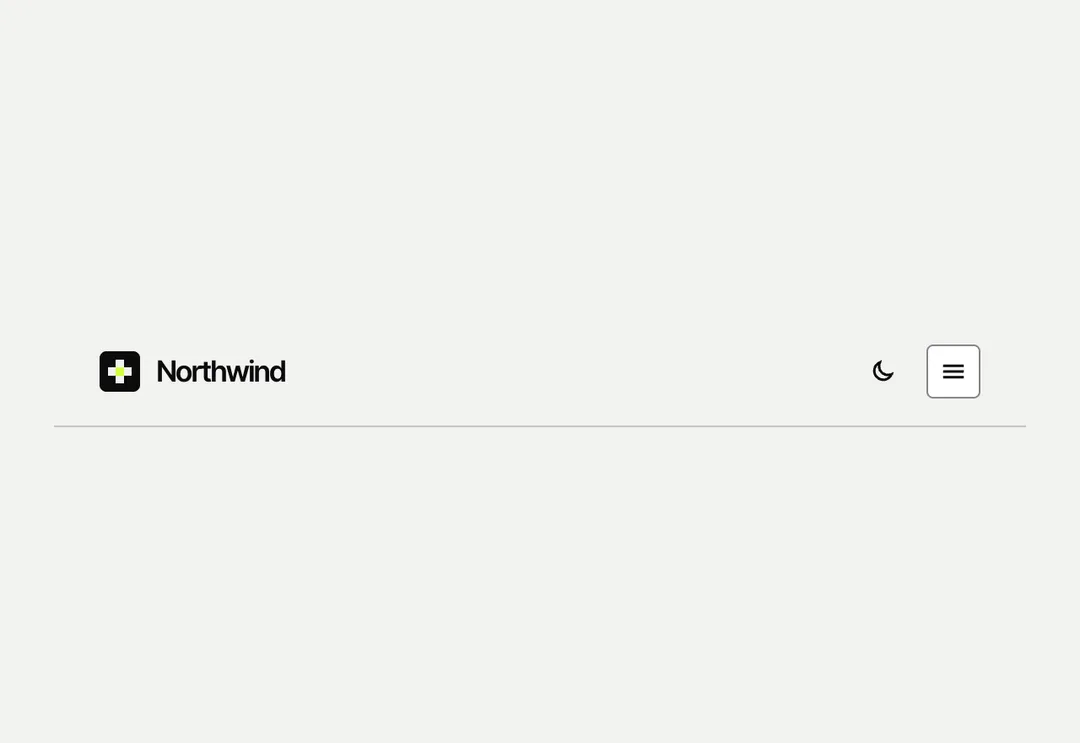
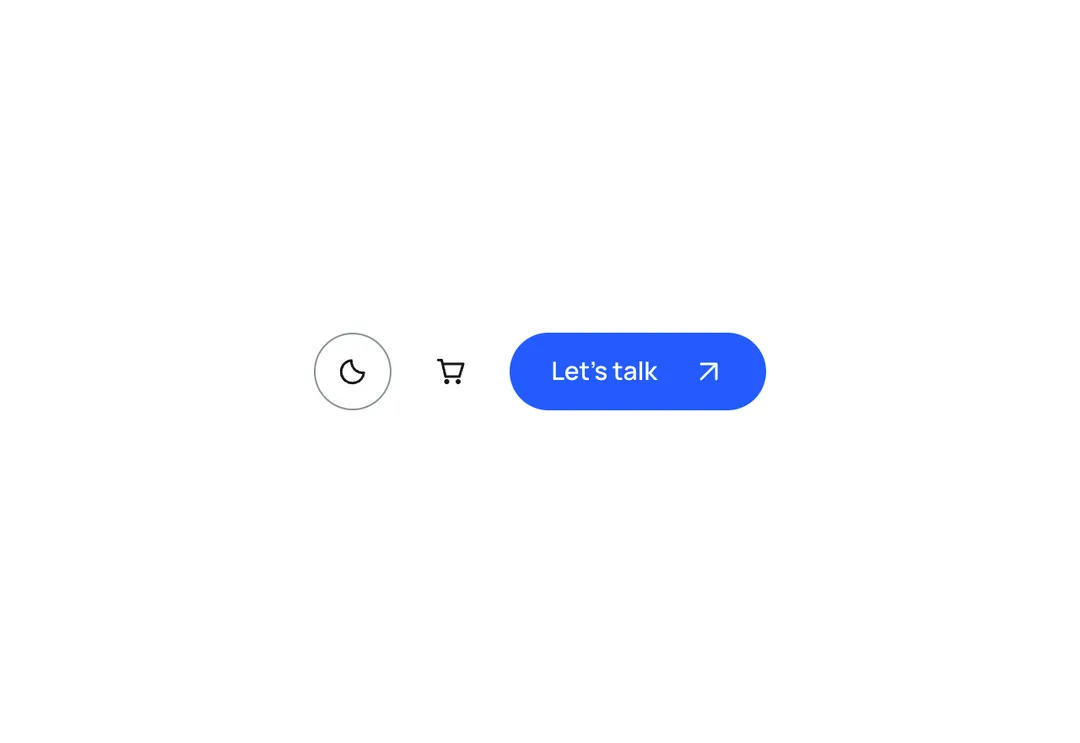
A light/dark switch for the navbar that saves the choice and shows the right icon with no flash.
GroveMotion
A light/dark switch for the navbar that saves the choice and shows the right icon with no flash.
The light/dark switch for a navbar. Both icons and both labels are in the server HTML and CSS shows the pair for <html data-theme>, so nothing flashes and hydration matches; the choice is saved. Client component.
It is part of Grove: white cards on sage, pastel chips, pine green. The style’s 135 pieces share one set of tokens, type and motion, in a light and a dark theme, so whatever you take from it fits together.
To put it in your project, copy the prompt into Claude Code, OpenAI Codex or Cursor, or add it by hand. The documentation walks through both.
A light/dark switch for the navbar that saves the choice and shows the right icon with no flash.
A light/dark switch for the navbar that saves the choice and shows the right icon with no flash.
A light/dark switch for the navbar that saves the choice and shows the right icon with no flash.
A light/dark switch for the navbar that saves the choice and shows the right icon with no flash.
A light/dark switch for the navbar that saves the choice and shows the right icon with no flash.
A light/dark switch for the navbar that saves the choice and shows the right icon with no flash.
A light/dark switch for the navbar that saves the choice and shows the right icon with no flash.
A light/dark switch for the navbar that saves the choice and shows the right icon with no flash.