Bavaria Call-to-Action Section
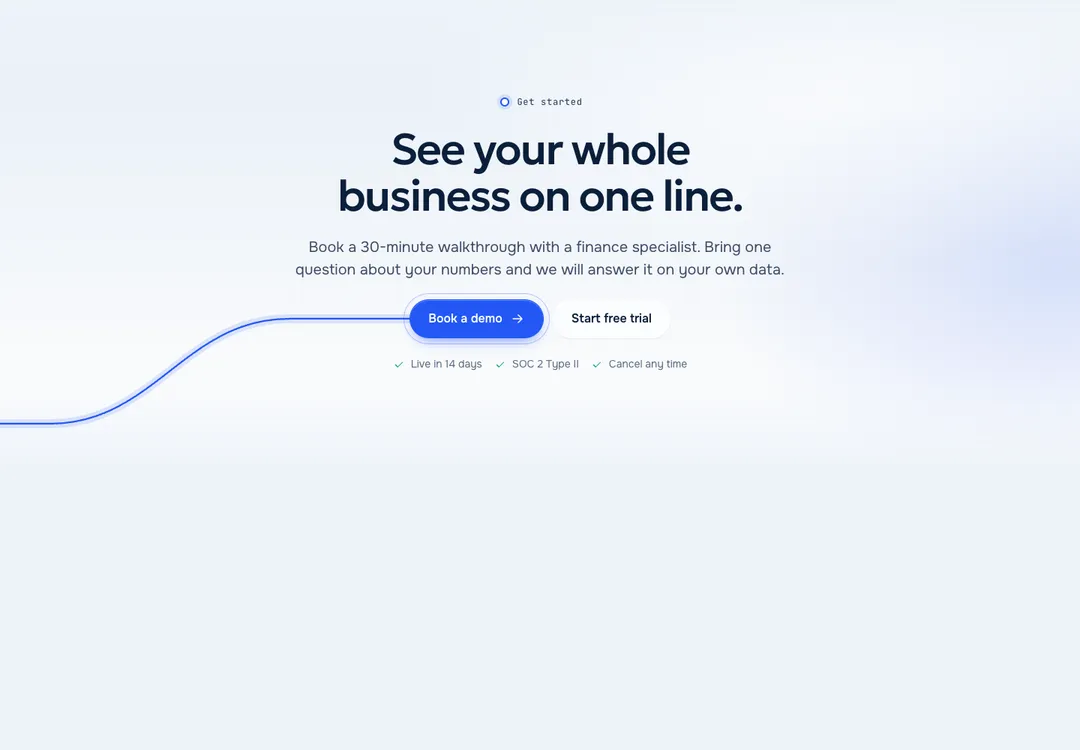
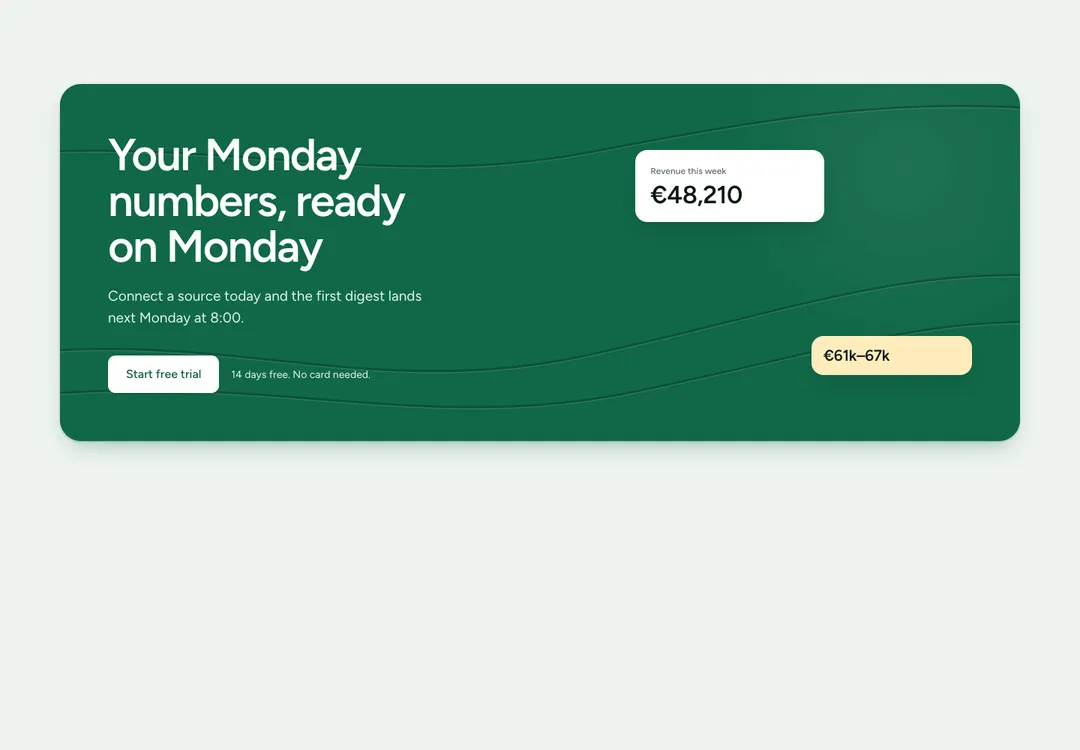
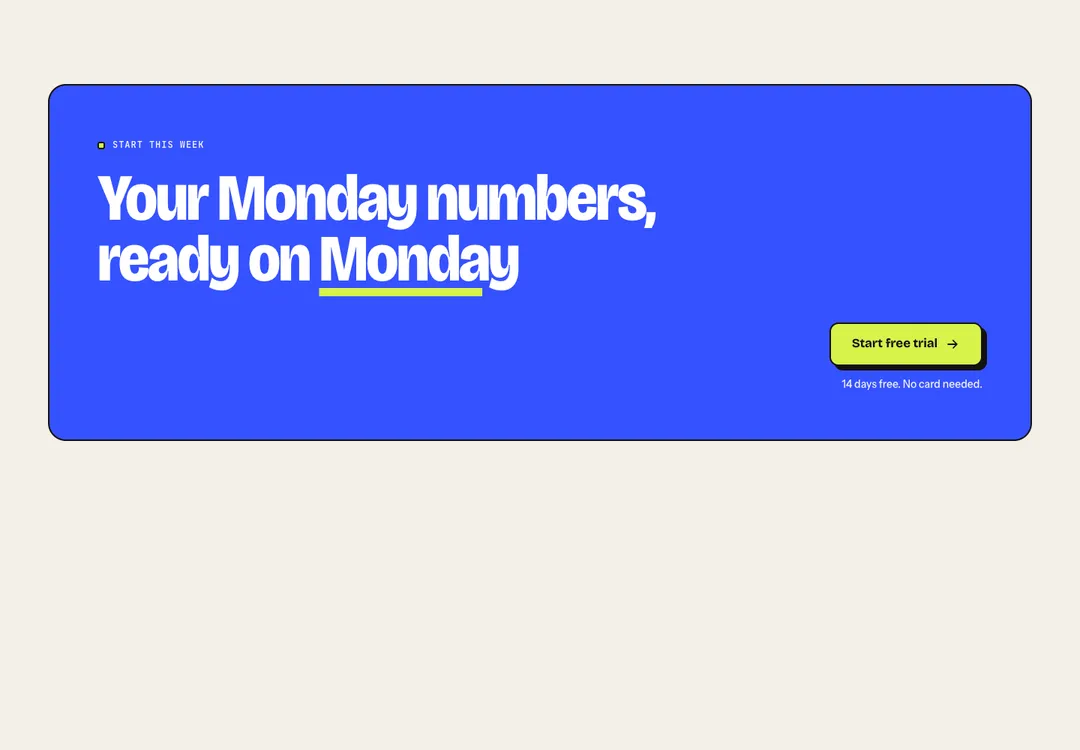
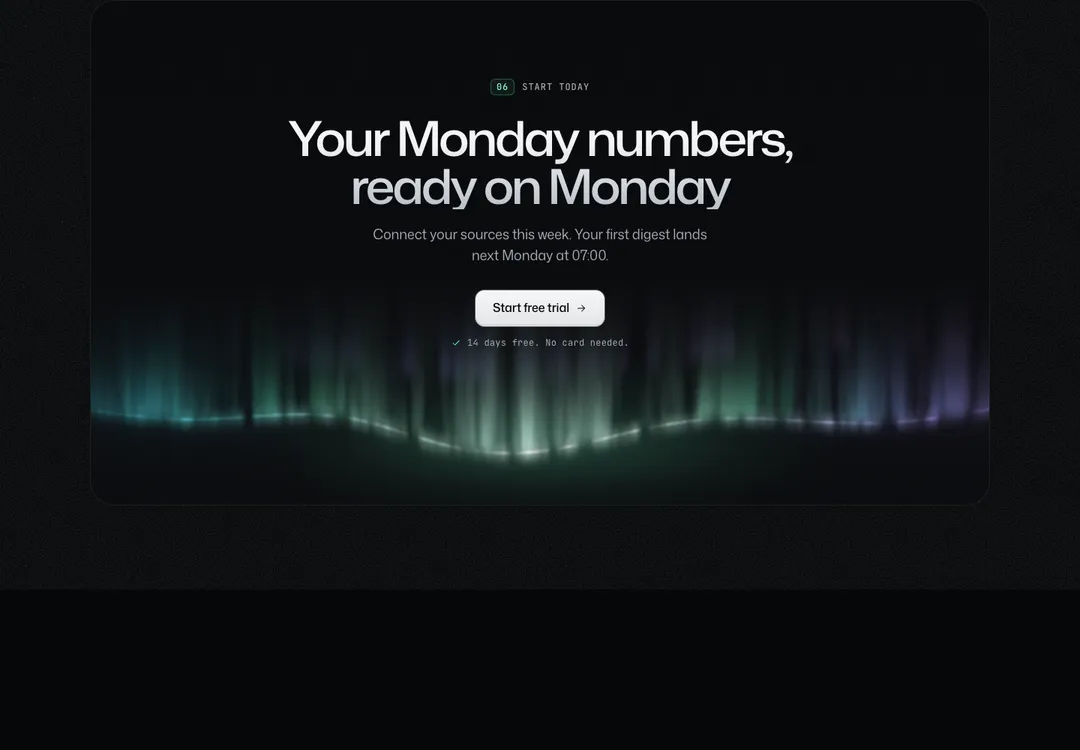
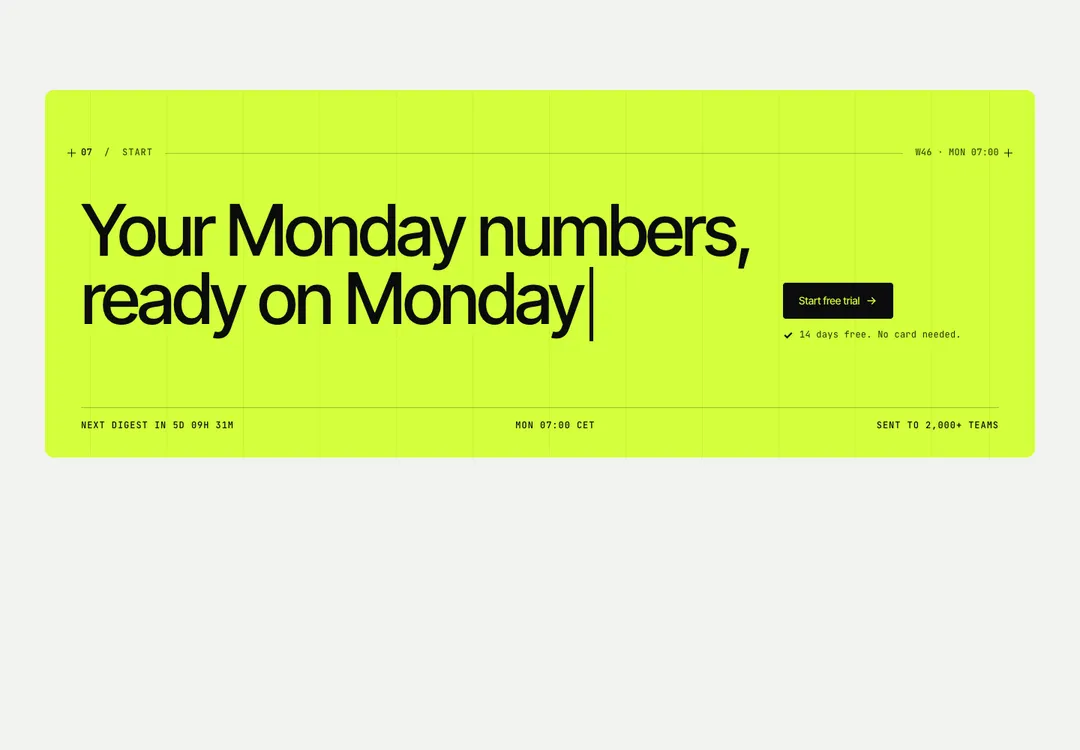
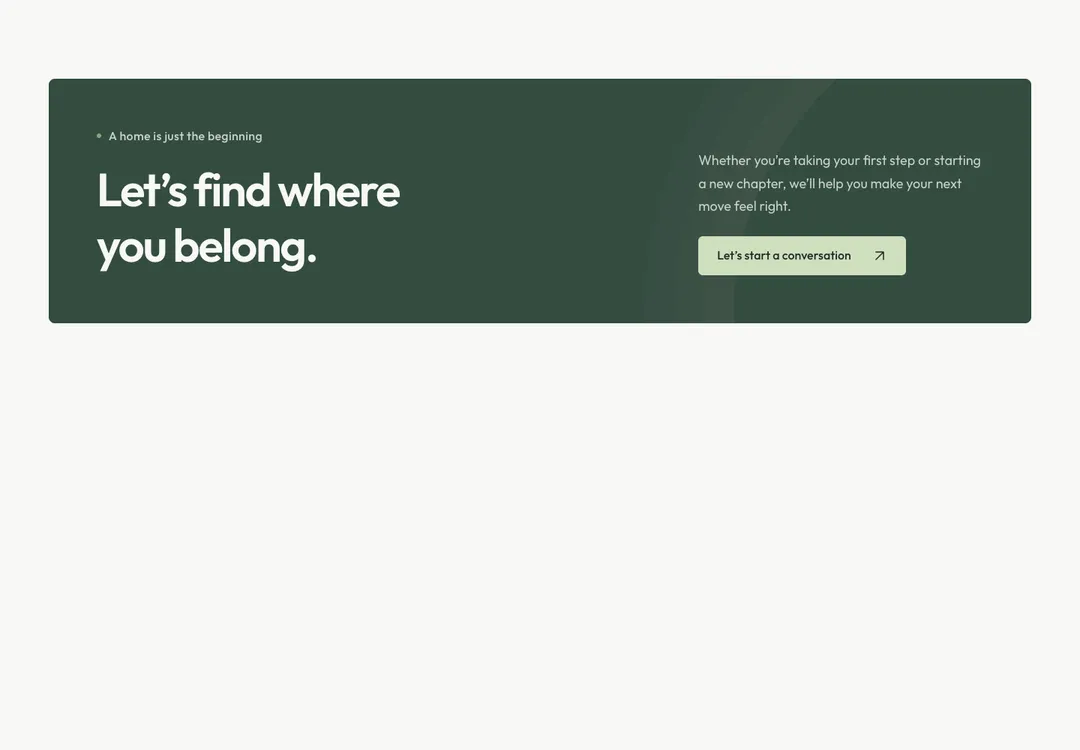
Closes a page with a heading, actions and a note, as a boxed panel or with no box at all.
AerisMotion
Closes a page with a heading, actions and a note, as a boxed panel or with no box at all.
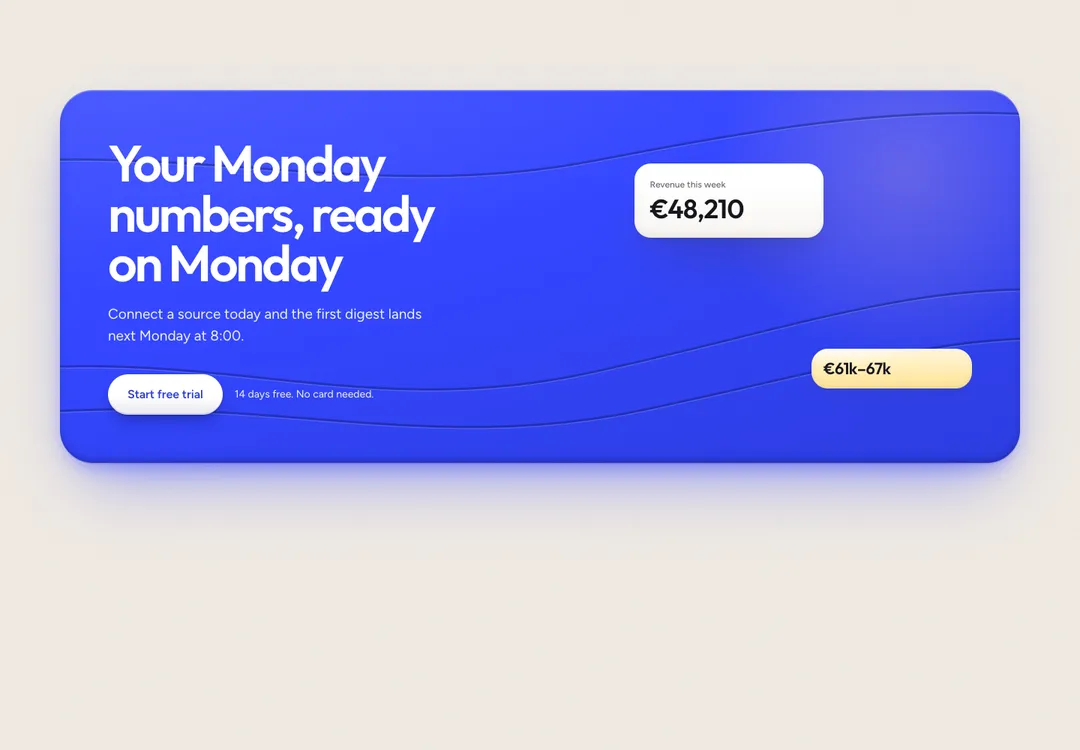
The closing call. panel in its default accent tone is the accent panel, the same in both modes: a small line and a large two-line title (type-display text-panel, up to 76 px) at the left in white, thin airflow arcs rising from the lower right corner, and at the right either call, the round white button with the ↗ arrow over a short label, or the text with a button (the primary button turns white on the accent). Under 768 px the right side drops below the title. The other tones keep the layout: default is the soft grey card, muted a deeper well, inverse the other mode. plain has no box and takes its tone from the Section around it. Media sits beside the text from lg and hides below; center stacks everything in the middle. One accent panel per page.
It is part of Aeris: white pages, soft grey cards, one electric blue. The style’s 92 pieces share one set of tokens, type and motion, in a light and a dark theme, so whatever you take from it fits together.
To put it in your project, copy the prompt into Claude Code, OpenAI Codex or Cursor, or add it by hand. The documentation walks through both.
Closes a page with a heading, actions and a note, as a boxed panel or with no box at all.
Closes a page with a heading, actions and a note, as a boxed panel or with no box at all.
Closes a page with a heading, actions and a note, as a boxed panel or with no box at all.
Closes a page with a heading, actions and a note, as a boxed panel or with no box at all.
Closes a page with a heading, actions and a note, as a boxed panel or with no box at all.
Closes a page with a heading, actions and a note, as a boxed panel or with no box at all.
Closes a page with a heading, actions and a note, as a boxed panel or with no box at all.
Closes a page with a heading, actions and a note, as a boxed panel or with no box at all.